

Connecting Gumroad to Putler
Integrate Gumroad to automatically aggregate digital sales, subscriptions, customer profiles, and payout metrics.
How to connect Gumroad to Putler?
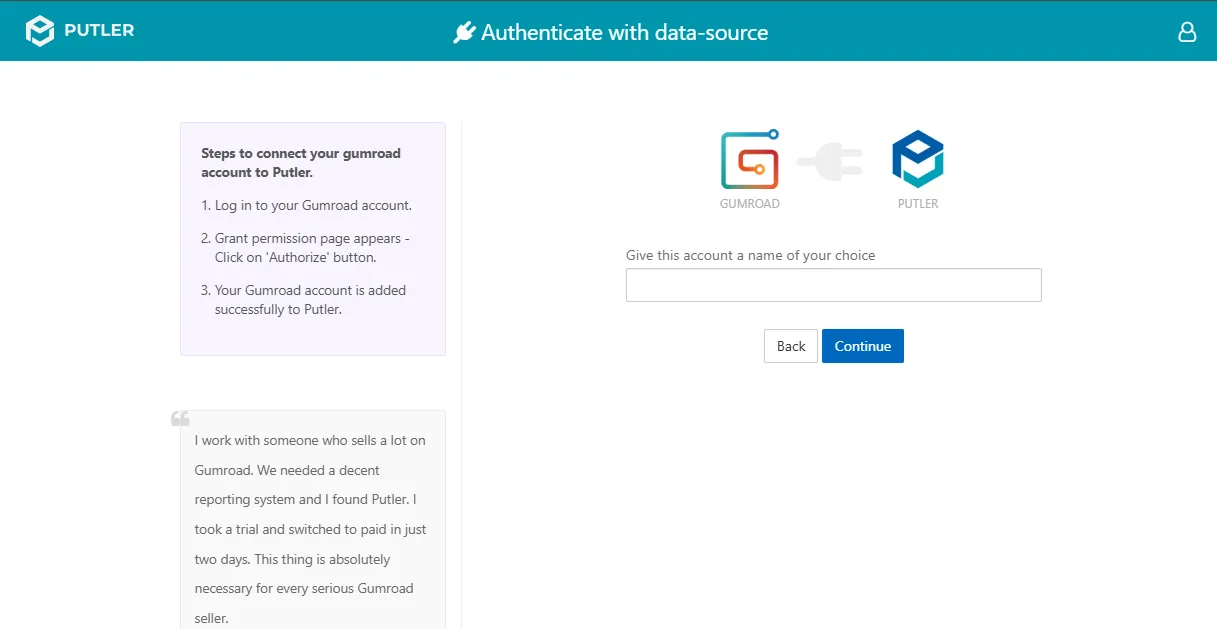
- Once you sign in to Putler, click on the
Gumroadicon. - Fill in your account details:
- Give this account a name of your choice: Add a name for your data source.
- For example: Gumroad Store A
- Hit Continue. A dialog box will open with your Gumroad account.
- Log in to your Gumroad account.
- When the grant permission page appears, click Grant Permission.
- Your Gumroad account is now successfully connected to Putler.