

Connecting PayPal to Putler
Connect your PayPal Business account to import historical transactions, subscriptions, IPN data, and multi-currency balances.
How to connect PayPal to Putler?
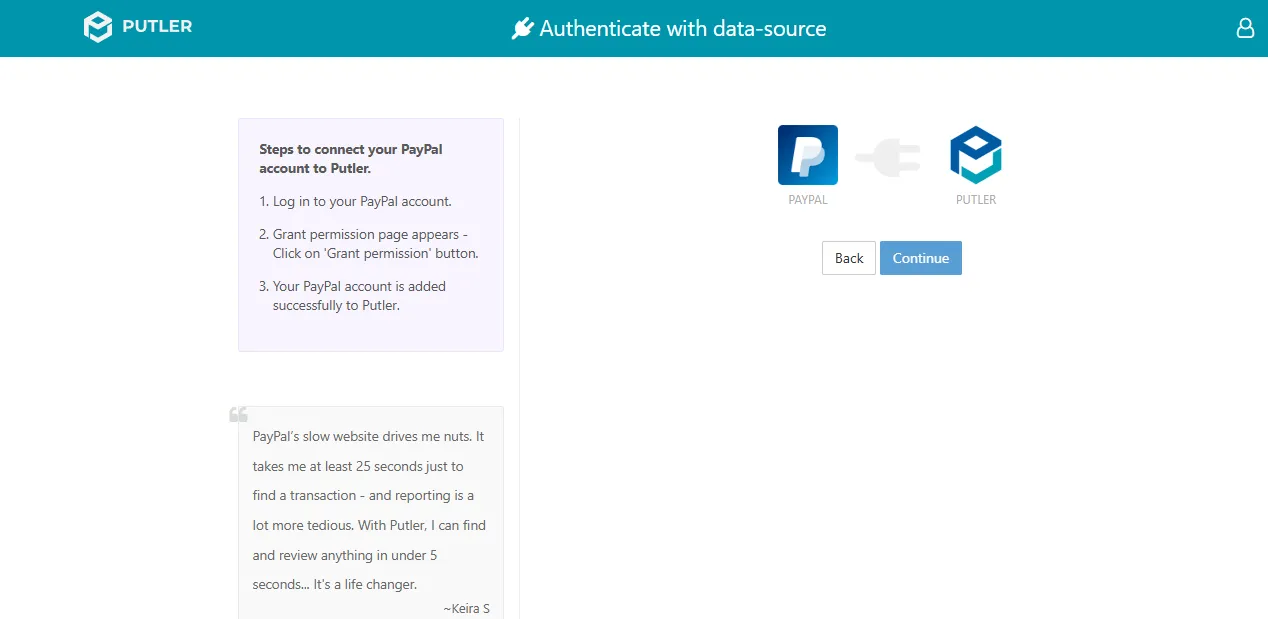
- Once you sign in to Putler, click on the
PayPalicon. - A window will open prompting you to Sign in to your Paypal account.
- Log in to your PayPal account.
- The grant permission page will appear. Click on Grant Permission.
- Hit Continue.
- Your PayPal account is now successfully connected to Putler.