Connecting an Email Data Source to Putler
Configure an email data source in Putler to import transaction notifications and receipt summaries automatically.
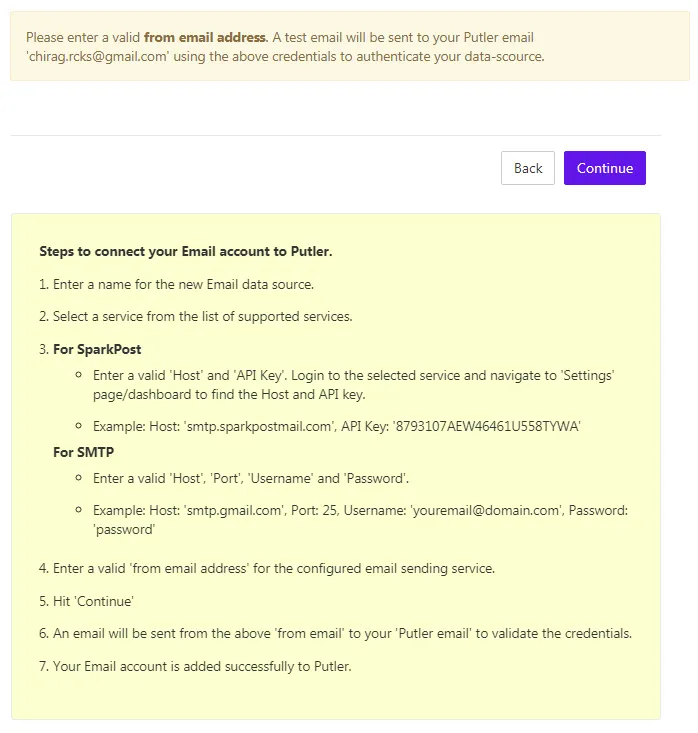
Here’s how you connect an email data-source with Putler.
- Go to Settings
- Under Data Sources, click on Link a new data source
- The data sources are categorized into different sections. Click on Email Service under Others
- Currently, Putler supports SparkPost and SMTP integration
- You will also find a detailed notice on how you can link them with Putler.
You can start sending emails from Putler once you have successfully linked an email data source.