

Issuing Refunds Directly from Putler
Process full or partial customer refunds for Stripe, PayPal, and WooCommerce orders directly inside Putler.
Refunds are undesirable. We all hate it.
But the truth remains, we can’t ignore them.
But what we can do is make the refund experience a smooth one both for the customer as well as ourselves.
Putler provides a simple and fast way of issuing a refund.
You no longer have to log in to your payment gateway, wait for it to load the transactions, search for a customer etc.
Putler’s quick search cuts down all this time and you can search and issue a refund within under 2 minutes.
Steps to issue refunds in Putler
- Log in to Putler
- Go to the ‘Sales Dashboard’
- Type the name or email of the customer you want to manage the subscription of
- Click on ‘Manage/Refund’ button next to the customer’s profile
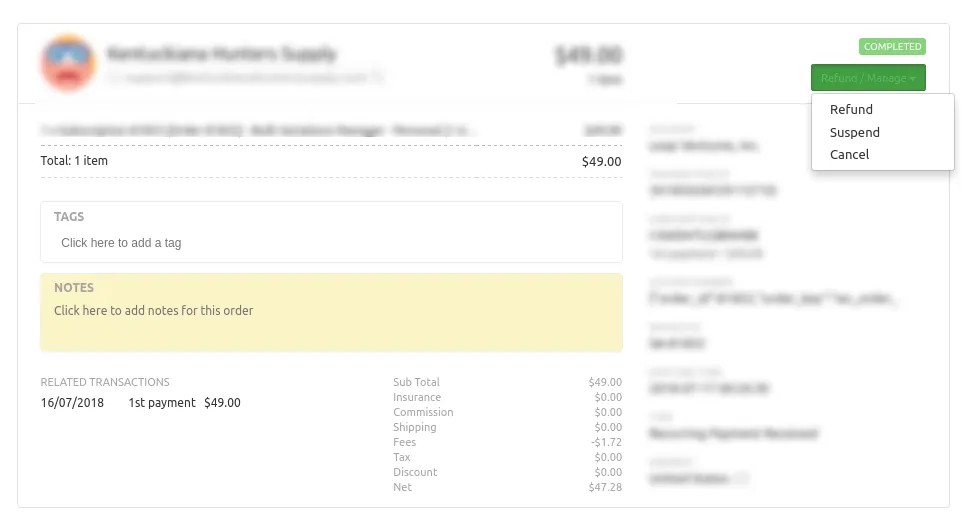
- Select ‘Refund’