

Connecting Amazon to Putler
Integrate your Amazon Seller Central account to pull sales, orders, refunds, and customer data directly into Putler.
Steps to Connect Your Amazon Seller Account to Putler
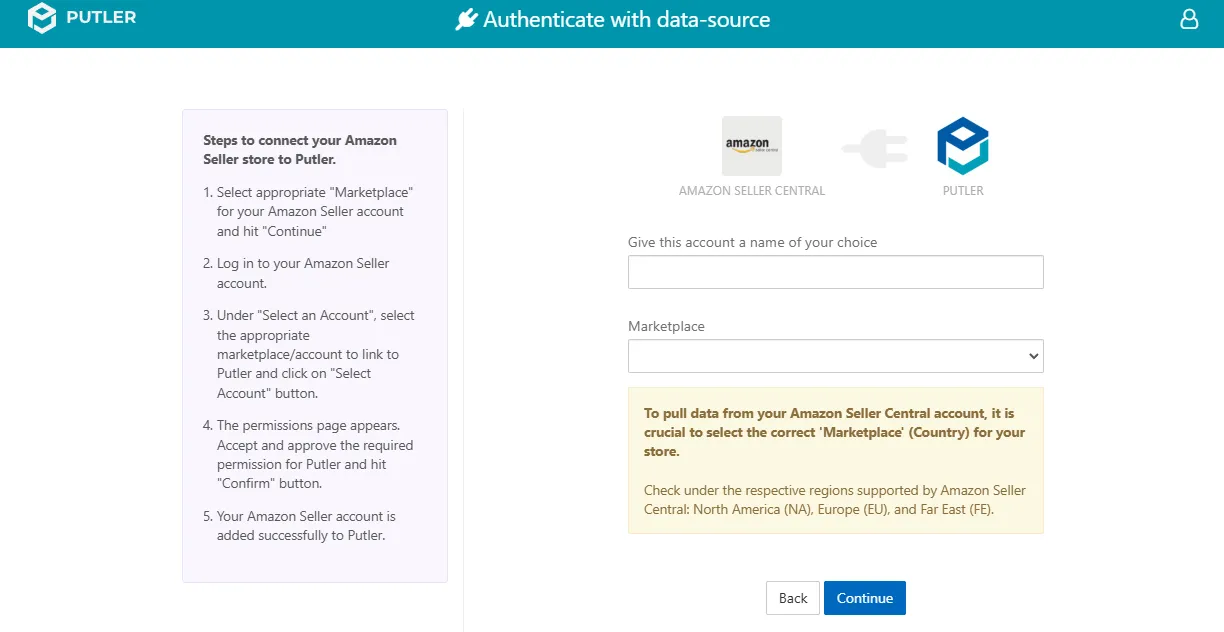
- Once you sign in to Putler, click on the
Amazon Seller Centralicon. - Fill in your account details:
- Give this account a name of your choice: Add a name for your data source.
- For example: Amazon Store A
- Marketplace: Select the correct country for your store.
- For example: North America (NA), Europe (EU), and Far East (FE).
- Give this account a name of your choice: Add a name for your data source.
- Log in to your Amazon Seller account.
- Under “Select an Account,” choose the appropriate account and click “Select Account”.
- Accept and approve the required permissions on the permissions page.
- Click “Confirm”.
- Your Amazon Seller account is now successfully connected to Putler.