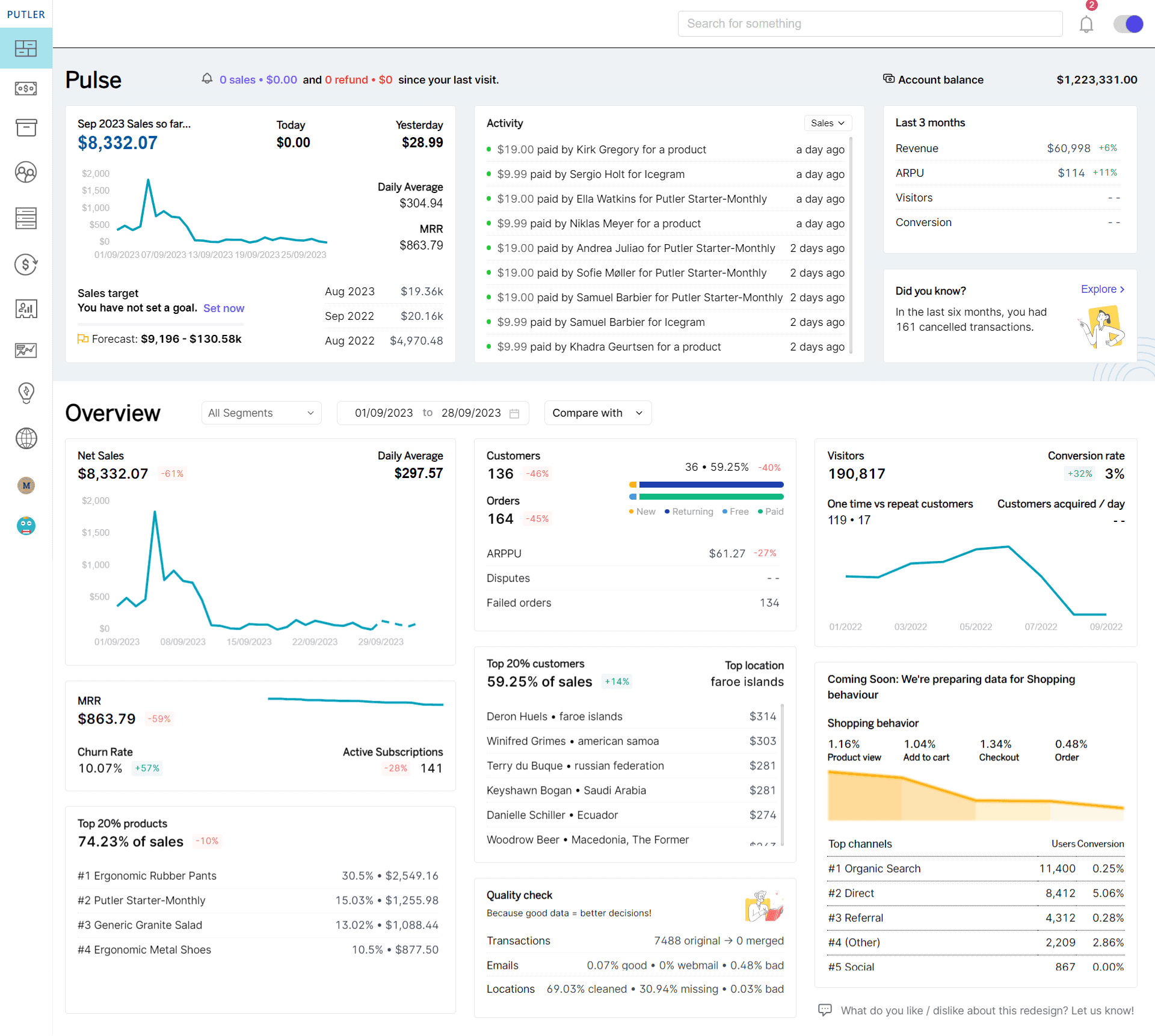
“aggregated 21 accounts”
“powerful eCommerce analytics”
“aggregated 21 accounts”
“powerful eCommerce analytics”
 “aggregated 21 accounts”
“powerful eCommerce analytics”
“aggregated 21 accounts”
“powerful eCommerce analytics”
Monitor, Manage, Analyze, Grow
Consolidate all your stores, payment gateways and Google Analytics in a single app. Powerful business analytics on sales, products, subscriptions, customers, and visitors.
Quick setup. Stunning insights. No credit card required.
The main problem
Bad analytics is harming your business.
Scattered and messy data
Multiple systems, wrong reporting
PayPal, Stripe, WooCommerce, Etsy, Shopify, Google Analytics – your critical business information is scattered across merchant providers, shopping cart systems and website analytics. It’s full of duplicates, missing information and out of sync records.
The result
Bad decisions, lost opportunities
Since you don’t get accurate, consolidated data, you end up making big decisions with trial & error. These results in losses, lost opportunities, high churn, increased efforts and a perpetual state of confusion and chaos.
Go from data mess to data driven profits.
Putler combines, cleans and enriches your data. You’ll understand your business better and make profitable decisions quickly.
You will get a single source of truth for your orders, products and customers. You will see all important stats at a glance. You can create custom reports, drill down and segment instantly.
Unique advantage
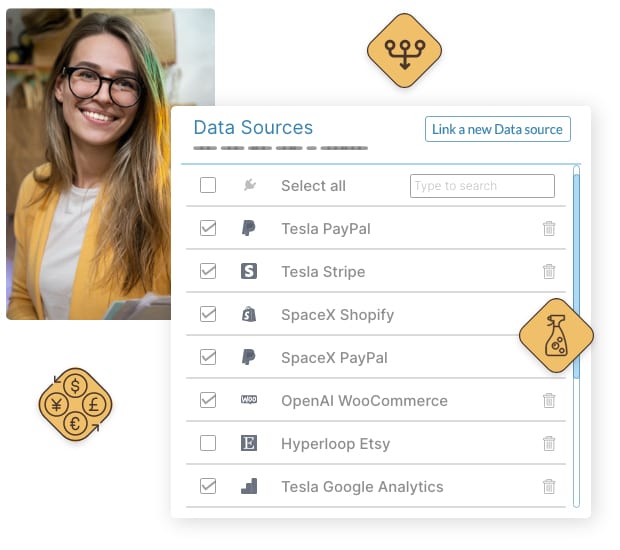
Bring everything together
- 17 integrations – payment gateways, e-commerce, analytics, email marketing, API
- Intelligent merging and corrections
- Automatic currency exchange and timezone conversion
- Standardizes emails and addresses
- Customer analytics, profile enrichment and history
“PayPal, Stripe, WooCommerce, Google Analytics… Multiple currencies, stores and teams. We thought we were pushing the limits, but Putler consolidated, cleaned up and turned it all into sensible metrics.”

Unlock the value of your data
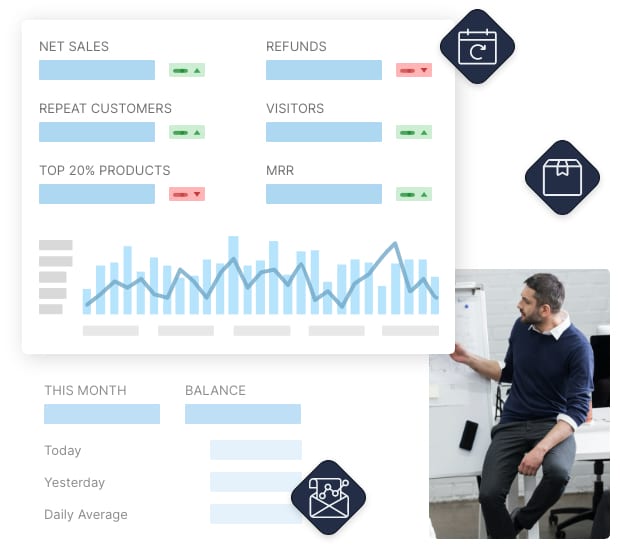
Instant answers to your everyday questions on sales, customers, products…
What’s current revenue, which products are trending, what’s the best time to sell, which products to upsell, who are your top customers, who are the returning, who has churned… Putler answers all your questions.
- 200+ ready metrics & advanced eCommerce reports
- Sales, refunds, orders: trends and KPIs
- Product analytics, leader-board, frequently bought together
- Variation reports, sale velocity, sales heatmap
- Visitor & traffic analysis, devices, channels
- SaaS metrics – MRR, churn, ARR, LTV…
- Customer profile, history, address geocoding, website
- Weekly email reports
“No more spreadsheets and delays now. Putler instantly tells me everything I need to know – sales, products, customers, subscriptions, visitors…”
Putler paid for itself in 10 minutes!
It’s amazing for lifetime value, top clients, top selling products, sales for the last two years, multiple PayPal accounts… Putler is the best app I’ve ever used! I just love Putler!

Instant clarity and peace!
All my different streams of income, all those website sales, it’s all in one simple dashboard. I know my conversion rate, my churn rate, and I can project exactly how my business will look next month or even next year. I can sleep without worrying now.

Marketing power
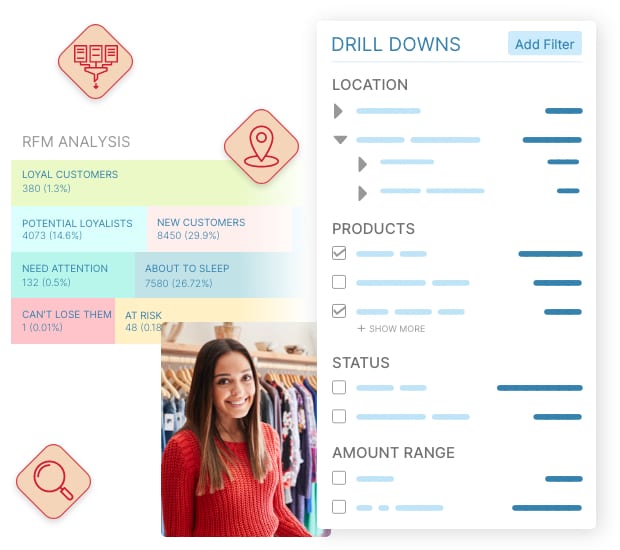
DIY filters, segmentation & drill downs
- Historical data analytics, reports and comparisons
- Drill-down on dozens of factors
- Instant search as well as advanced filters
- Save custom segments for later use
- RFM customer segmentation
- 80/20 analysis
“I can filter, facet and segment my data in so many new ways. Our marketing campaigns have much higher RoI now and I discover a new opportunity everytime I dig into Putler!”
Your support, operations and marketing teams will love this!
Save efforts, improve results,
build a better business.
Not just eCommerce analytics, Putler helps put good data to good use.
You could save tons of hours with this…
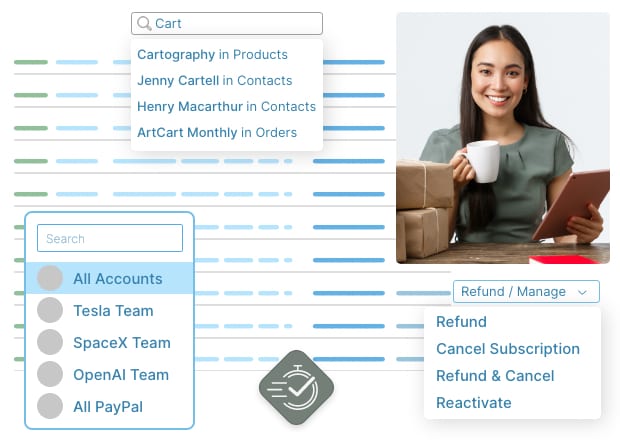
Search, refund and manage orders in seconds
- Find customers, orders or products instantly
- Issue refunds, manage subscriptions within seconds
- Share with your team, but control what they can do
“Going to PayPal or Stripe, finding an order and issuing a refund took at least 5 minutes to complete for our support reps. With Putler, it takes 5 seconds. They love it, and I don’t have to give everyone access to my PayPal or Stripe accounts!”
Unmatched insights on your audience…
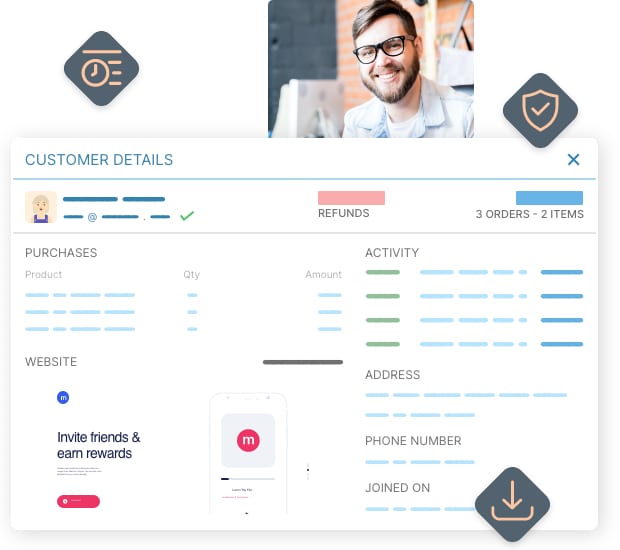
Enriched customer profiles, target segmentation, email, export…
- RFM – recency, frequency and monetary value based automatic customer segmentation
- Cleanups on customer’s email address and physical address
- Chrome browser extension to see customer details in helpdesk or other sites
- Filter and export orders and customers
“Putler tells me a lot more about my customers than all my other systems. It even showed me my customer’s website and their local weather! This saves tons of research time and allows my team to connect with the customers on a personal level when they call / email them. Can’t put a price on this!”
Spot opportunities and bottlenecks
Business intelligence & growth
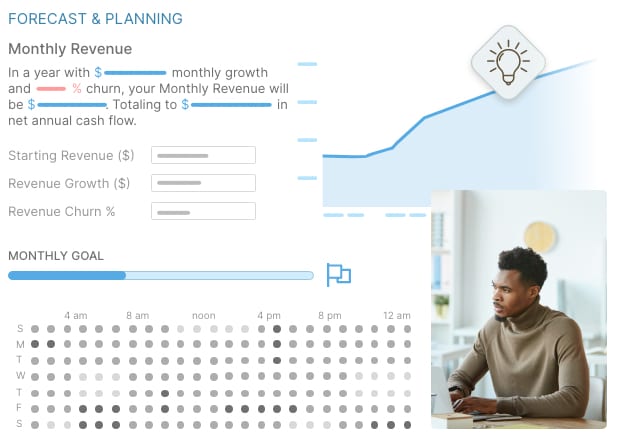
- Discover best times / products / customers to run offers
- Infinite segmentation – Location, pricing, order-status, customer behavior and more.
- Predict and plan for future with forecasting and modelling
- Black Friday / Cyber Monday sales trends
- Set and track monthly revenue goals
- Growth modelling – what to focus on to 10x your business
- Weekly summary email digest
“Assistant, accountant, mentor, accountability partner – Putler helps me in many different ways.”
So glad I found Putler…
Most competitors only cater to businesses with monthly recurring revenue. I love how well Putler works whether you have MRR or not. Plus it’s super easy to use.

Solves important problems
Putler solves important problems for us and is elegantly designed. Their attention to detail, product quality and ingenuity is very impressive.

Less noise, more results.
People trust Putler to monitor and grow their businesses.
Thousands of businesses like yours are using Putler to create success and freedom. When are you getting onboard?

Putler users reported:
- 34% net revenue growth YoY
- 41% higher orders
- 27% growth in unique customers
- 12% reduction in refunds & churn
10 years and going strong:
- 7000+ users
- $5bn+ worth of orders analyzed
- 60m+ transactions
- 62 currencies
Others have gone from fire-fighting to strategic growth.
Grow your business with reliable analytics
A single insight can be worth thousands of dollars. And hours of time savings will let you focus on more important things.
Try yourself – no risk, no credit-card and fully worth your time.
96% people said it was worth signing up for a trial.