

If you paid from your PayPal balance, the refund usually comes back the same day the seller issues it. In the US, most debit card and bank refunds take up to five business days. A credit card refund can take one to two billing cycles to appear on your statement.
PayPal refund time
Once the seller issues a refund, the time it takes to reach you depends on how you paid. PayPal usually sends the money back to the original payment method.
- Credit card: The refund may take one to two billing cycles to appear on your statement, depending on your card issuer.
- Debit card: Usually up to five business days. Some issuers can take up to 30 days.
- Bank account: Usually up to five business days once issued. Some refunds can take up to 30 days, depending on the status of the original payment.
- PayPal balance: Same day.
- PayPal balance plus credit card: The balance portion can arrive the same day. The card portion can take one to two billing cycles.
These timelines are from PayPal’s US refund guidance. If you’re in the UK, check PayPal’s UK refund guidance.
How to check a delayed refund
Open Activity in PayPal, select Filters → Refunds, then open the transaction to see the details.
- No refund listed: Contact the seller to confirm whether they’ve issued it. PayPal explains where to find the seller’s contact details.
- Pending with the seller’s bank: Ask the seller for an update if the refund still shows this status after five business days.
- On hold: The seller issued the refund before your original payment cleared. Check the transaction again once the payment clears.
- Sent or pending with your bank or card issuer: PayPal has sent the refund. Allow time for your bank or card issuer to process it.
- Completed but missing: Contact your bank or card issuer. Share the bank reference ID if PayPal shows one, or refer to the original transaction.
Does PayPal charge a refund fee?
For goods or services payments, PayPal says there’s no fee to issue a refund. The seller’s original processing fee stays with PayPal.
See PayPal’s merchant fees for details.
How to issue, manage and track PayPal refunds easily?
When a customer returns one item from a larger order, use Putler to select the item and set the refund amount. Putler links the refund to the original transaction. For eligible transactions, open the refund controls from the Sales or Transactions dashboard.
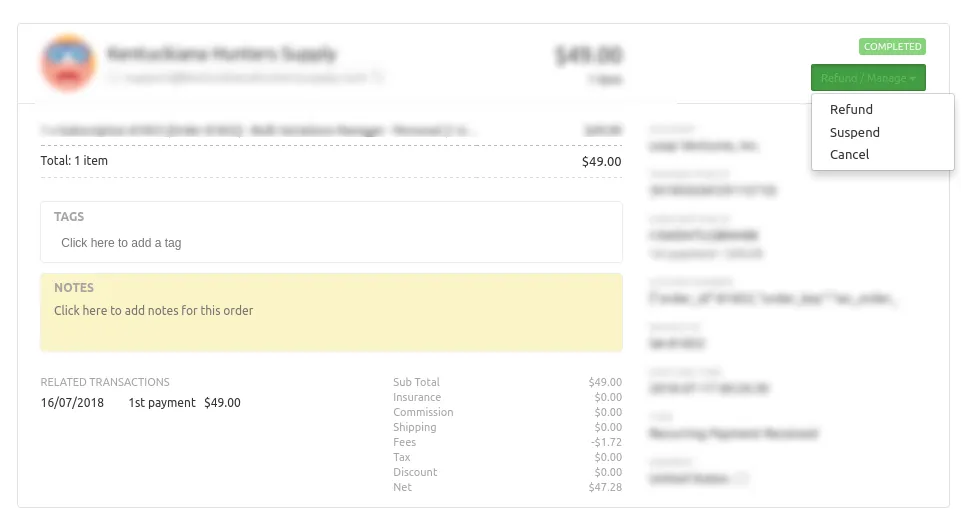
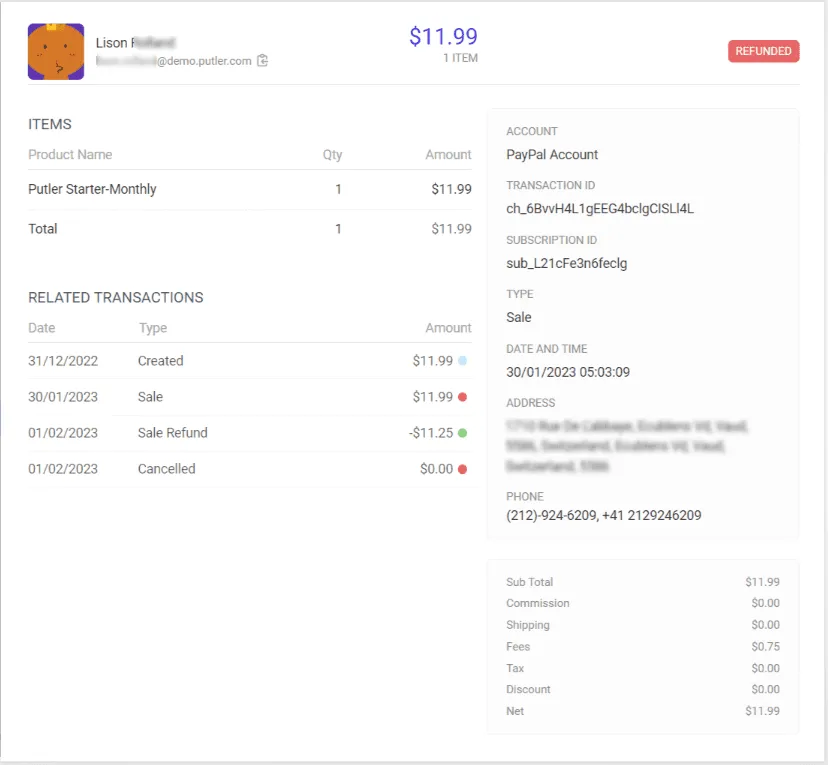
Putler asks you to select items you want to refund. It selects everything by default, so you can quickly do a full refund. But if you want to do a partial refund, you can select items you want to refund, and even the amount (or percentage) of refund you want to provide for each item.
For those who entered late, Putler is a highly advanced PayPal analytics and reporting tool that also works with WooCommerce, Stripe, Shopify and other platforms. Connect multiple data sources and get accurate insights about your business.
Here are the steps to issue refunds using Putler.
Managing multiple accounts with Putler
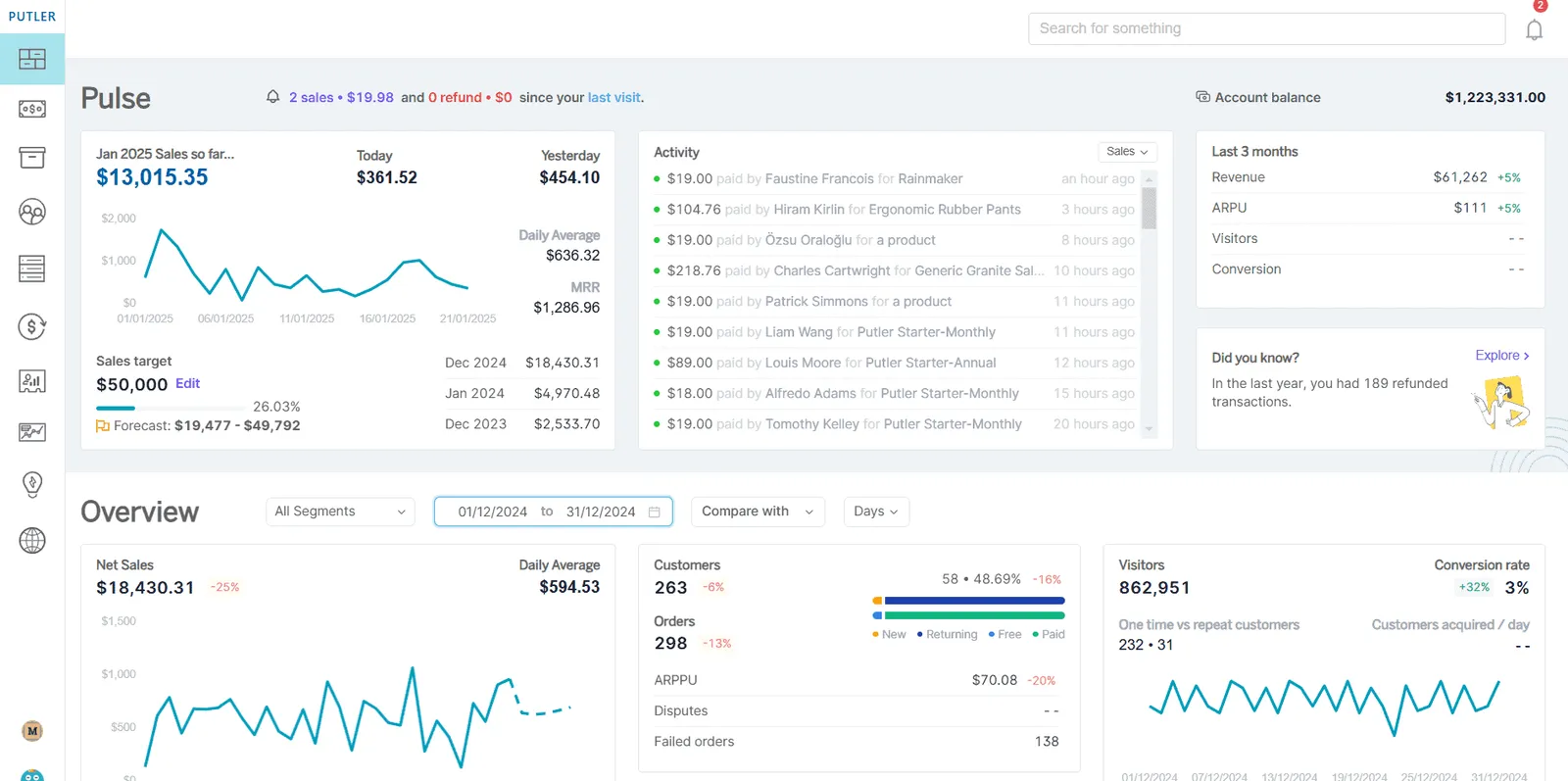
You can also connect unlimited PayPal accounts to Putler and get combined reports in a single place.
You can have a separate overview of different PayPal accounts and switch between them as and when needed. With comprehensive PayPal reporting, you can track refunds, transactions, and revenue across all your accounts from one dashboard.
Final thoughts
I hope this blog answers some common questions like “why do PayPal refunds take so long”, how long does a PayPal refund take to appear and similar questions.
And for better handling of PayPal refunds, try Putler for free. You won’t be disappointed.