

Your Stripe dashboard says you made $42,000 last month. Shopify says $38,500. PayPal shows $6,200. Your spreadsheet, which someone was supposed to update last Tuesday, says $41,800.
Which number is right? Probably none of them.
Here’s what’s actually going on. Your cart platform and payment gateway both record the same transaction, so some sales get counted twice.
Stripe timestamps in UTC, Shopify runs on EST, and your spreadsheet uses whatever timezone your laptop was set to when you built it.
A customer pays through PayPal on your WooCommerce store, but the WooCommerce order ID and PayPal transaction ID don’t match up cleanly.
You sell in euros, pounds, and dollars, but your reports only show one currency. And when a customer mistypes their email, you end up with two profiles for the same person.
This is exactly the problem that eCommerce data consolidation solves. Putler exists to fix this layer before anything else.
lets check how.
What connects to Putler
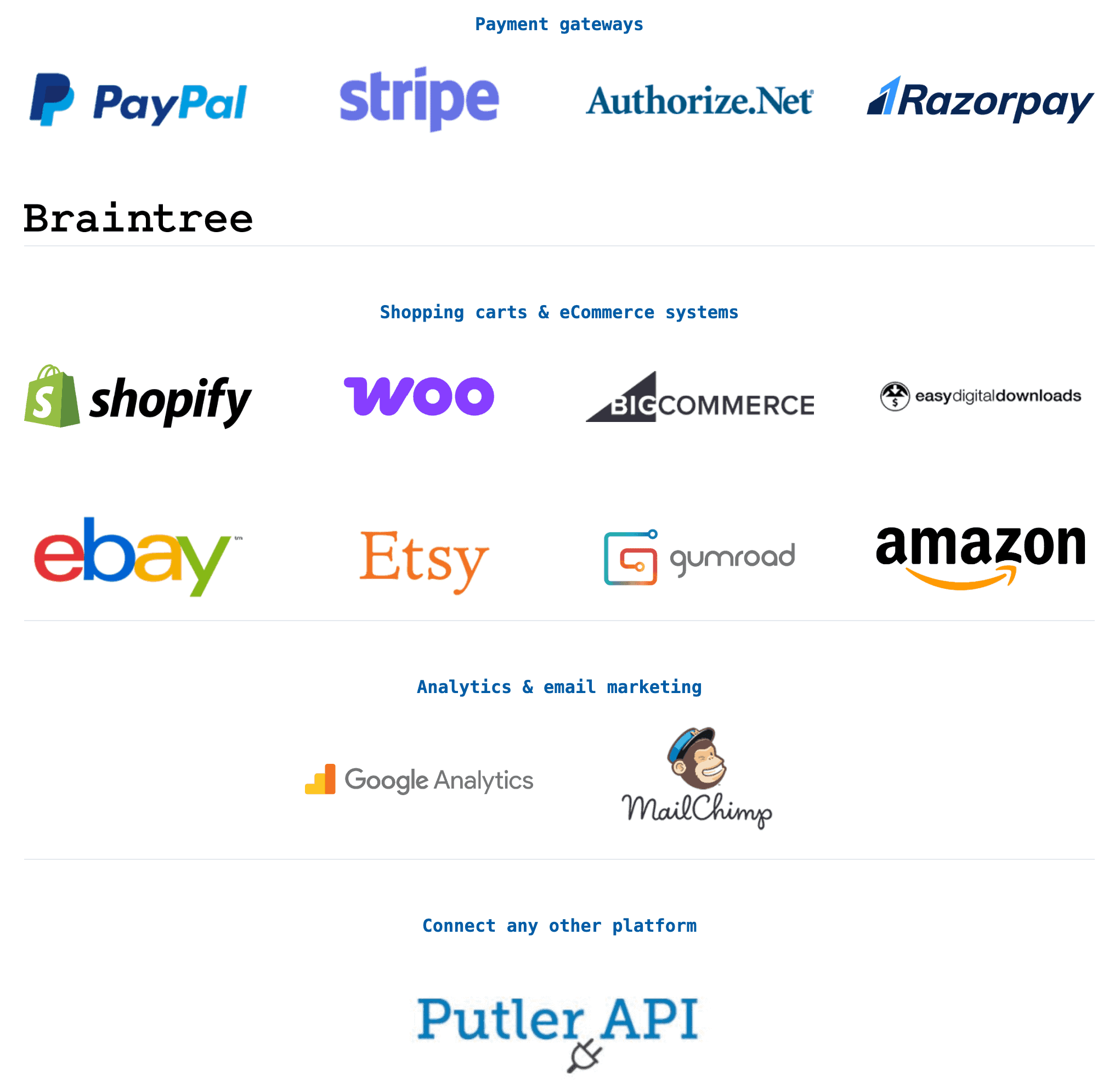
Putler integrates with 17+ data sources across four categories:
Payment gateways: PayPal, Stripe, Braintree, Razorpay, Authorize.Net, 2Checkout.
eCommerce platforms: Shopify, WooCommerce, BigCommerce, Easy Digital Downloads, eBay, Etsy, Gumroad.
Analytics and marketing: Google Analytics, Google Search Console, Mailchimp.
Custom sources: If your platform isn’t on the list, Putler’s Inbound API lets you push transaction data from any service. You send the data in a structured format and Putler processes it alongside everything else.
Setup takes under five minutes per source. You connect via secure OAuth, no coding involved. Putler pulls in your historical data (up to 2 or 5 years depending on your plan), and the consolidation starts automatically.
What happens to your data after eCommerce data consolidation
This is the part most analytics tools skip entirely. They pull in data from multiple sources and show you a combined number. But if the underlying data is messy, the combined number is just a bigger mess.
This is where proper eCommerce data consolidation makes the real difference. Putler runs every transaction through a consolidation engine that fixes over 100 data problems automatically.
You don’t configure any of this. It happens in the background the moment your data is synced.
Deduplication: When a customer buys through your WooCommerce store and pays via Stripe, both platforms record the transaction. Putler identifies these duplicates and merges them so nothing gets double-counted.
Currency conversion: If you sell in euros, pounds, and dollars, Putler converts every transaction to your base currency using the exchange rate from the day of the transaction.
Timezone alignment: Stripe in UTC, Shopify in EST, your WooCommerce store in IST. Putler normalizes everything to your chosen timezone so a sale that happened at 11 PM on Monday doesn’t show up as Tuesday’s revenue.
Customer profile cleanup: When the same person buys with slightly different email addresses or mistyped names, most tools create duplicate customer records. Putler maps attributes from different data sources to create “master” customer profiles. One person, one profile, full purchase history across every platform.
Transaction status sync: A payment status changes on PayPal (from pending to completed, or completed to refunded), but your eCommerce platform doesn’t always catch the update. Putler keeps transaction statuses current across all sources, so your reports always reflect what actually happened, not what was last synced.
Multi-store management: one view or individual views
If you run more than one store (say, two Shopify stores and a WooCommerce site), Putler doesn’t force you to look at everything combined.
You can create separate views within Putler to see each store’s metrics individually. Switch to your consolidated view when you want the big picture. Switch to an individual store when you want to drill down. Both options are always available, no re-importing or reconfiguring.
This also works across business types. If you run an eCommerce store and a SaaS product, both feed into Putler. Subscription metrics and one-time sales metrics live in the same tool but stay reportable separately.
Why this matters before anything else
Every other feature in Putler depends on clean data. The Sales Heatmap showing your best selling hours? Only accurate if timestamps are aligned.
The product leaderboard showing your top 20%? Only correct if duplicates are removed. The RFM segmentation grouping customers by value? Only useful if customer profiles aren’t fragmented across platforms.
Most analytics tools start with dashboards and visualizations. Putler starts with eCommerce data consolidation, because a beautiful chart built on messy data is still wrong.
- How to Find Your Best Selling Hours, Locations, and Patterns with Putler Sales Heatmap
- Customer Profiles: How to Know Everything About Every Customer with Putler
- Product Analysis for eCommerce: How to Find Which Products Actually Drive Revenue
- Your eCommerce Dashboard: One Screen to Replace Five Tabs and Thirty Minutes
- eCommerce Transaction Management: One Dashboard for Every Payment, Refund, and Report