

PayPal has over 430 million users. But a quick look at its Trustpilot page tells a different story. 1.3 out of 5 stars across 38,000+ reviews. If you sell online, you already know why. Fees keep climbing.
Accounts get frozen without warning. Reporting tools are practically useless. You deserve better. Here are the best PayPal alternatives for eCommerce, compared honestly so you can pick the right one.
Why eCommerce sellers are looking for PayPal alternatives
PayPal built its dominance on convenience. For sellers though, that convenience comes with a long list of frustrations. Here is what is pushing people to look elsewhere.
Fees that keep climbing
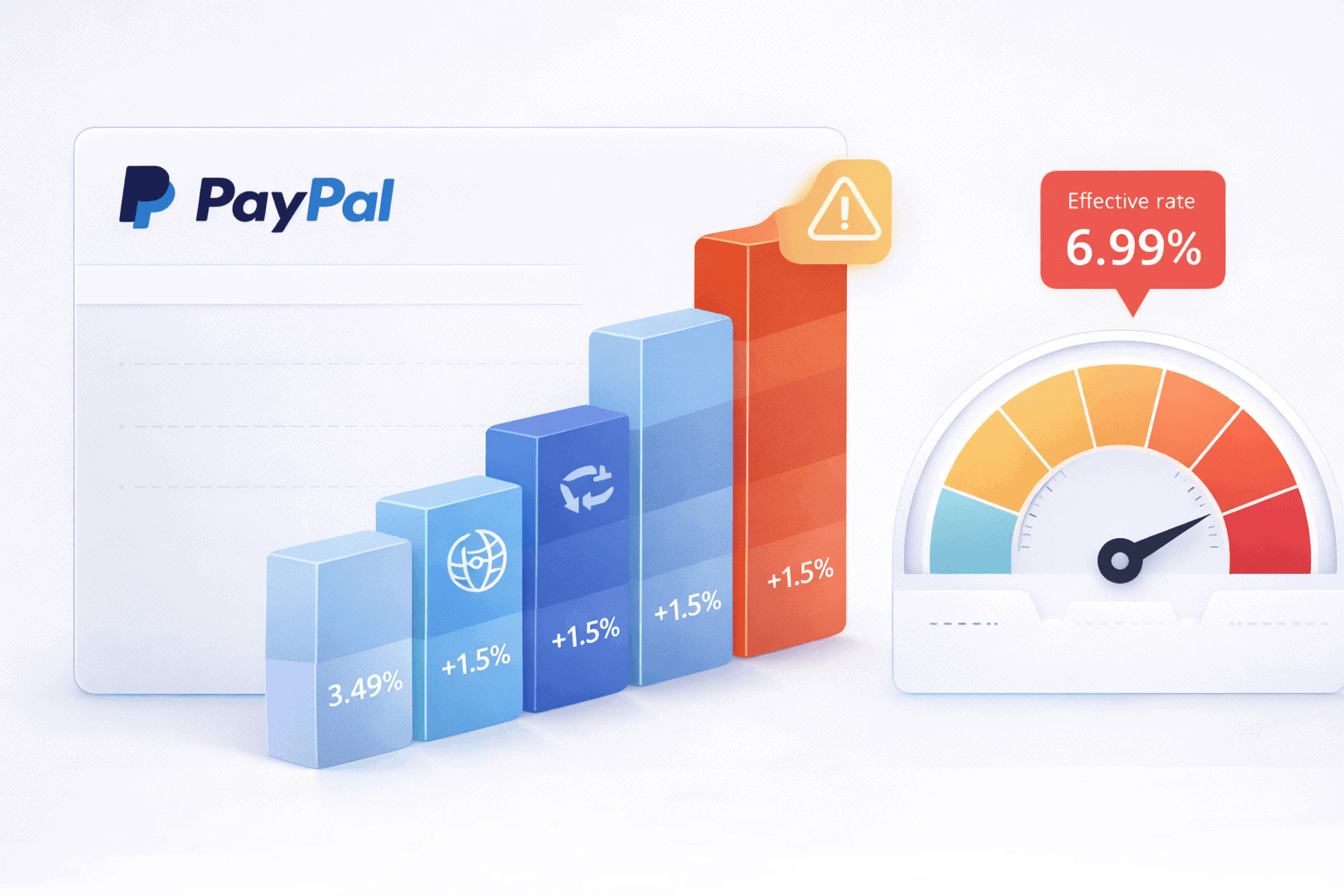
PayPal’s standard online rate is 3.49% + $0.49 per transaction. That is already higher than most competitors. In January 2025, PayPal raised fees across multiple categories.
Buy Now Pay Later jumped to 4.99% + $0.49. Virtual Terminal climbed to 3.39%. International sellers pay a 1.5% cross-border surcharge plus a 1.5% currency conversion fee. That pushes some effective rates past 5.9% per transaction.
Stripe charges 2.9% + $0.30. Square charges 2.6% + $0.10 for in-person sales. The difference compounds quickly.
Account freezes that hit without warning
PayPal’s terms allow the company to freeze your balance for up to 180 days based on algorithmic risk flags. No explanation. No phone call. Just a frozen account and a waiting game.
A class-action lawsuit in California alleged PayPal unlawfully seized over $150,000 from sellers. One plaintiff had $10,000 frozen after a clothing sale on eBay.
The CFPB separately ordered PayPal to pay $25 million over deceptive PayPal Credit practices. New sellers also face automatic holds of up to 21 days on incoming payments.
Dispute policies that favor buyers
In January 2024, PayPal removed Seller Protection for “Item Not Received” claims filed as chargebacks with external card issuers. A buyer can lose a PayPal dispute, then file a chargeback with their credit card company, and you have zero recourse.
PayPal charges $20 per chargeback on top of $8 to $16 per dispute claim. Dispute rates spiked 78% year-over-year in Q3 2024.
Support that leaves you stuck
PayPal’s Trustpilot rating of 1.3/5 is not a fluke. The BBB has logged over 28,000 complaints against PayPal. Sellers consistently report automated phone systems that prevent reaching a human, generic responses to account limitation notices, and disputes being auto-closed with evidence ignored.
Reporting that tells you almost nothing
PayPal’s built-in analytics covers the basics and stops there. No customer lifetime value. No churn tracking. No segmentation. Transaction search cuts off at 45 days.
Reports require manual CSV exports. And around 10% of PayPal purchases fail to register in Google Analytics due to redirect failures. If you sell across multiple channels, you are stuck piecing data together by hand.
What does PayPal actually cost?
Before jumping to alternatives, it helps to know exactly what you are paying with PayPal. Here is the full breakdown.

| Fee type | Rate |
|---|---|
| Standard online transaction | 3.49% + $0.49 |
| Buy Now Pay Later | 4.99% + $0.49 |
| Virtual Terminal | 3.39% + fixed fee |
| In-person (QR code) | 2.29% + $0.09 |
| Cross-border surcharge | +1.5% |
| Currency conversion | +1.5% |
| Instant transfer fee | 1.5% (uncapped) |
| Chargeback fee | $20 per dispute |
| Monthly fee | $0 |
International sellers can end up paying over 5.9% per transaction once cross-border and conversion fees stack up. Keep these numbers in mind as you compare alternatives below.
The best PayPal alternatives for eCommerce
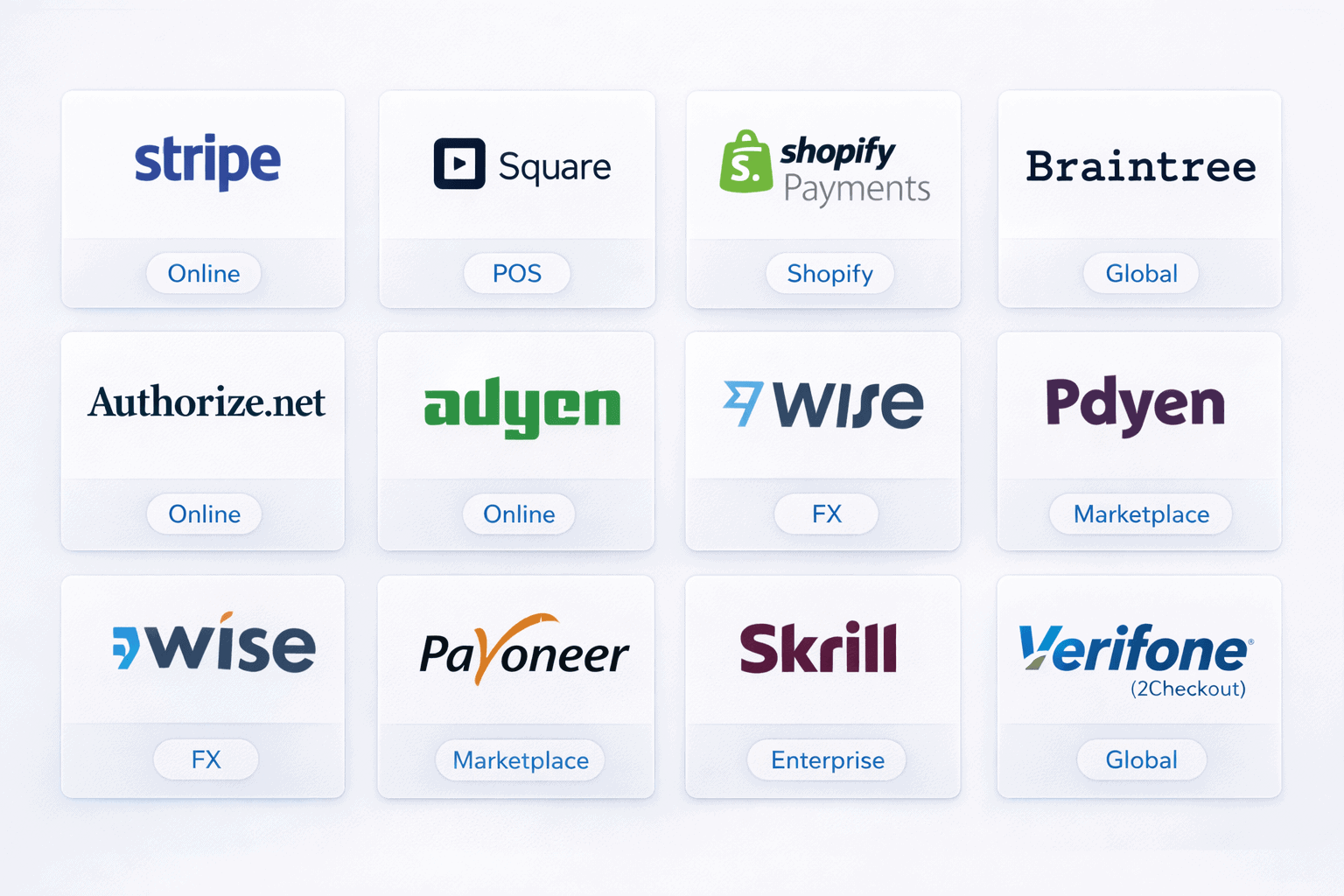
Every tool below has been researched based on pricing, eCommerce integrations, and real user reviews from G2, Capterra, and Trustpilot. No tool gets preferential treatment.
1. Stripe: best for online stores and SaaS businesses
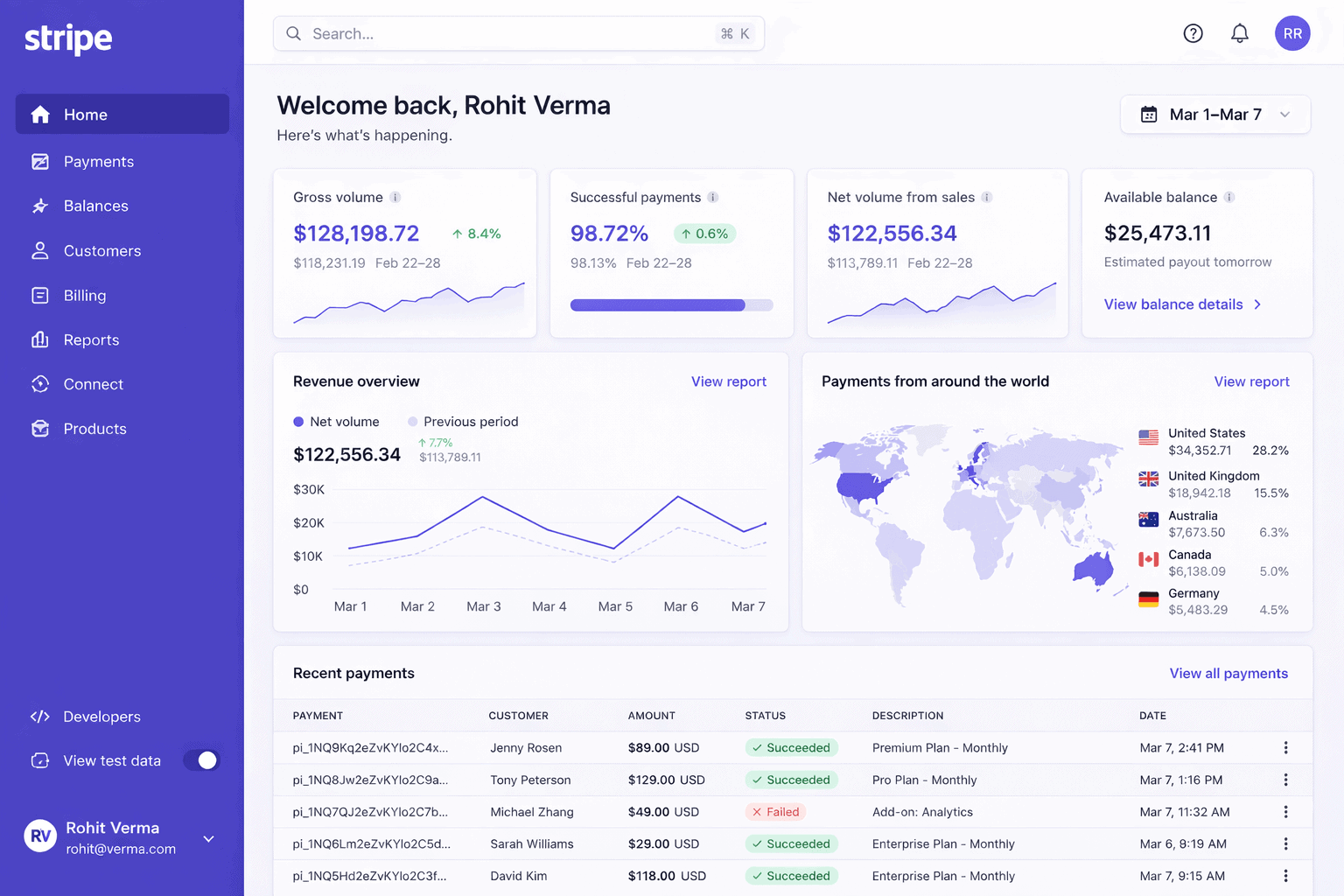
Stripe is a developer-first payment platform built for online businesses that want flexibility, global reach, and clean integrations.
| Fee type | Rate |
|---|---|
| Standard online transaction | 2.9% + $0.30 |
| In-person (Stripe Terminal) | 2.7% + $0.05 |
| International cards | +1.0% |
| Currency conversion | +1.0% |
| ACH Direct Debit | 0.8% (capped at $5) |
| Chargeback fee | $15 (refunded if you win) |
| Monthly fee | $0 |
Stripe costs less than PayPal on standard transactions and refunds your chargeback fee if you win the dispute. That alone makes it worth a serious look. It supports 135+ currencies and 100+ payment methods including Apple Pay, Google Pay, Klarna, and Afterpay.
Key features: Stripe handles subscriptions via Stripe Billing, marketplace payouts via Stripe Connect, automated tax calculation via Stripe Tax, and ML-powered fraud detection via Stripe Radar. The API documentation is the best in the industry.
Integrations: Shopify, WooCommerce, BigCommerce, Magento, PrestaShop, OpenCart.
What users say: Capterra reviewers rate Stripe 4.6/5 and consistently praise its documentation and reliability. The most common complaint is slow customer support when issues arise.
Pros:
- Lower fees: 2.9% + $0.30 beats PayPal’s 3.49% + $0.49 on every transaction
- Chargeback refund: You get your $15 back if you win the dispute
- Developer-friendly: Best-in-class API and documentation makes custom integrations straightforward
- Global reach: 135+ currencies and 100+ payment methods out of the box
Cons:
- International costs: The +1.0% surcharge on international cards stacks up fast for global sellers
- Support gaps: Customer support can be slow to respond when you need urgent help
- Account holds: Unexpected holds still happen, particularly for new or high-volume accounts
Best for: Online-first eCommerce businesses, SaaS companies, subscription businesses, and developer-driven teams selling internationally.
2. Square: best for omnichannel sellers
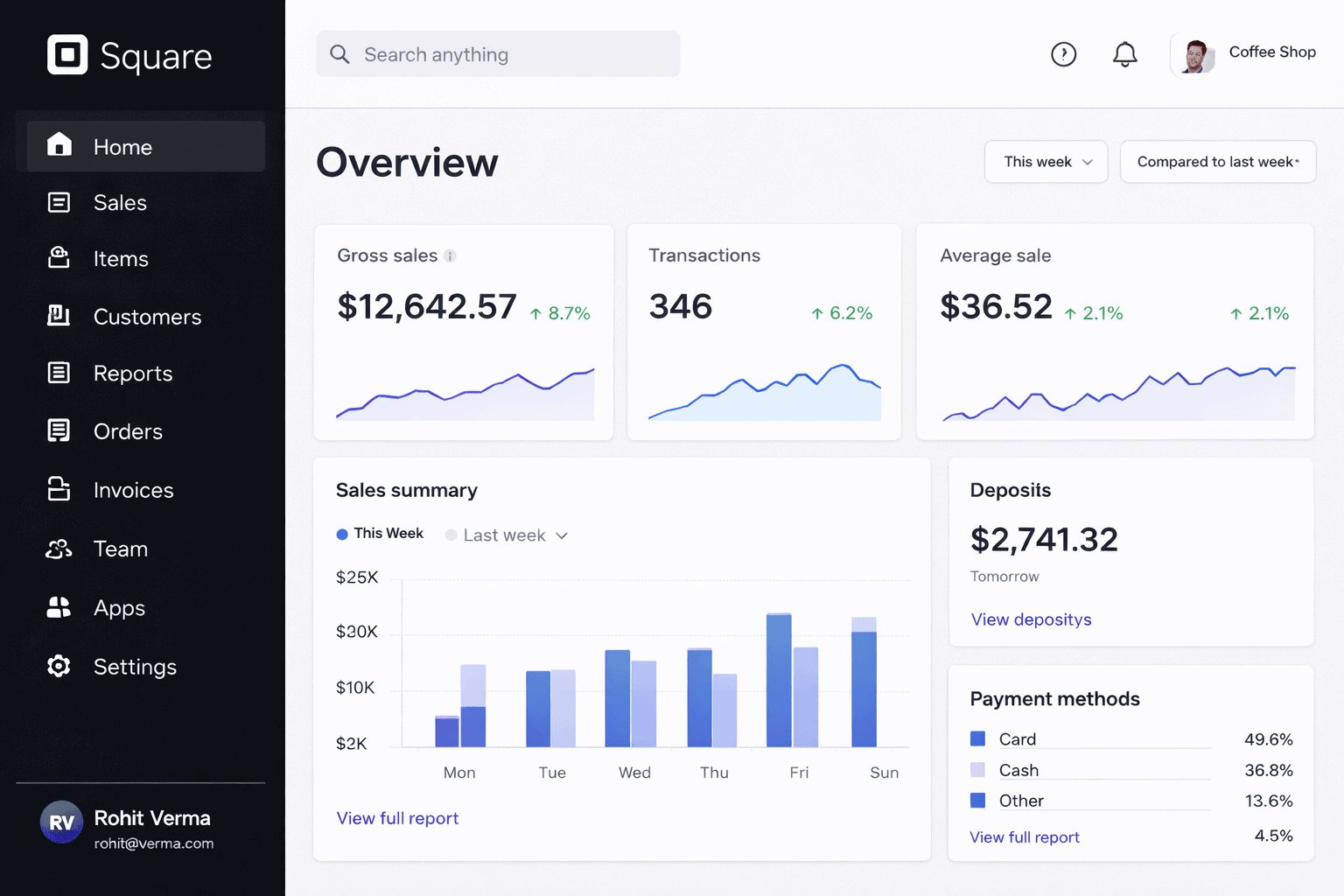
Square is an all-in-one commerce platform that handles in-person and online payments under one roof.
| Fee type | Rate |
|---|---|
| Online transaction | 2.9% + $0.30 (Free plan) |
| In-person | 2.6% + $0.10 |
| Manually keyed | 3.5% + $0.15 |
| ACH bank transfer | 1% (min $1) |
| Chargeback fee | $0 |
| Monthly fee | $0 to $149 |
Square charges zero chargeback fees. That is a genuine differentiator. If you run a business with frequent disputes, that difference adds up to real money over time. The free plan gives you a full POS app, inventory tracking, and an online store builder at no monthly cost.
Key features: Square Online lets you build a free store in minutes. Afterpay BNPL is built in. Square Banking gives you instant access to your sales funds. The POS hardware works seamlessly with the software, making it ideal for retail stores expanding online.
Integrations: Shopify, WooCommerce, BigCommerce, Magento.
What users say: Capterra reviewers rate Square 4.7/5 and love how easy it is to set up. The most common complaint is that online transaction rates on the free plan are higher than competitors.
Pros:
- No chargeback fees: Square absorbs dispute costs that other processors charge $15 to $20 for
- Easy setup: Getting started takes minutes with no technical knowledge required
- Free plan value: POS, invoicing, and online store are all included at $0/month
- BNPL built in: Afterpay integration comes standard without extra setup
Cons:
- Higher online rate on free plan: 2.9% + $0.30 online is more expensive than other tools on the entry tier
- Limited international support: Only available in 7 countries
- Account holds: Sudden volume spikes can trigger holds similar to PayPal
Best for: Small to mid-sized businesses going omnichannel. Especially good for brick-and-mortar stores expanding online and dispute-prone industries.
3. Shopify Payments: best for Shopify merchants
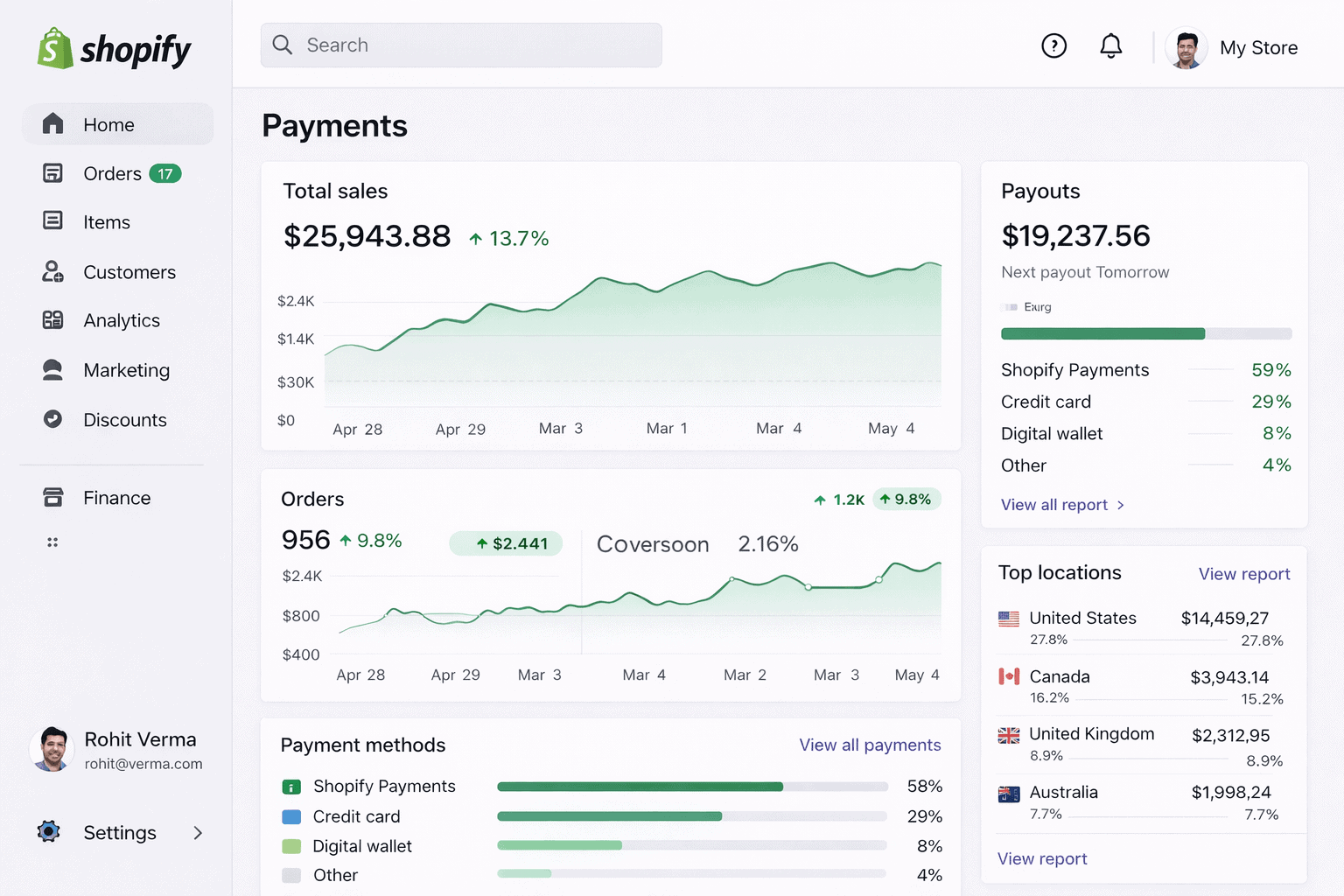
Shopify Payments is Shopify’s built-in processor that eliminates third-party gateway fees entirely for Shopify store owners.
| Fee type | Rate |
|---|---|
| Online (Basic plan) | 2.9% + $0.30 |
| Online (Grow plan) | 2.7% + $0.30 |
| Online (Advanced plan) | 2.5% + $0.30 |
| In-person (Basic) | 2.6% + $0.10 |
| Third-party processor penalty | +0.6% to +2.0% |
| Chargeback fee | $15 (non-refundable) |
| Currency conversion | 1.5% |
| Monthly fee | Included in Shopify plan |
If you run a Shopify store and use any other payment processor, Shopify charges you an additional 0.6% to 2.0% on every transaction. That penalty makes Shopify Payments practically mandatory for Shopify merchants.
Key features: Shop Pay accelerated checkout reduces cart abandonment significantly. Shop Pay Installments adds BNPL without third-party setup. Fraud analysis is available on the Grow plan and above. Payouts arrive in 2 business days.
Integrations: Shopify only. Does not work on any other platform.
What users say: Users love the seamless Shopify dashboard integration and simple setup. The biggest frustration is the $15 chargeback fee that is non-refundable even when you win the dispute.
Pros:
- No third-party fees: Eliminates the 0.6% to 2.0% transaction penalty Shopify charges for external processors
- Shop Pay boost: Accelerated checkout visibly reduces cart abandonment
- Unified dashboard: Payments, orders, inventory, and analytics all live in one place
- Quick setup: Live in under 10 minutes with no technical knowledge needed
Cons:
- Platform lock-in: Only works on Shopify. Switching platforms means switching processors too
- Non-refundable chargeback fee: You pay $15 even when you win the dispute
- Fund holds: Sudden volume increases trigger holds with limited communication from support
Best for: Any Shopify merchant. If you run a Shopify store, using Shopify Payments is the obvious default choice.
4. Braintree: best for PayPal ecosystem users
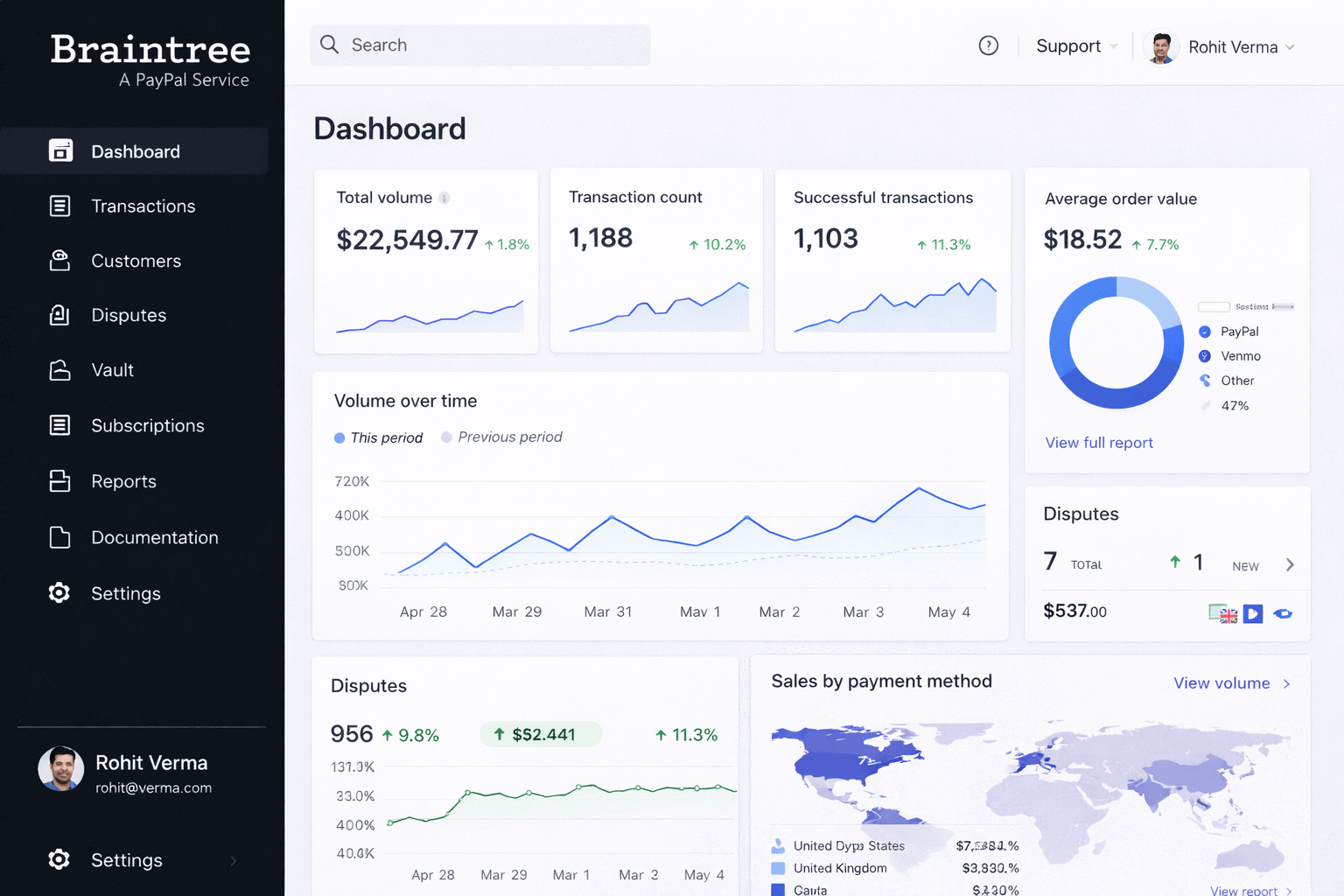
Braintree is a full-stack payment platform owned by PayPal that gives you dedicated merchant accounts alongside native PayPal and Venmo integration.
| Fee type | Rate |
|---|---|
| Standard card transaction | 2.59% + $0.49 |
| Venmo transactions | 3.49% + $0.49 |
| International cards | +1.0% |
| Currency conversion | +1.0% |
| Chargeback fee | $15 |
| Monthly fee | $0 |
Braintree gives you a dedicated merchant account instead of PayPal’s aggregated account model. That means more stability and less risk of sudden holds. Custom interchange-plus pricing is available for established businesses and strongly recommended over the default flat rate.
Key features: Native PayPal, Venmo, Apple Pay, and Google Pay integration. Supports 130+ currencies across 45+ countries. Recurring billing with no extra fees. Excellent sandbox environment for testing. PCI DSS Level 1 compliant.
Integrations: Shopify, WooCommerce, BigCommerce, Magento, PrestaShop, OpenCart.
What users say: G2 reviewers rate Braintree 3.4/5. Users appreciate the PayPal and Venmo integration but frequently flag email-only support as a major frustration when urgent issues arise.
Pros:
- Dedicated merchant account: More stable than PayPal’s aggregated account model
- PayPal and Venmo native: Built-in checkout options your customers already trust
- Global coverage: 130+ currencies and 45+ countries without complex setup
- No monthly fees: Zero ongoing cost on the standard plan
Cons:
- Email-only support: No phone support means slow resolution when something goes wrong
- High per-transaction fee: The $0.49 fixed fee hurts on small or low-value transactions
- Complex setup: Account approval and configuration takes more effort than Stripe or Square
Best for: Mid-size to enterprise merchants wanting PayPal and Venmo at checkout alongside card processing. Best value when you negotiate custom interchange-plus pricing.
5. Authorize.net: best for established and high-risk businesses
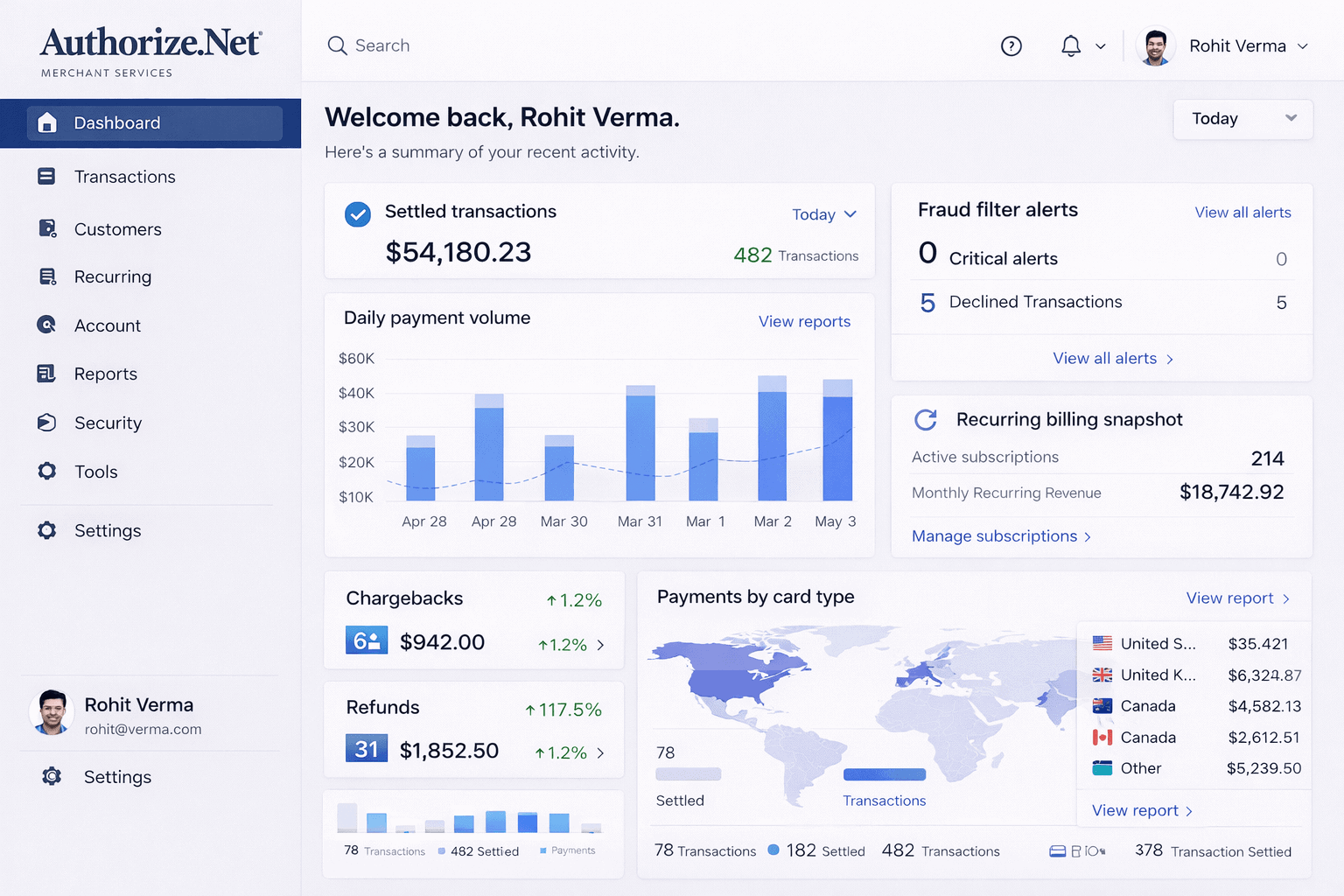
Authorize.net is one of the oldest payment gateways around, founded in 1996 and now owned by Visa. It routes transactions to your existing merchant account rather than acting as a processor itself.
| Fee type | Rate |
|---|---|
| All-in-One plan | 2.9% + $0.30 per transaction |
| Gateway Only plan | $0.10 per transaction + $0.10 daily batch fee |
| Monthly gateway fee | $25 |
| Chargeback fee | $25 |
| Setup fee | $0 |
The $25 monthly fee is the main trade-off. What you get in return is 99.99% uptime since 1996, broad platform compatibility, and fraud detection tools that work well for industries Stripe and Square will not touch.
Key features: Advanced Fraud Detection Suite with award-winning tools. Virtual Terminal for phone and mail orders. Automated Recurring Billing built in. Customer Information Manager for storing payment details. eCheck and ACH processing included.
Integrations: WooCommerce, BigCommerce, Magento, PrestaShop, OpenCart. Shopify integration available but historically inconsistent.
What users say: G2 and Capterra both rate Authorize.net around 4.0/5. Users value the reliability and fraud tools. The most common complaints are the outdated dashboard and inconsistent customer support.
Pros:
- Proven reliability: 99.99% uptime record over nearly three decades
- High-risk friendly: Accepts industries that Stripe and Square routinely decline
- Strong fraud protection: Award-winning fraud detection suite included as standard
- Recurring billing: Built-in subscription tools with no extra fees
Cons:
- Monthly fee: $25/month makes it expensive for low-volume businesses
- Outdated interface: The dashboard looks and feels like it was built in 2008
- Requires merchant account: Adds complexity for businesses that do not already have one
Best for: Established businesses with existing merchant accounts and high-risk industries like CBD, supplements, and certain professional services.
6. 2Checkout (Verifone): best for global digital and SaaS sellers
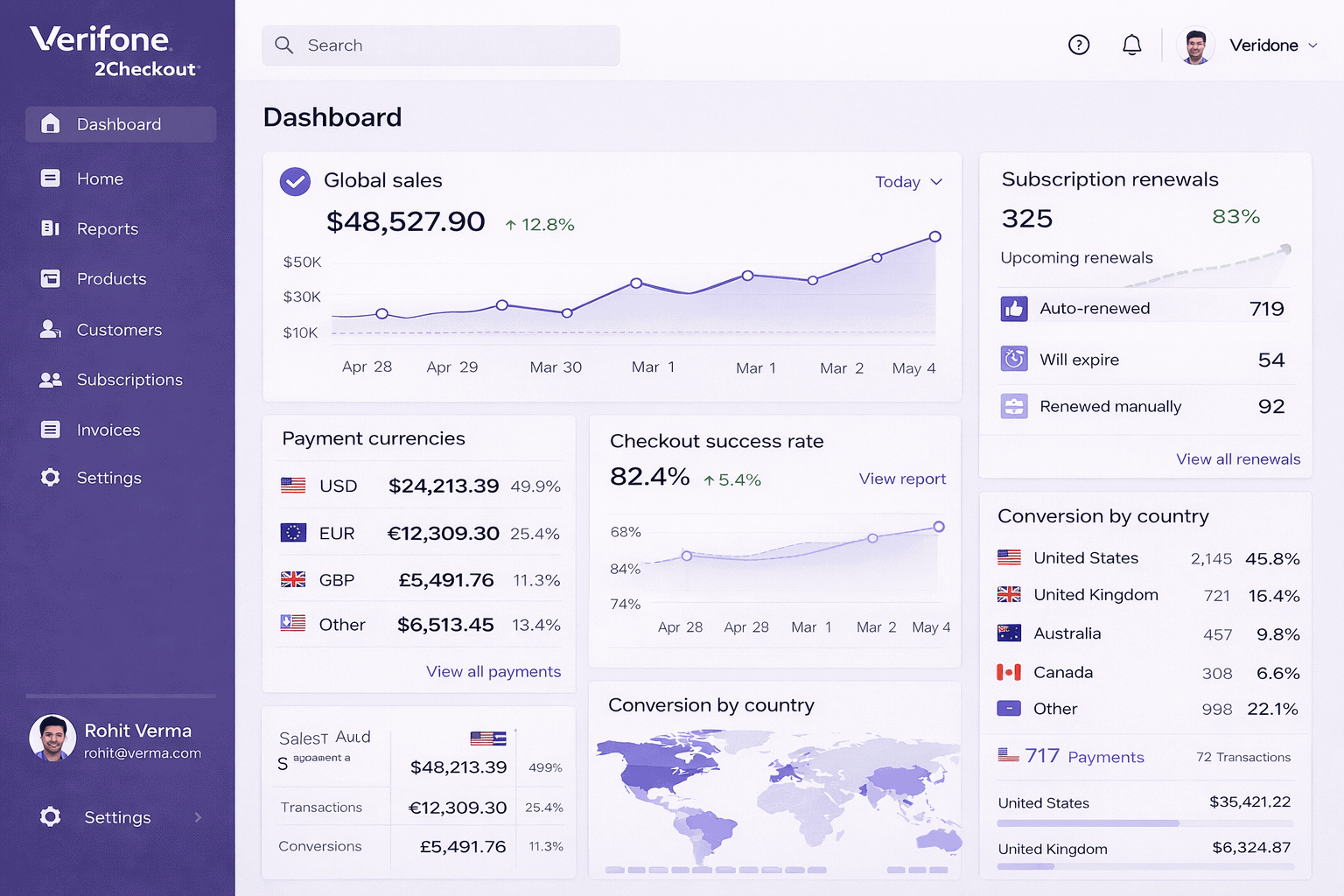
2Checkout, now rebranded as Verifone, is a global monetization platform that can act as your Merchant of Record and handle tax compliance across 200+ countries.
| Fee type | Rate |
|---|---|
| 2Sell plan | 3.5% + $0.35 |
| 2Subscribe plan | 4.5% + $0.45 |
| 2Monetize plan | Custom pricing |
| Cross-border fee | +2.0% in specific countries |
| Chargeback fee | $36 standard / $50 high-risk |
| Monthly fee | $0 |
The higher transaction rates are the price you pay for having global VAT, GST, and sales tax handled automatically. For SaaS companies selling across multiple countries, that trade-off is often worth it.
Key features: Merchant of Record model handles all global tax compliance. Subscription lifecycle management with automated renewals and dunning. Revenue recovery tools. Localized checkout in 29+ languages. A/B testing for checkout optimization.
Integrations: Shopify, WooCommerce, BigCommerce, Magento, PrestaShop, and 120+ shopping carts.
What users say: Capterra reviewers rate 2Checkout 4.3/5 and praise its global currency coverage. Common complaints include slow refund processing and confusion around the Verifone rebrand.
Pros:
- Tax compliance handled: Global VAT, GST, and sales tax managed automatically via MoR model
- Subscription tools: Built-in recurring billing, dunning, and renewal management
- True global reach: 200+ countries, 100+ billing currencies, 29+ languages
- No monthly fees: Zero ongoing cost on standard plans
Cons:
- Higher rates: 3.5% to 4.5% is expensive compared to Stripe and Square
- Cross-border surcharge: An extra 2.0% in specific countries adds up for international sellers
- Slow refunds: Multiple users flag slow refund processing as a recurring issue
Best for: SaaS companies and digital goods sellers expanding globally who need tax compliance handled automatically without building it themselves.
7. Adyen: best for high-volume enterprise merchants
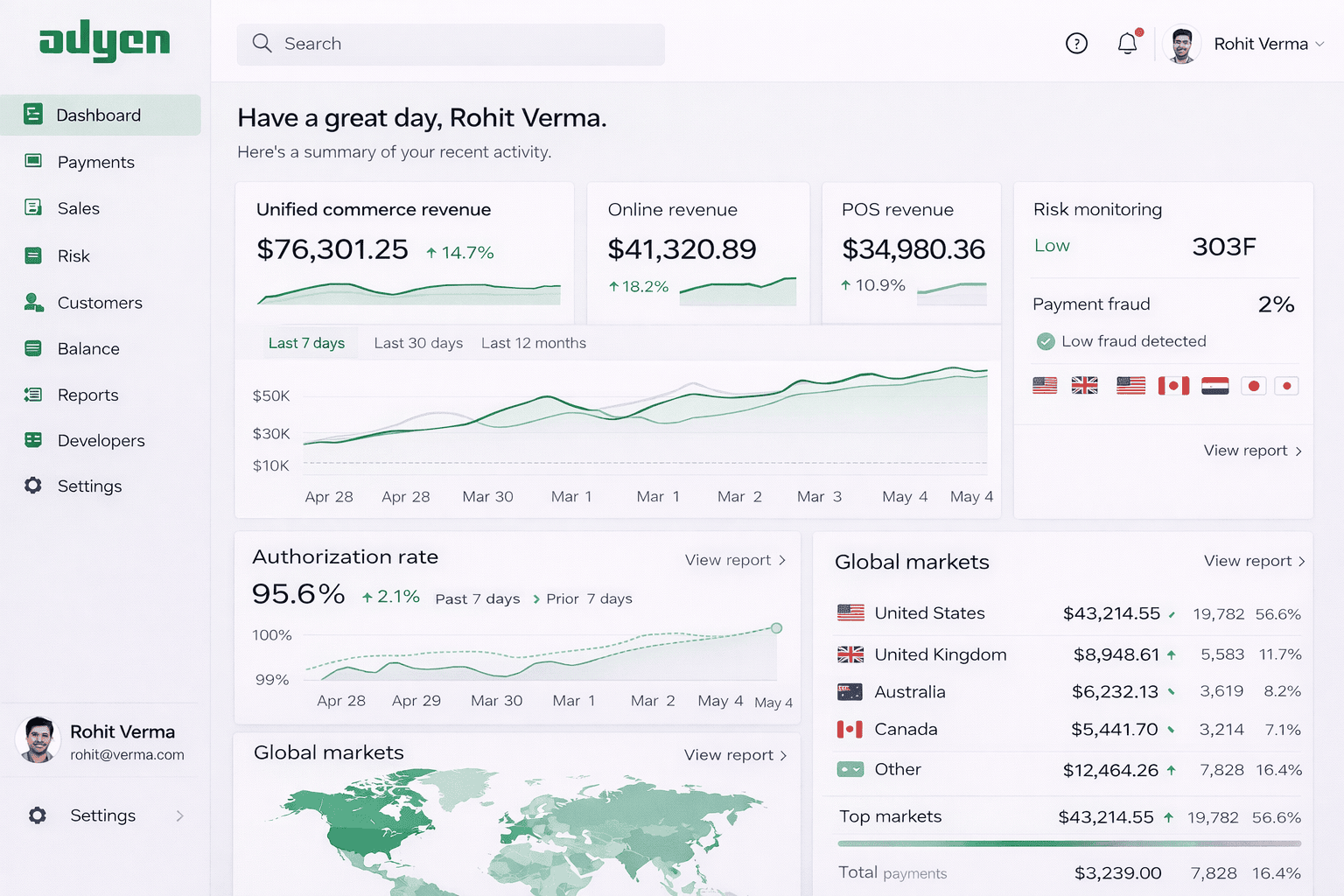
Adyen is a Dutch-founded unified commerce platform used by Uber, Spotify, and eBay. It connects online, in-app, and in-store payments through a single platform with direct card scheme connections globally.
| Fee type | Rate |
|---|---|
| Processing fee | €0.11 per transaction |
| Visa/Mastercard markup | Interchange + 0.6% + $0.13 |
| High-volume markup | As low as 0.25% + $0.10 |
| Minimum monthly invoice | ~€1,000 |
| Monthly fee | $0 |
Adyen uses interchange-plus pricing, which means full transparency on exactly what you pay. At high volumes, the effective rate drops significantly below flat-rate processors. The ~€1,000 minimum monthly invoice makes it a non-starter for small businesses.
Key features: RevenueProtect AI-powered fraud detection. RevenueAccelerate for optimizing authorization rates. Smart routing and local acquiring. 250+ payment methods across 200+ countries. POS terminals for in-store. Extensive developer documentation.
Integrations: Shopify, WooCommerce, BigCommerce, Magento, Salesforce Commerce Cloud, Oracle, SAP Hybris.
What users say: G2 reviewers rate Adyen 4.3/5 and consistently praise the technology and global payment coverage. The main complaint is that pricing is complex and difficult to forecast.
Pros:
- Transparent pricing: Interchange-plus model shows exactly what goes where
- Best-in-class technology: Superior fraud detection and authorization optimization at scale
- True omnichannel: Online, in-app, and in-store payments unified in one platform
- Volume savings: Effective rates drop significantly as transaction volume grows
Cons:
- Not for small businesses: The ~€1,000 minimum monthly invoice rules out low-volume merchants
- Complex pricing: Interchange-plus costs are harder to predict than flat-rate processing
- Steep learning curve: Requires technical expertise to set up and manage properly
Best for: Large enterprises and high-volume merchants processing $100K+ per month who want unified omnichannel payments with best-in-class technology.
8. Payoneer: best for marketplace sellers and freelancers
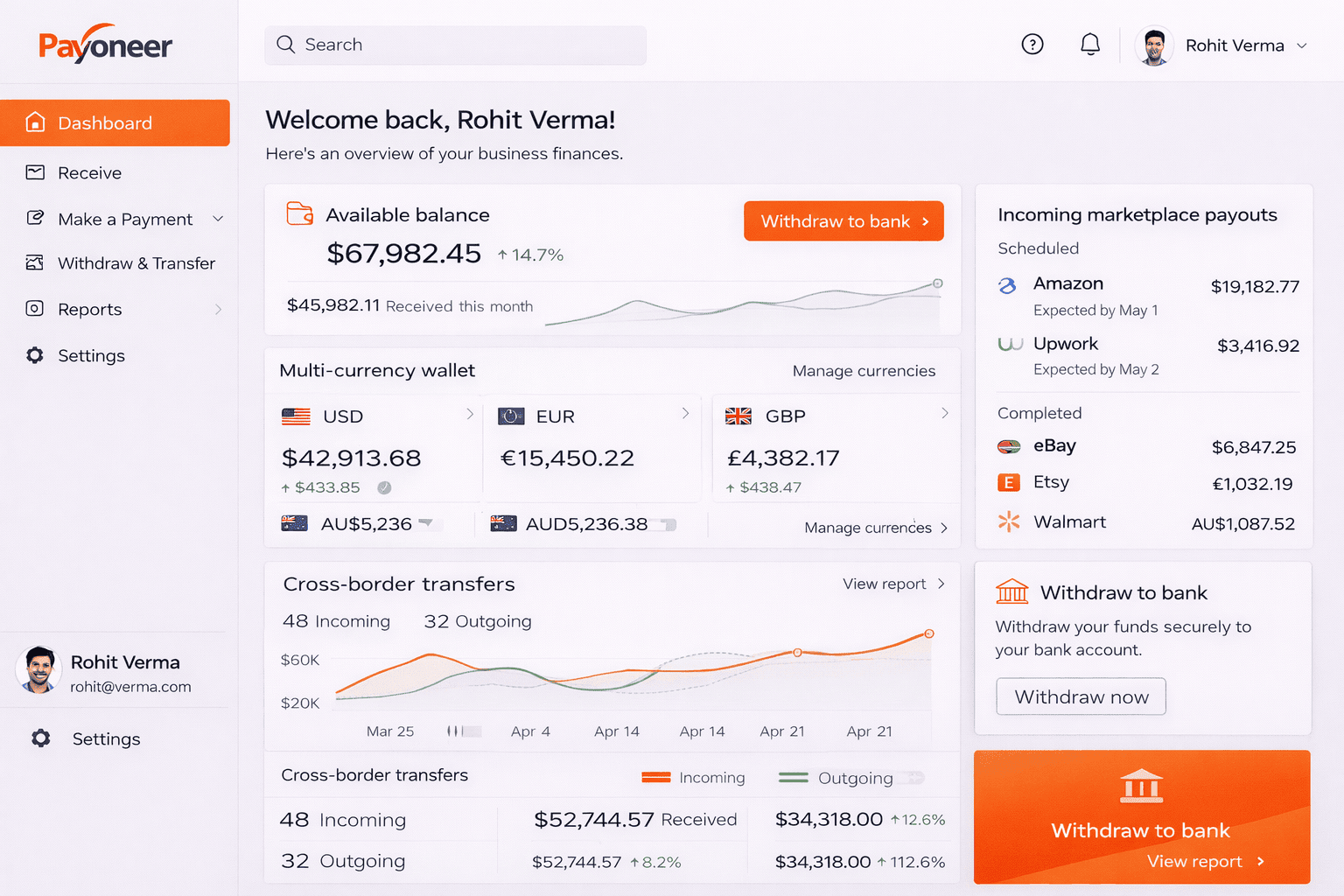
Payoneer is a fintech platform built for cross-border payments, particularly for sellers on Amazon, eBay, Walmart, and freelancers on Upwork and Fiverr.
| Fee type | Rate |
|---|---|
| Account registration | Free |
| Annual fee | $29.95 (waived above $6K/year received) |
| Marketplace receipts | 0% to 1% (varies by platform) |
| Credit card payment requests | Up to 3.99% + $0.49 |
| Currency conversion | Up to 2% above mid-market rate |
| Bank transfer fee | $1.50 flat (under $50K/month) |
Payoneer is not a traditional checkout gateway. It is primarily a payout and cross-border payment platform. Most sellers use it alongside a payment processor rather than instead of one.
Key features: Multi-currency receiving accounts in USD, EUR, GBP, AUD, CAD, JPY, HKD, and SGD. Direct integrations with Amazon, eBay, Walmart, Fiverr, Upwork, Wish, and Airbnb. Payoneer Commercial Mastercard. Batch payments to up to 200 recipients. Working capital advances.
Integrations: Amazon, eBay, Walmart, Fiverr, Upwork. Shopify and WooCommerce for payouts only, not as a checkout gateway.
What users say: G2 reviewers rate Payoneer 4.5/5 and value its marketplace integrations and multi-currency accounts. Account blocking and slow support during issues are the most common frustrations.
Pros:
- Marketplace native: Direct integrations with Amazon, eBay, Walmart, and major freelance platforms
- Multi-currency accounts: Receive payments like a local in 8+ currencies
- Low marketplace fees: 0% to 1% on most major marketplace receipts
- Global coverage: Operates in 200+ countries and territories
Cons:
- Not a checkout gateway: Cannot replace a payment processor for storefront transactions
- FX markup: Up to 2% above mid-market rate is higher than Wise
- Annual fee for low-volume users: $29.95/year applies if you receive less than $6K annually
Best for: Amazon and eBay marketplace sellers and international freelancers who need to receive cross-border payments cheaply across multiple currencies.
9. Skrill: best for high-risk and European merchants
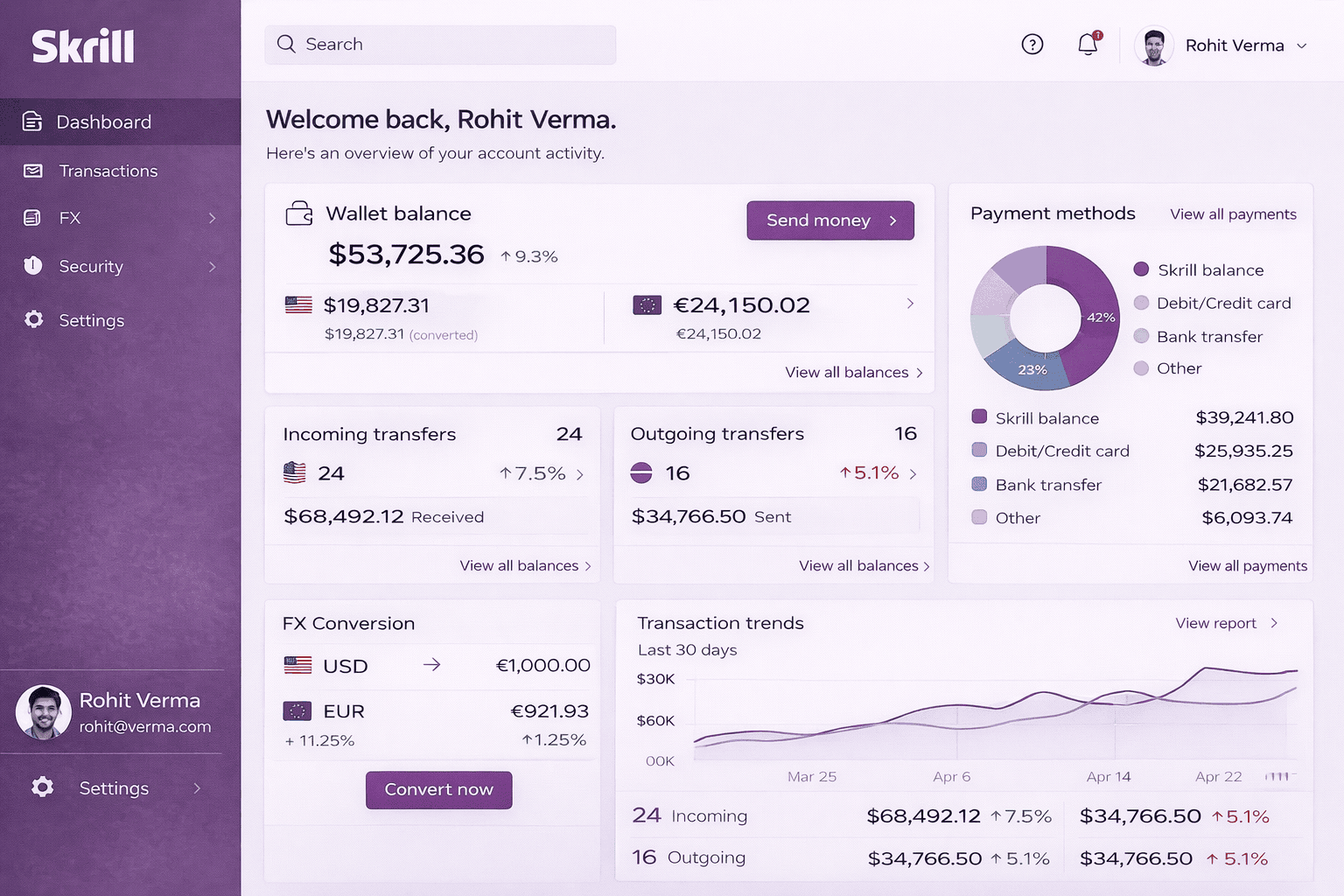
Skrill is a digital wallet and merchant payment gateway operating in 200+ countries. It serves industries that PayPal and Stripe routinely decline.
| Fee type | Rate |
|---|---|
| Merchant transaction fee | ~1.9% + €0.29 (new merchants) |
| Currency conversion | 3.99% above Skrill rate |
| Deposit fee | 1% per deposit |
| Bank withdrawal | ~€5.50 fixed |
| Chargeback fee | $30 / €25 |
| Inactivity fee | $5/month after 12 months |
| Monthly fee | $0 |
Skrill fills a specific gap. If you run a business in gaming, gambling, forex, or other high-risk categories, Skrill will take you when most major processors will not. That is its clearest value proposition.
Key features: Quick Checkout hosted payment page with 100+ local payment methods. Skrill 1-Tap for one-click repeat payments. Pay by Bank instant transfer via 3,000+ banks. Cryptocurrency withdrawals. PCI DSS Level 1 compliant. Plugins for 22+ eCommerce platforms.
Integrations: Shopify, WooCommerce, Magento, PrestaShop, OpenCart, BigCommerce, Wix.
What users say: Trustpilot shows 2.6/5 across 23,000+ reviews. Users in high-risk industries value the access Skrill provides. Common complaints are lack of pricing transparency, high FX fees, and slow customer service.
Pros:
- High-risk acceptance: Serves industries that Stripe, Square, and PayPal decline
- European local payments: 100+ local payment methods across Europe
- Broad platform support: Plugins available for 22+ eCommerce platforms
- No monthly fee: Zero ongoing cost on the standard merchant plan
Cons:
- High FX fees: 3.99% currency conversion fee is significantly above competitors
- Inactivity fee: $5/month kicks in after 12 months of no activity
- Weak support reputation: 2.6/5 on Trustpilot reflects widespread service complaints
Best for: European eCommerce merchants and businesses in high-risk industries that need payment processing options unavailable through mainstream processors.
10. Wise: best for international transfers and multi-currency businesses
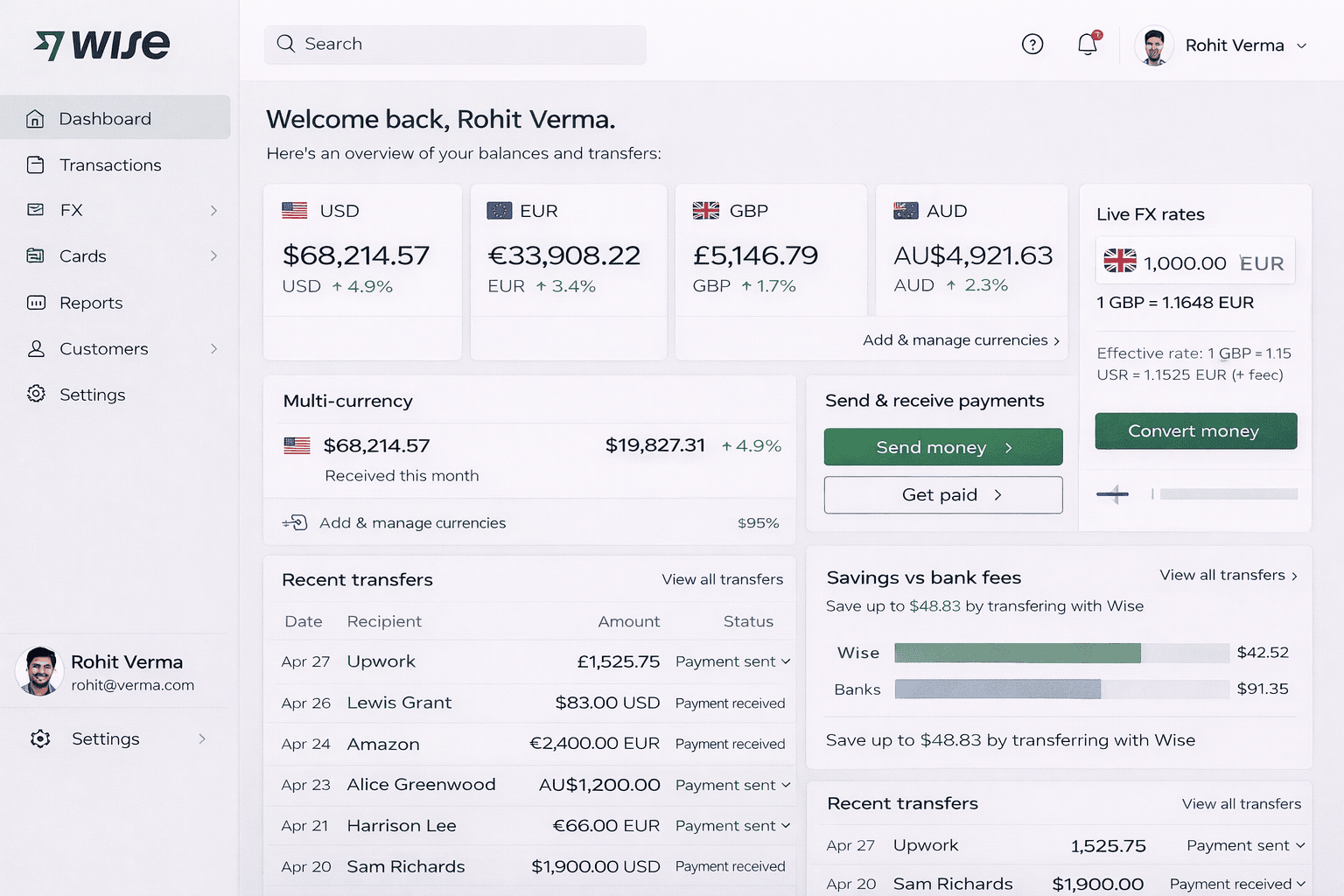
Wise is a specialist in low-cost international money transfers and multi-currency business accounts. It uses the mid-market exchange rate with no hidden markup.
| Fee type | Rate |
|---|---|
| Account setup | One-time ~$31 |
| Monthly fee | $0 |
| Currency conversion | From 0.33% to 0.41% |
| Receiving via SEPA/BACS | Free |
| Volume discount threshold | Auto-applied above $25K/month |
Wise is not a checkout payment gateway. It is a money transfer and multi-currency account tool used alongside a payment processor. Its main edge over PayPal and every other tool on this list is the exchange rate. You get the real mid-market rate with a small transparent fee. No markup buried in the conversion.
Key features: Multi-currency account holding 40+ currencies with local bank details in 9+ currencies. Wise Business Card with team cards and spending limits. Batch payments to up to 1,000 recipients in one click. Xero and QuickBooks integrations. Fully transparent fee structure.
Integrations: Xero, QuickBooks, Zapier. Not a checkout gateway for Shopify, WooCommerce, or BigCommerce. Can receive Amazon marketplace payouts.
What users say: Trustpilot reviewers rate Wise 4.3/5 across 250,000+ reviews — one of the strongest ratings of any fintech platform. Users consistently praise the exchange rates and transparency. Occasional account freezes and slow verification for large transfers are the main complaints.
Pros:
- Best exchange rates: Mid-market rate with a small transparent fee beats every bank and most processors
- Transparent pricing: No hidden FX markup anywhere in the fee structure
- Strong reputation: 4.3/5 across 250,000+ Trustpilot reviews
- Multi-currency accounts: Hold and manage 40+ currencies with local bank details
Cons:
- Not a checkout gateway: Cannot replace a payment processor for storefront or cart transactions
- Occasional freezes: Account verification delays reported for large or unusual transfers
- Setup fee: One-time ~$31 account setup cost applies
Best for: eCommerce businesses paying international suppliers, receiving marketplace payouts in multiple currencies, or managing cross-border operations where exchange rates matter.
11. Helcim: best for cost-conscious US and Canadian businesses
Helcim is a Canadian fintech providing interchange-plus payment processing for US and Canadian businesses with no monthly fees and automatic volume discounts.
| Fee type | Rate |
|---|---|
| Online credit card | Interchange + 0.50% + $0.25 |
| In-person credit card | Interchange + 0.40% + $0.08 |
| ACH/EFT | 0.5% + $0.25 (capped at $6) |
| Chargeback fee | $0 |
| Monthly fee | $0 |
| Cancellation fee | $0 |
Helcim’s typical total cost lands around 1.7% to 3.5% depending on card type. That beats flat-rate processors like PayPal and Stripe for businesses processing $5,000 or more per month. Volume discounts apply automatically as you grow — no negotiation required.
Key features: Interchange-plus pricing with automatic volume discounts across 5 tiers. Free POS app. Free invoicing and virtual terminal. Free recurring payments. Helcim Fee Saver lets you pass processing fees to customers for zero-cost processing. Tap to Pay on iPhone. QuickBooks and Xero integration.
Integrations: WooCommerce, QuickBooks, Xero, Foxy.io, Custom API. No native Shopify plugin. US and Canada only.
What users say: NerdWallet recommends Helcim as a top pick for interchange-plus pricing. G2 reviewers rate it 3.7/5 and value the pricing transparency and customer support. Limited eCommerce integrations are the most cited frustration.
Pros:
- Lowest effective rates: Interchange-plus pricing with auto volume discounts saves money vs flat-rate processors
- Zero extra fees: No monthly, setup, PCI, cancellation, or chargeback fees
- Free business tools: POS, invoicing, virtual terminal, and recurring payments all included
- Transparent pricing: Interchange-plus shows exactly what you pay and why
Cons:
- Limited integrations: No native Shopify or BigCommerce plugin limits eCommerce compatibility
- US and Canada only: Not an option for businesses outside North America
- Unpredictable costs: Interchange-plus rates vary by card type and are harder to forecast than flat rate
Best for: Cost-conscious small to mid-sized US and Canadian businesses, especially WooCommerce shops and service businesses processing $5,000 or more per month.
Already using PayPal, Stripe, or Shopify? Fix your reporting with Putler
Switching payment processors solves the fee and freeze problem. It does not solve the reporting problem.
Most processors give you basic transaction logs and stop there. No lifetime value, no churn tracking, no unified view across channels. If you sell on multiple platforms, you are still piecing data together by hand.
Putler fixes that. It connects to PayPal, Stripe, Shopify, WooCommerce, Etsy, Amazon, eBay, and 17+ more sources and pulls everything into one clean analytics dashboard. Sales, products, customers, subscriptions, forecasting — all in one place.
Here is what that looks like in practice:
- Automatically segments your customers into 11 RFM groups so you know exactly who to target
- Lets you connect multiple PayPal accounts and view them together in one place
- Lets your team issue refunds in 5 seconds directly from the dashboard, no PayPal login needed
- Deduplicates transactions across sources so your numbers stay accurate
Pricing starts at $20/month. First month is $1. 14-day free trial, no credit card required.
- PayPal Reporting: What It Covers and Where It Falls Short
- Stripe Reporting: How to Get Deeper Insights from Your Payments
- Multi-Channel Analytics: How to Unify Your eCommerce Data
- RFM Analysis: How to Segment Your Customers and Grow Revenue
- The eCommerce Metrics That Actually Matter for Growing Stores