

You open Shopify and it shows $11,200 in revenue for the day. You open GA4 and it shows $9,500. Same store. Same customers. Same 24 hours.
Most merchants assume one of them is broken. Neither is.
This is one of the most common points of confusion when comparing Shopify analytics vs GA4, and it happens to virtually everyone who runs both platforms side by side.
The numbers don’t match because Shopify and GA4 are not measuring the same thing. They never were.
This article breaks down the difference across every dimension that matters. By the end, you’ll know exactly what each platform is good for and how to use them together without second-guessing every number you see.
They’re built for completely different jobs
Before you start comparing, you need to understand that these two platforms were never designed to compete with each other.
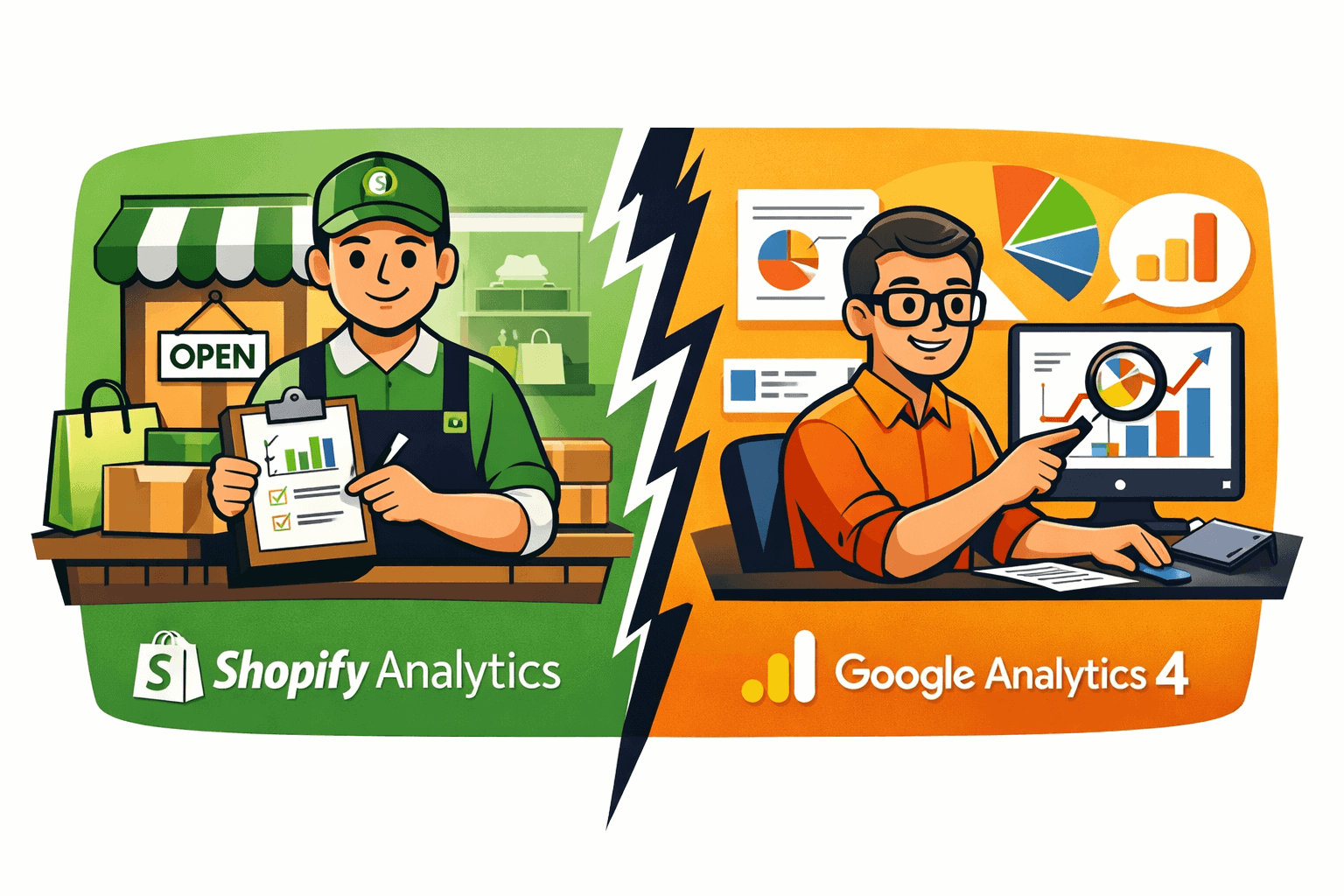
The difference between Shopify Analytics and GA4 starts at the architecture level, and that’s exactly why the numbers always diverge.
What Shopify Analytics is actually designed to do
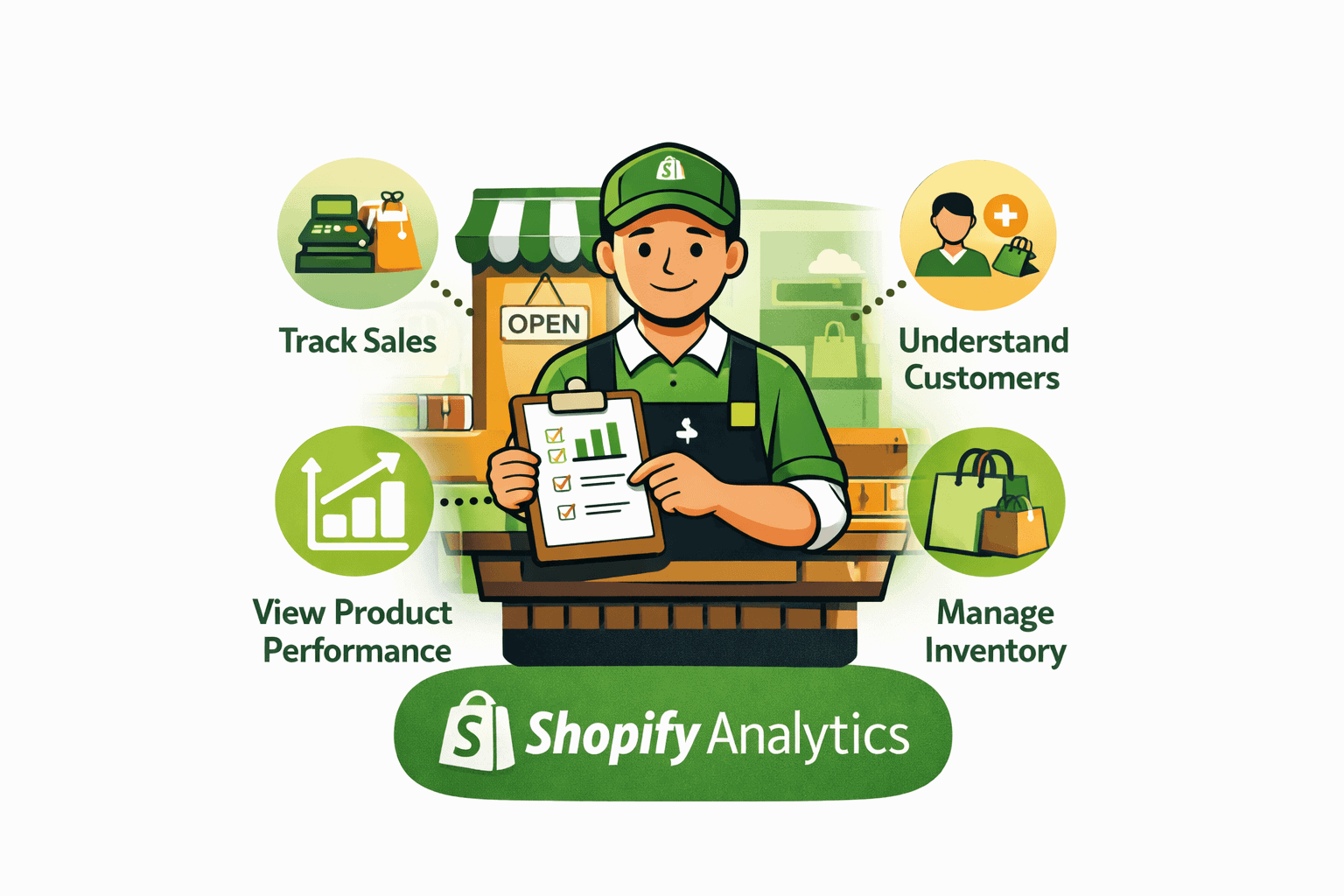
Shopify Analytics is built into every Shopify store by default. No setup, no code, no configuration. The moment your store goes live, it starts recording data.
Shopify captures transactions directly at the server level. When a customer completes a purchase, Shopify knows about it instantly because the order lives in Shopify’s own database, not in a browser script. Ad blockers can’t touch it. Cookie consent banners don’t affect it. It’s built to answer:
- How much revenue did you make today?
- Which products are selling and which aren’t?
- What’s your average order value and conversion rate?
- Who are your best customers and how often do they return?
- How is your inventory performing?
Think of it as your store’s internal accountant. Accurate, always on, and entirely focused on what happens inside your four walls.
What GA4 is actually designed to do
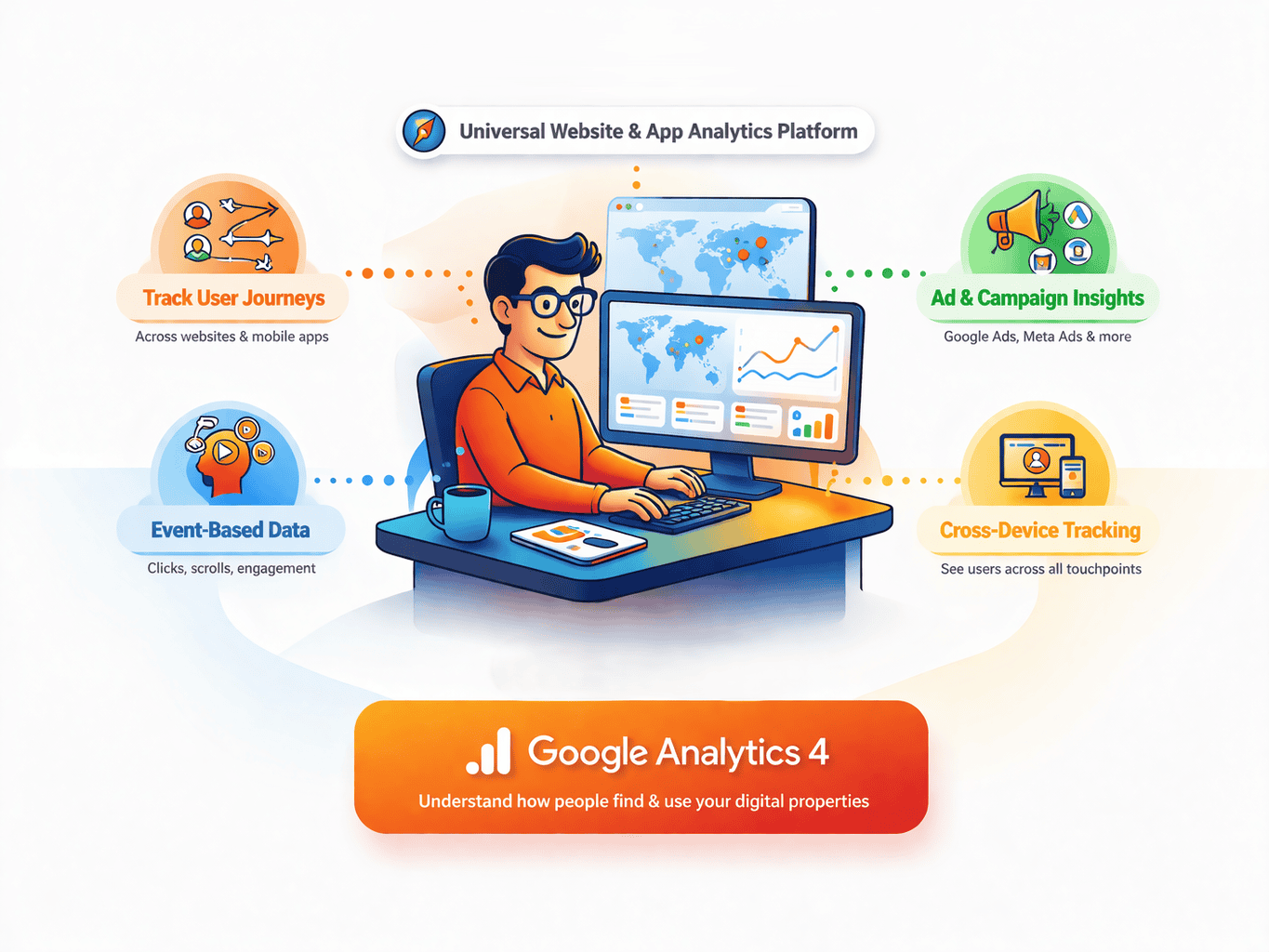
GA4 is a behavioral analytics platform. It doesn’t live inside your store. It sits in the user’s browser, watching what visitors do from the moment they land on your site until they leave.
Every click, scroll, page view, add to cart, and checkout step gets recorded as an event. GA4 is built to answer the questions Shopify simply can’t:
- Where did this visitor come from?
- Which campaign or channel influenced the sale?
- What did they look at before buying?
- How many people dropped off at checkout and at which step?
- How do users behave across different devices?
That visibility comes with a tradeoff. GA4 depends entirely on JavaScript running successfully in the customer’s browser. If someone uses an ad blocker, rejects cookie consent, or browses on Safari with privacy restrictions enabled, GA4 loses that data. The purchase might still happen and Shopify will record it. GA4 won’t.
Shopify Analytics vs GA4 comparison: feature by feature
Now that you know what each platform is built for, here’s how they stack up on the features that actually matter to store owners and marketers.
Where Shopify Analytics has the edge
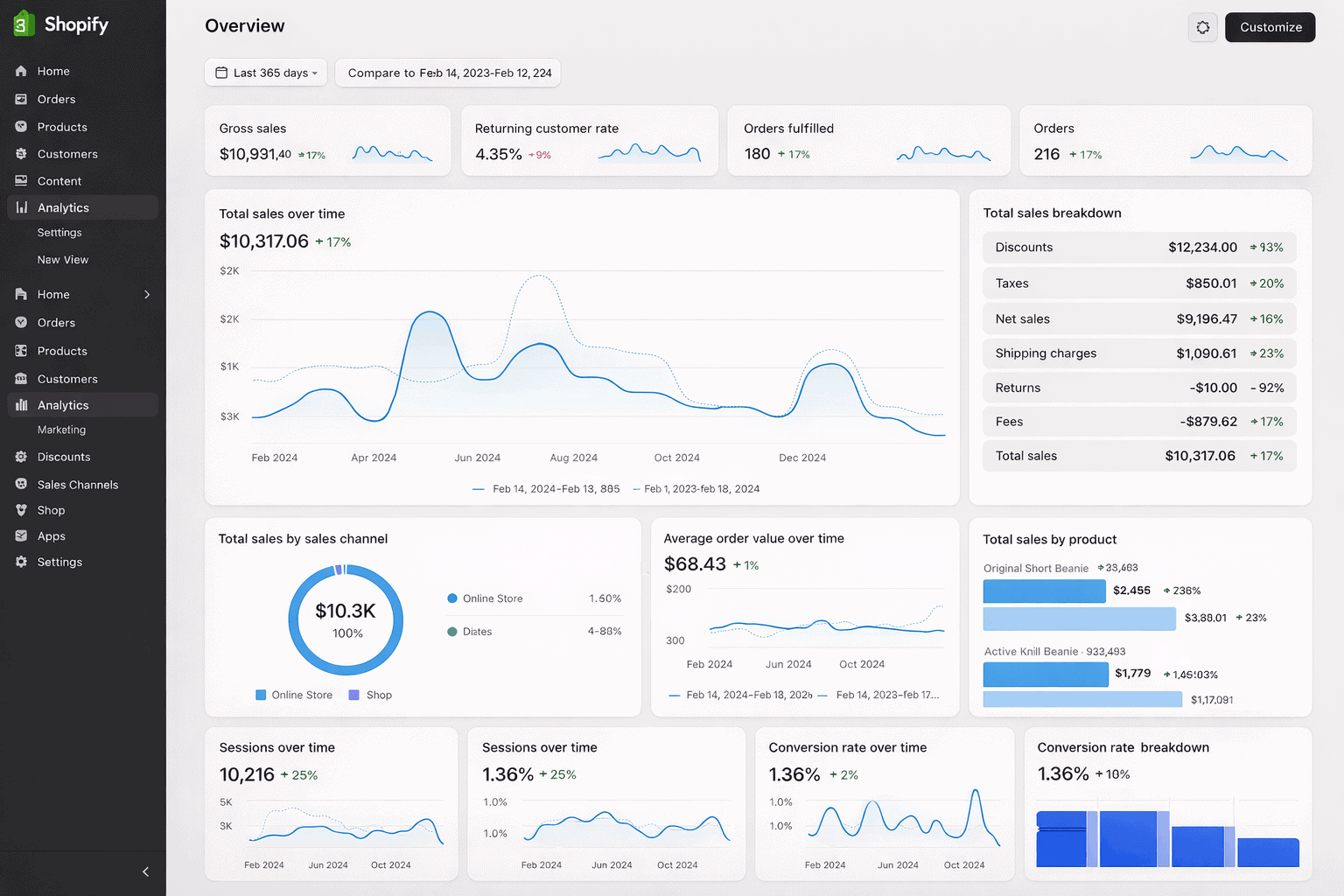
Revenue and order reports: Shopify pulls sales data directly from confirmed transactions, making it the most accurate source for revenue, refunds, AOV, and order volume. No tag needs to fire, no browser needs to cooperate.
Inventory reporting: Tracks stock levels, sell-through rates, ABC inventory analysis, and month-end snapshots in real time. GA4 has zero inventory visibility.
Customer reports with built-in RFM: Shopify natively scores customers on recency, frequency, and monetary value, automatically grouping them into segments like Champions, Loyal, At Risk, and Dormant. It’s basic compared to dedicated RFM apps but genuinely useful for retention without any extra setup.
Financial reports: Covers taxes, payment providers, gift cards, shipping revenue, and net sales breakdowns. Everything your accountant needs lives in one place.
Profit reporting: Shopify has a native Profit Report that calculates gross profit by product, SKU, and channel once you enter cost per item. Worth noting this is available on Shopify plan and above, not Basic.
Real-time sales data: Shopify’s Live View dashboard refreshes continuously. You can watch active visitors, pages being viewed, and orders landing in real time during a product launch or flash sale, with zero processing delay.
Product performance reports: See units sold, gross revenue, return rates, and conversion rates broken down by individual product and variant. The Winter 2025 update also added bundle performance reporting that tracks how product bundles compare to individual SKUs.
Repeat customer and cohort data: Shopify tracks returning customer rate, first vs repeat purchase behavior, and customer lifetime value natively without any custom setup.
Benchmark comparisons: Shopify Benchmarks lets you compare your store’s conversion rate, AOV, and other key metrics against similar stores in your country and category. GA4 has nothing equivalent.
POS and retail integration: If you sell in person, Shopify unifies online and offline sales data in one dashboard. GA4 tracks web behavior only.
Zero setup: Every Shopify plan gets analytics from day one. No tagging, no configuration, no developer required.
ShopifyQL: On Shopify Plus, merchants can query store data using a SQL-like language for fully custom reports. The Winter 2025 update made this accessible directly from within any report view.
Where GA4 has the edge
Traffic source tracking: GA4 accurately identifies where visitors came from: organic search, paid ads, email, social, referral, and direct. Shopify’s traffic attribution is unreliable by comparison, with studies showing up to 40% of traffic incorrectly labelled as Direct.
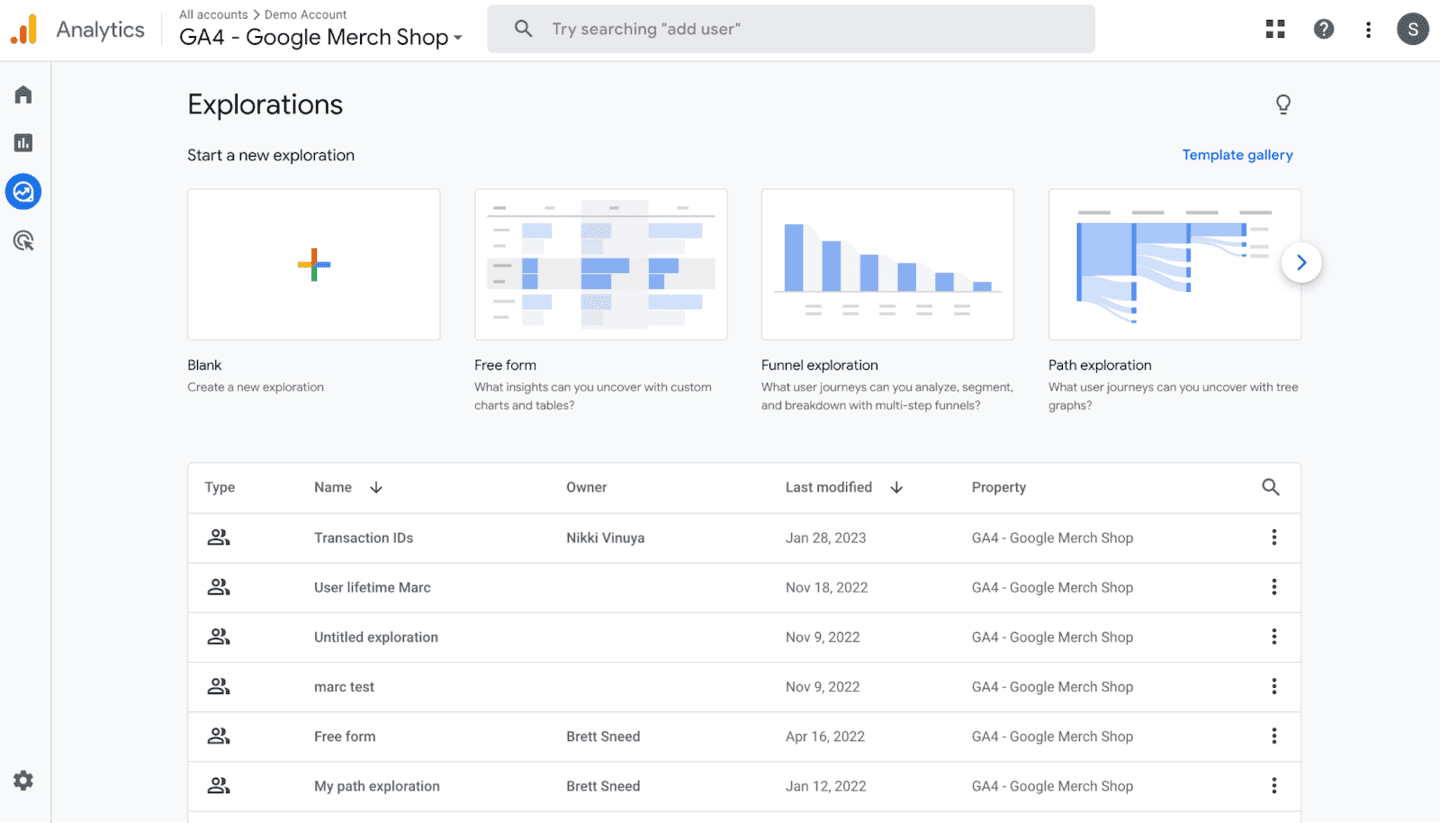
Funnel and path analysis: Build custom funnels to see exactly where users drop off between the landing page and purchase. Path exploration shows the most common routes visitors take through your site. Shopify has no equivalent of either.
Cross-device tracking: A user who browses on mobile and buys on desktop gets stitched together in GA4. Shopify treats them as two completely separate sessions.
Campaign performance: GA4 integrates directly with Google Ads and Search Console, making it the essential tool for measuring paid search and organic SEO ROI in a single place.
Multi-touch attribution: GA4’s data-driven attribution model distributes conversion credit across multiple touchpoints using machine learning, giving a far more accurate picture of what actually influenced a sale compared to Shopify’s last-click only model.
Granular eCommerce event tracking: GA4 tracks every step of the shopping journey, from product views and add to cart actions all the way through checkout and purchase, including details like which product, what price, and what category.
Audience building and remarketing: Create highly specific audiences based on behavioral data and push them directly to Google Ads campaigns. Shopify cannot do this natively.
Predictive analytics: GA4 uses machine learning to forecast purchase probability, churn likelihood, and predicted revenue for your audience segments. It improves the longer it runs on your store’s data.
Engagement metrics: GA4 tracks bounce rate, engagement rate, average engagement time, and scroll depth. Shopify tracks none of these.
Content and blog analytics: GA4 is the only way to measure which blog posts drive traffic, how long visitors read, and whether your content actually converts. Shopify has no content analytics whatsoever.
Free BigQuery export: Raw event-level data exported to BigQuery at no cost, giving data teams full SQL access to every user interaction your store generates.
Custom dimensions and metrics: GA4 supports up to 50 event-scoped custom dimensions and 50 custom metrics per property, giving you near-unlimited flexibility to track data points specific to your business.
Exploration reports: The Explorations module lets you build freeform analysis, cohort tables, user lifetime reports, segment overlap, and funnel explorations that go far beyond anything in Shopify’s reporting suite.
Google Ads integration: GA4 audiences sync directly with Google Ads for remarketing, and GA4 imports conversions into your ad account to power Smart Bidding. For any store running Google Ads, this integration alone makes GA4 non-negotiable.
Shopify wins on commerce accuracy, financial reporting, and operational depth. GA4 wins on marketing intelligence, behavioral analysis, and everything that happens before someone decides to buy.
Why your numbers never match (and why that’s normal)
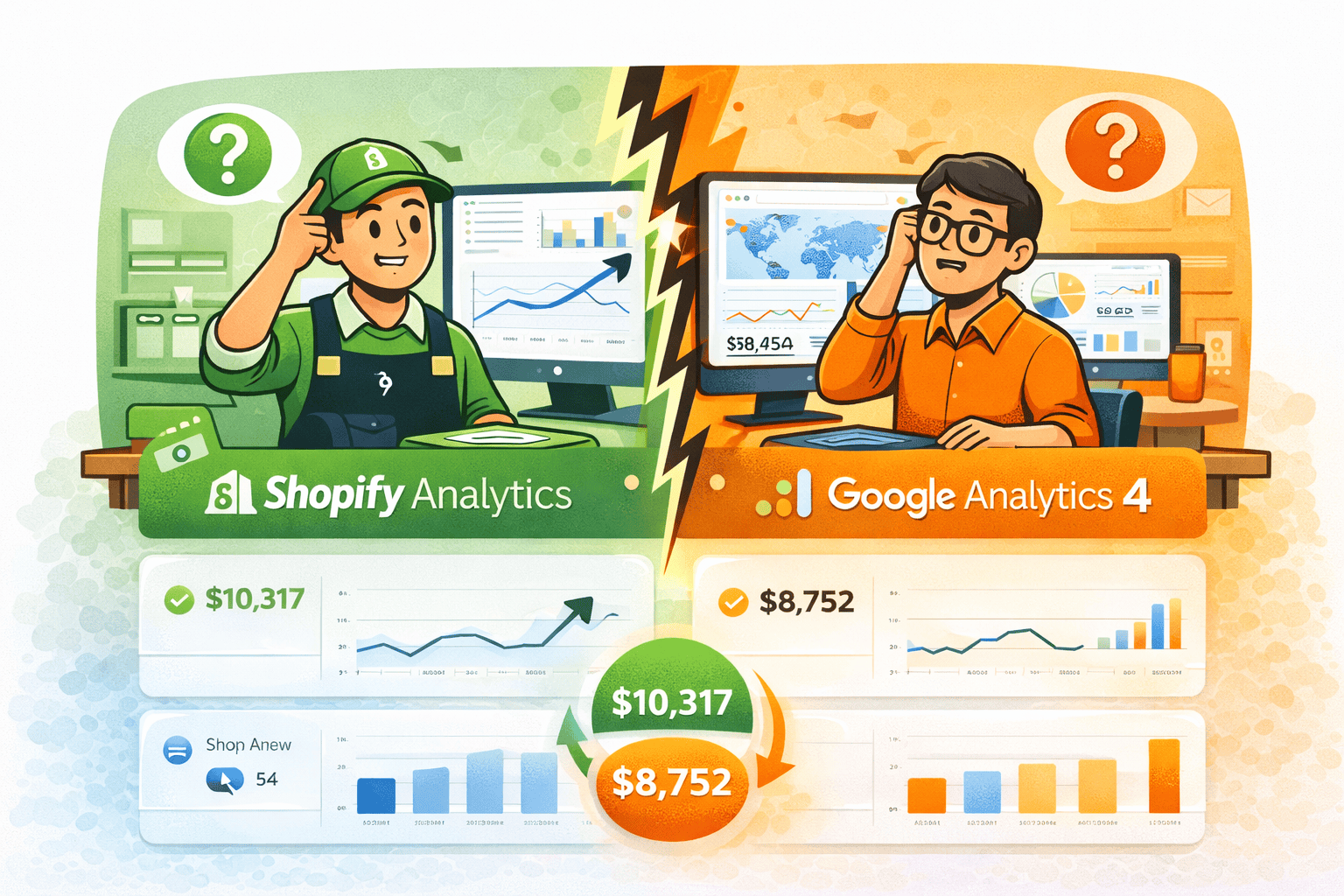
Here’s something most analytics guides won’t tell you upfront: a 10 to 20% gap between Shopify and GA4 is completely expected. It’s not a bug. It’s not a misconfiguration. It’s a structural consequence of how each platform collects data.
Server-side vs client-side tracking: the root cause
Think of it this way. Shopify is like a cash register. Every time someone pays, the register records it instantly regardless of what’s happening outside the store.
GA4 is more like a survey handed to customers on their way out. Most people fill it in. But some ignore it, some lose it, and some never even receive it.
Shopify records transactions on its own servers the moment an order is confirmed. Nothing can interfere with that. GA4 records data through a JavaScript tag running in the customer’s browser, and a lot can go wrong between checkout completion and that tag firing successfully.
Ad blockers silently kill GA4 data: Roughly 29.5% of internet users globally use ad blockers, and most of them block GA4’s tracking script entirely. Those users shop, browse, and buy on your store without ever appearing in GA4. Shopify records every one of their orders. GA4 sees nothing.
Cookie consent wipes out a surprising chunk of visitors: Under GDPR and similar privacy laws, users can reject analytics tracking entirely. When they do, GA4 stops collecting their data immediately. Studies show consent rejection rates average 36% globally, and can reach 60% or higher when a clear “Reject all” button is visible. Every one of those rejected visitors is invisible to GA4 for the rest of their session, even if they go on to make a purchase.
How each platform counts sessions differently: Shopify resets sessions at midnight UTC, so a visitor active across midnight becomes two sessions in Shopify but one in GA4. Shopify also sometimes counts server-side events like add to cart as new sessions, inflating its session count. GA4 groups all actions within a 30-minute window into a single session and ignores page refreshes entirely, which is why GA4 typically reports fewer sessions but more accurate ones.
Payment gateways that break GA4 tracking: When a customer pays through PayPal, Klarna, or another off-site payment method, they leave your store domain to complete the transaction and return to a confirmation page. That redirect frequently breaks GA4’s tracking chain. Studies estimate around 10% of PayPal purchases never register in GA4 because the return redirect fails. Shop Pay and Apple Pay can cause similar issues with default GA4 setups.
The revenue gap explained: Even when GA4 does record a purchase, the revenue figure often differs from Shopify’s. Shopify may include taxes and shipping in its gross sales figure by default. GA4 only tracks what your tag sends it, which may exclude taxes, shipping, or both depending on your configuration. Add in currency conversion differences if you have international customers, and a gap of several percentage points is almost guaranteed even with perfect tracking.
Shopify Analytics vs GA4: attribution is where the real confusion begins
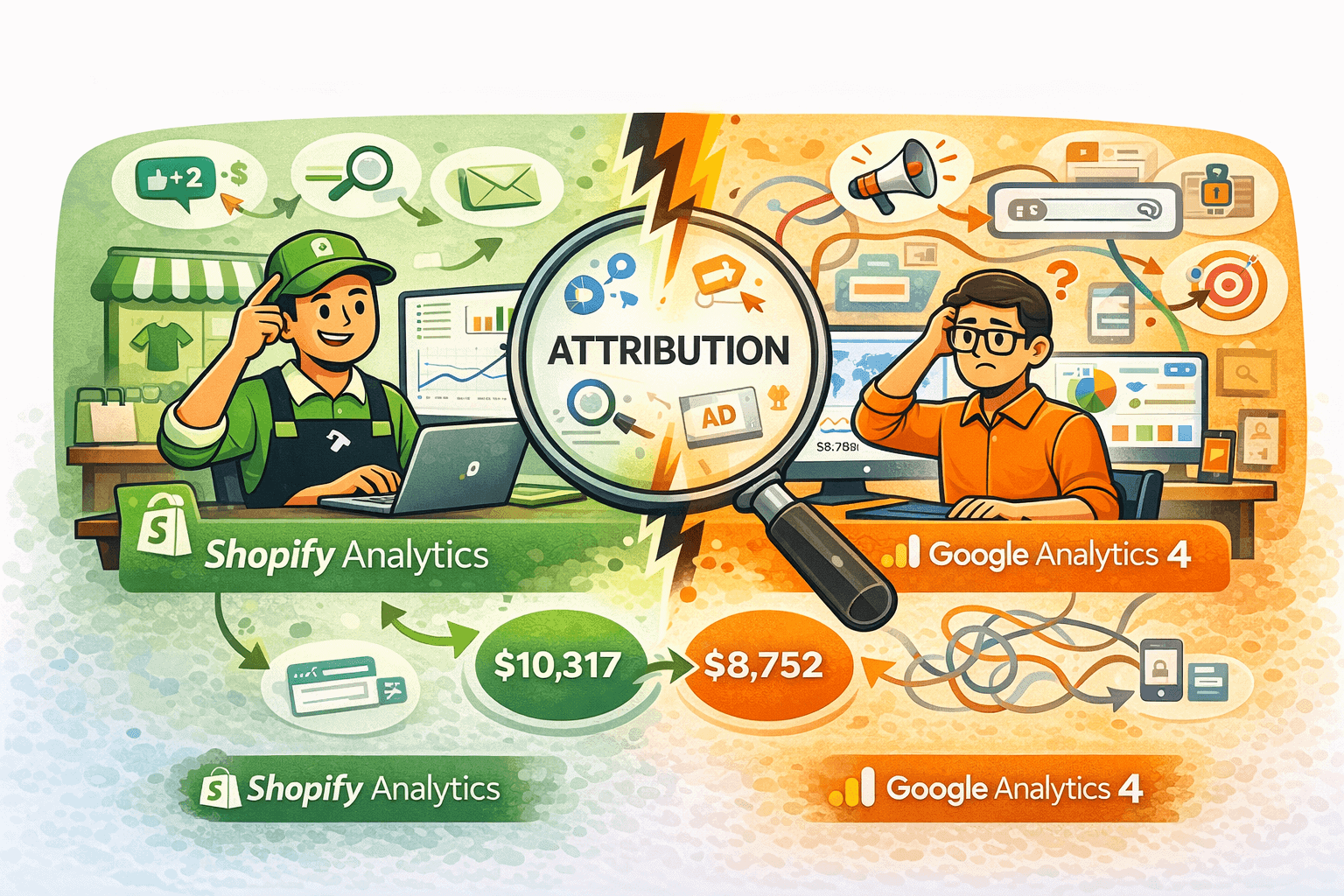
Revenue discrepancies are frustrating. Attribution discrepancies are expensive.
When you don’t know which channel actually drove a sale, you make the wrong call on where to spend your budget. You cut the campaign that was quietly doing the heavy lifting. You scale the one that just happened to be the last touch.
How Shopify attributes sales: Shopify uses last-click attribution with a 30-day lookback window. It gives 100% of the credit to the final touchpoint before purchase, and that touchpoint has to be one Shopify can see inside its own ecosystem. A study across 60,000 Shopify stores found 75% of total revenue was attributed to direct traffic in Shopify. That number isn’t real. It’s a reflection of how limited Shopify’s attribution model actually is.
How GA4 attributes conversions: GA4 uses data-driven attribution by default. Instead of giving all the credit to one touchpoint, it uses machine learning to distribute credit across every interaction in the customer journey, up to 50 touchpoints over a 90-day window. This is a fundamentally more accurate picture of how your marketing actually works. It’s also why GA4 often shows your paid channels performing better than Shopify does, because Shopify can’t see what GA4 can.
Shopify Analytics limitations vs GA4
- No pre-purchase visibility: You can’t see what brought a visitor to your store before they arrived.
- Unreliable traffic attribution: Up to 40% of traffic incorrectly shows as Direct.
- No cross-domain tracking: External landing pages or separate domains break the session completely.
- No behavioral metrics: Bounce rate, scroll depth, and engagement time don’t exist in Shopify.
- No funnel visualization: You can see your conversion rate but not where people drop off.
- Plan-gated reporting: Custom reports need Advanced ($399/month). ShopifyQL needs Plus ($2,300+/month).
- No ad platform integration: No Google Ads spend, no Meta ROAS, nothing from any paid channel.
- No content analytics: Blog performance is completely invisible inside Shopify.
- Deleted data is gone permanently: No archive, no recovery, no soft delete.
GA4 eCommerce tracking on Shopify: where it breaks down
- Default integration misses critical events: view_item, add_to_wishlist, refunds, and variant details are all absent out of the box.
- Checkout cross-domain breaks sessions: Without explicit configuration, GA4 treats your checkout as a separate unknown source.
- Accelerated checkouts bypass GA4 entirely: Shop Pay, Apple Pay, and PayPal express frequently skip the purchase event completely.
- Consent Mode v2 compliance is complex: Most basic cookie banners are not fully compliant, leaving EU data gaps.
- iOS restrictions create persistent data loss: Every iPhone browser is affected simultaneously, with no workaround without server-side tracking.
- Data sampling distorts analysis: Explorations above 10 million events show estimates, not real data, with no visible warning.
- 24 to 48 hour processing delay: Standard reports are never real-time.
- Steep learning curve: Most marketers need 3 to 6 months to use GA4 confidently.
When you need more than both
What if you can get the best of both worlds and more?
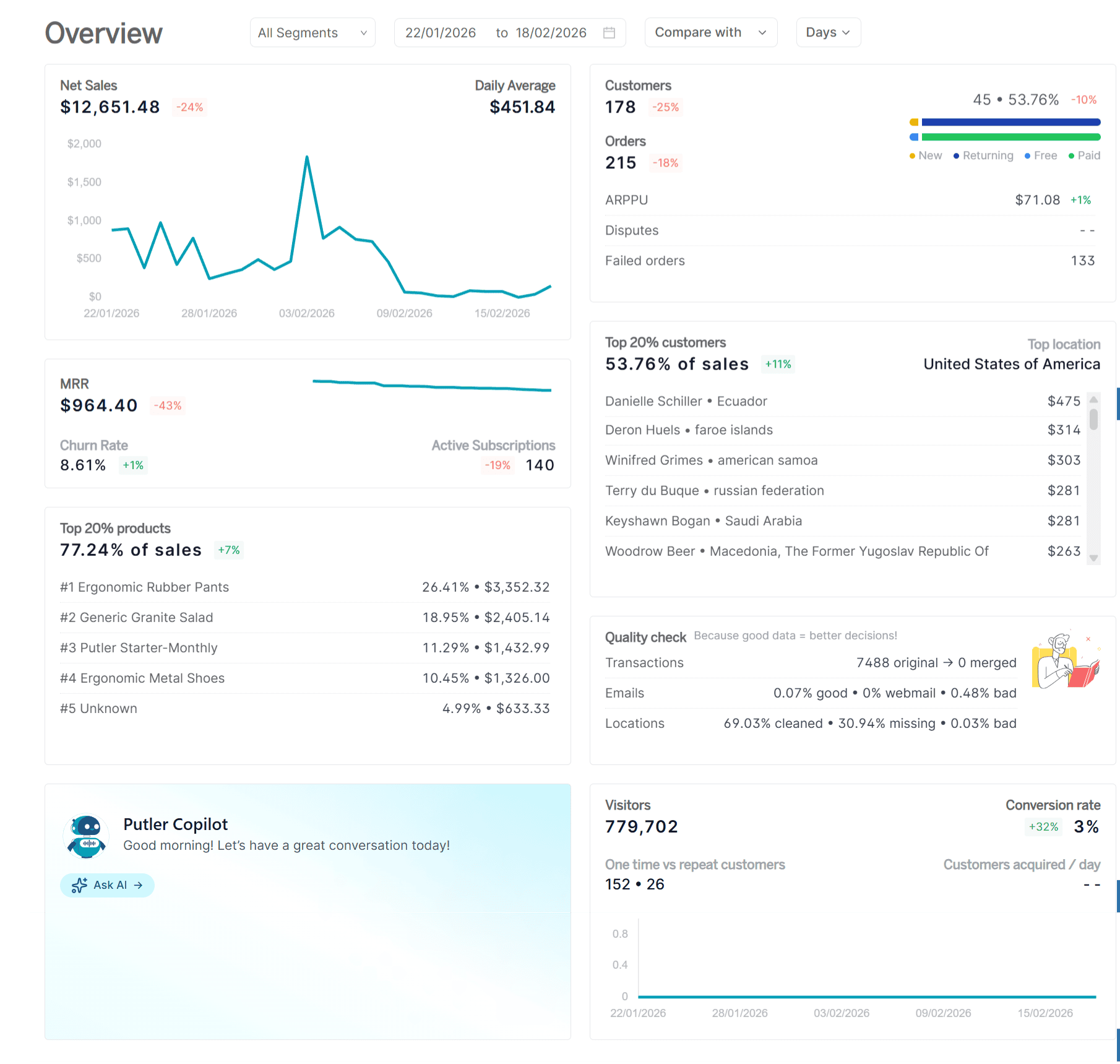
Putler fixes this at the foundation. It connects 17+ sources including Shopify, PayPal, Stripe, Etsy, Amazon, and Google Analytics, then automatically cleans, deduplicates, and reconciles everything into one trusted number. Same transaction in Stripe and Shopify? Counted once. Timezone mismatches? Corrected. Multiple currencies? Auto-converted. One clean picture of your business that none of your individual platforms can give you alone.
Here’s what it does beyond that:
Traffic connected to real revenue: Putler’s eCommerce web analytics links GA and Search Console data to actual transactions. See which pages, sources, and keywords drive sales, not just visits. It also has a built-in cookieless analytics tool that works without GA entirely. No consent banner. No data gaps.
Your actual selling patterns: The sales heatmap shows your best hours and days by revenue across the entire week. Most store owners are surprised. The slot where you’ve been scheduling emails is rarely your peak buying window.
True customer profiles: Putler’s customer profiles unify purchase history across every platform. The customer who bought on Shopify in January and Etsy in March is one person with one lifetime value, not two strangers. RFM segmentation automatically scores your entire base into 11 groups so you know exactly who to target and how.
Cross-channel product intelligence: Product analysis shows which products drive revenue across all platforms combined, plus frequently bought together data for real cross-sell campaigns.
Every transaction in one place: Transaction management brings every sale, refund, and dispute from all payment processors into one feed. You can also process refunds directly from Putler without touching your payment gateway.
One dashboard for everything: The eCommerce dashboard shows revenue, top customers, top products, forecasts, and live activity the moment you log in. The Monday morning reconciliation ritual simply disappears.
It’s not a replacement for Shopify Analytics or GA4. It’s the layer above both platforms that provides clean, consolidated data, customer intelligence, and revenue-related traffic insights that neither platform was built to provide.