
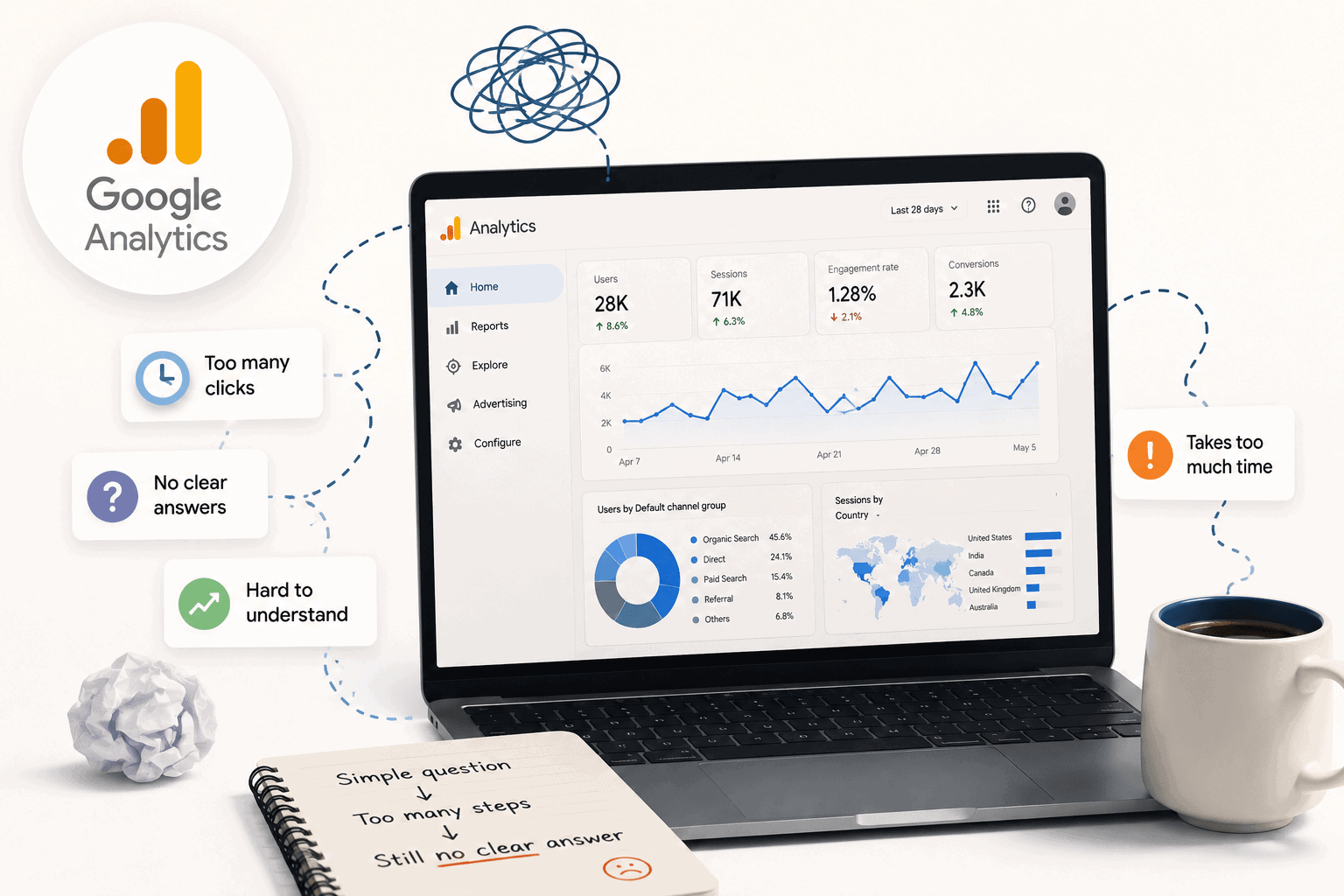
I opened Google Analytics this morning and closed it twenty minutes later.
Sessions down 21%. Revenue down 19%. I clicked through Acquisition, Engagement, Landing Pages. By the time I gave up, I had five facts and zero decisions.
Almost every founder I know does some version of this every week. Open the tab. Click around. Close it. Decide on gut.
I used to think this was on me, that I needed to learn GA4 better. That a Sunday with the documentation would fix it.
It would not. The Google Analytics limitations founders run into are not knowledge gaps. They are baked into what the platform is.
There are eleven of them, clustered into four problems:
- You cannot understand what is happening in the business.
- You cannot figure out what to do about it.
- You cannot easily use the tool without burning half a day.
- You walk away feeling informed when you are not.
Here they are.
The understanding problem
GA4 shows data but doesn’t explain what’s happening in your business.
Before you can act on anything, you have to understand what just happened. These three Google Analytics limitations block you at that first step.
The clarity limitation: GA4 shows data without answers

I open the dashboard. Four numbers go red. Sessions, users, conversion rate, revenue, all down.
I now know something happened. I do not know what it means.
So I click into a report. Find four more numbers. Click again. Find six more. Forty minutes in, I have a pile of facts and not one of them has assembled itself into an answer.
This is not a workflow problem. It is the product. GA4 is a description engine. It tells you what happened. It was never built to tell you what it means.
The interpretation layer does not exist.
The diagnosis limitation: GA4 flags what changed, not why

GA4 has anomaly detection. Sometimes a card pops up: “Sessions in the United States dropped significantly compared to the expected range.”
The first time, it feels like progress. The fifth time, you realise the tool is just shouting something is on fire without pointing at the room.
A real diagnosis asks the next question. Was it the campaign that ended Thursday? The pricing page you shipped Wednesday? A regional outage? A seasonal pattern? A tagging bug?
GA4 will not ask any of those. It flags the anomaly and walks away. All the diagnostic work falls on you.
The context limitation: GA4 doesn’t know what’s happening in your business

A drop in conversion rate means very different things depending on what happened that week:
- If you shipped a new pricing page on Tuesday, the drop is probably the page
- If you paused a high-intent campaign on Wednesday, the drop is probably the campaign
- If a Klaviyo flow misfired on Thursday, the drop is probably the email
- If none of that happened, the drop is probably the market
GA4 does not know any of this. It has no idea what you shipped, paused, broke, or launched. It is staring at a metric and pretending the metric exists in a vacuum.
The direction problem
GA4 doesn’t tell you what matters or what to do next.
Three Google Analytics limitations sit between knowing and acting.
The prioritization limitation: GA4 treats every metric as equally important

Open any GA4 report. Look at what’s on the screen. Sessions, users, engaged sessions, engagement rate, event count, conversion rate, average engagement time, and twenty more.
All in the same font. Same colour. Same weight. Nothing flagged as this is the one that matters this week.
A good analyst would walk in and say, “forget the other six numbers, your add-to-cart rate dropped 9% and that is 80% of the revenue impact.” They would commit to a ranking.
GA4 commits to nothing. It puts every metric on the table and lets you sort them out.
When everything looks important, nothing is.
The actionability limitation: GA4 never tells you what to do next

GA4 will tell you your conversion rate is down. It will not tell you whether the fix is on the landing page, in the checkout flow, or in the ad creative.
It will tell you paid social traffic is dropping. It will not tell you whether to restart the campaign, shift the budget, or wait a week.
In every report, the last mile is missing. The mile that turns a number into a decision.
The dashboard ends at the number. The decision lands on you.
The passivity limitation: GA4 waits for you

GA4 sits inside a browser tab. It does not pick up the phone. It does not send an email. It does not message your Slack saying “look at this today, ignore that other thing.”
Everything else in your work is push-based:
- Your calendar nudges you
- Your email previews the important threads
- Your phone tells you when a flight is delayed
GA4 has plenty to say. It waits silently for you to come find it. Which means most weeks, you do not. By the time you open it again, the move that would have helped has passed.
A tool that knows things but never tells you about them is, functionally, a tool that does not know anything.
The usability problem
GA4 expects you to think like an analyst, not a founder.
Four Google Analytics limitations live here. They are the reason most people quietly give up on the platform.
The overload limitation: GA4 buries you in reports

Open GA4 and count the entry points.
Reports has sub-sections for Realtime, Acquisition, Engagement, Monetization, Retention, Demographics. Each opens into three or four reports. Then there is Explore, Library, Admin, Audiences, Events, Conversions, Segments.
Over a hundred entry points. None flagged as more important than the others.
This is what people mean when they say GA4 is overwhelming. It is not ugly or confusing. It is that the platform presents a hundred doors and asks you to know, somehow, which one to walk through today.
You almost never know. So you open three at random and hope something looks suspicious.
The interpretation limitation: GA4 expects you to speak data

GA4 uses engagement in several different ways:
- Engagement rate
- Engaged sessions
- Average engagement time per session
- Average engagement time per active user
They sound similar. They are not the same. Mixing them up leads to a bad decision.
Then there is user-scoped vs session-scoped dimensions, events vs conversions, key events vs engagement events, primary user ID vs Device ID vs Google Signals.
If you do not know what any of that means, you are not bad at analytics. You are someone whose job is not analytics.
GA4 was built assuming the person reading it speaks the language. It does not translate. A drop in engagement rate from 54% to 49% is presented exactly the same way as a drop in revenue from $80k to $60k. Both red. Both listed. Neither explained.
The time limitation: GA4 takes too long to give you one answer
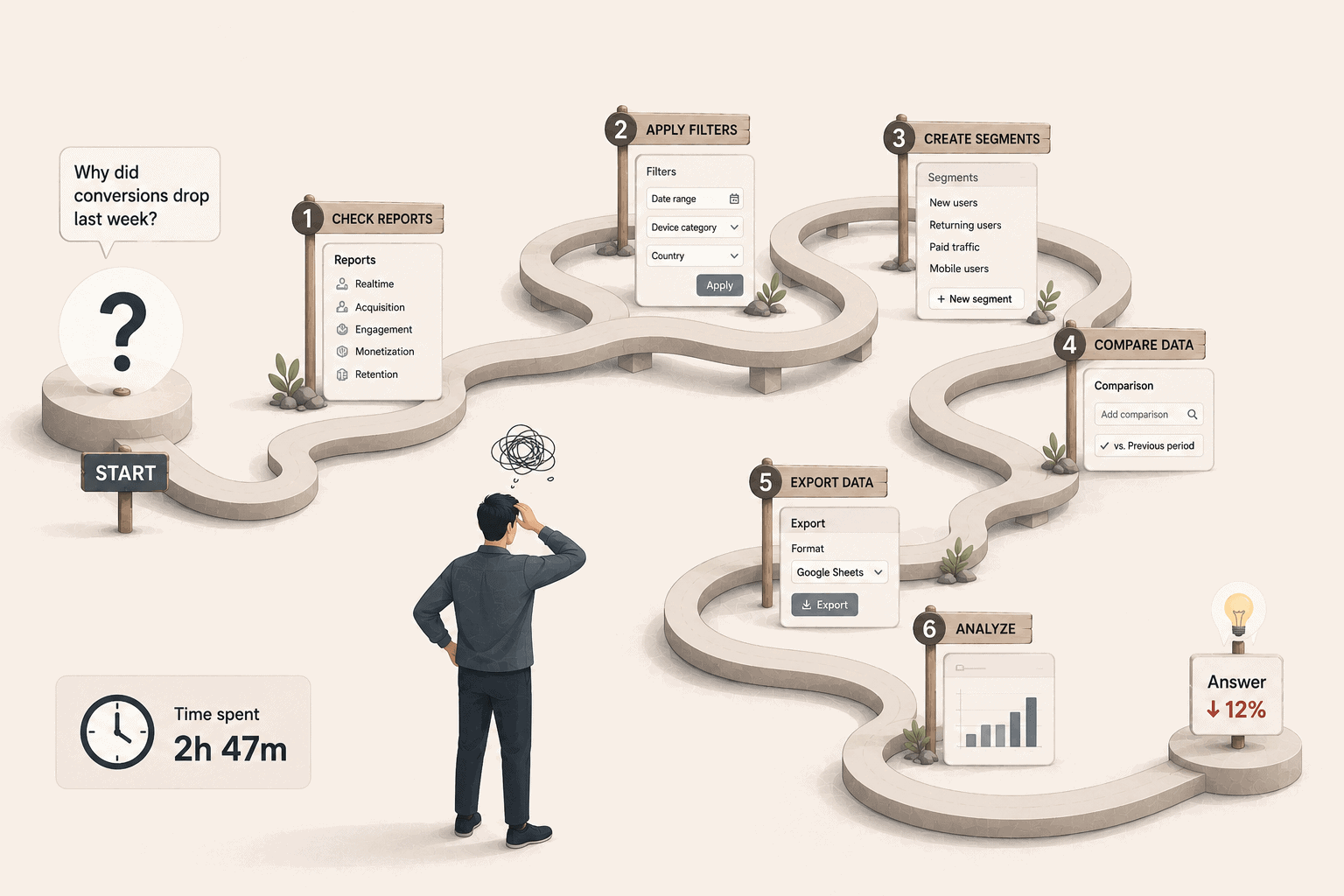
Try answering a basic question. How many people visited my homepage last week?
And remember, GA4 standard reports run on a 24 to 48 hour data processing delay, which means the answer you’re getting might still be incomplete.
Go to Reports. Engagement. Pages and Screens. Filter by page path. Set the date range. Now look:
- Views: 8,400
- Users: 5,900
- Sessions: 6,800
Three numbers. Each slightly different. Which is the answer?
Twenty minutes in, you have spent more time deciding which metric to trust than actually using the information.
Running a small business means a hundred decisions a week. The math does not work.
The open-and-close limitation: GA4 is the tab you eventually stop opening
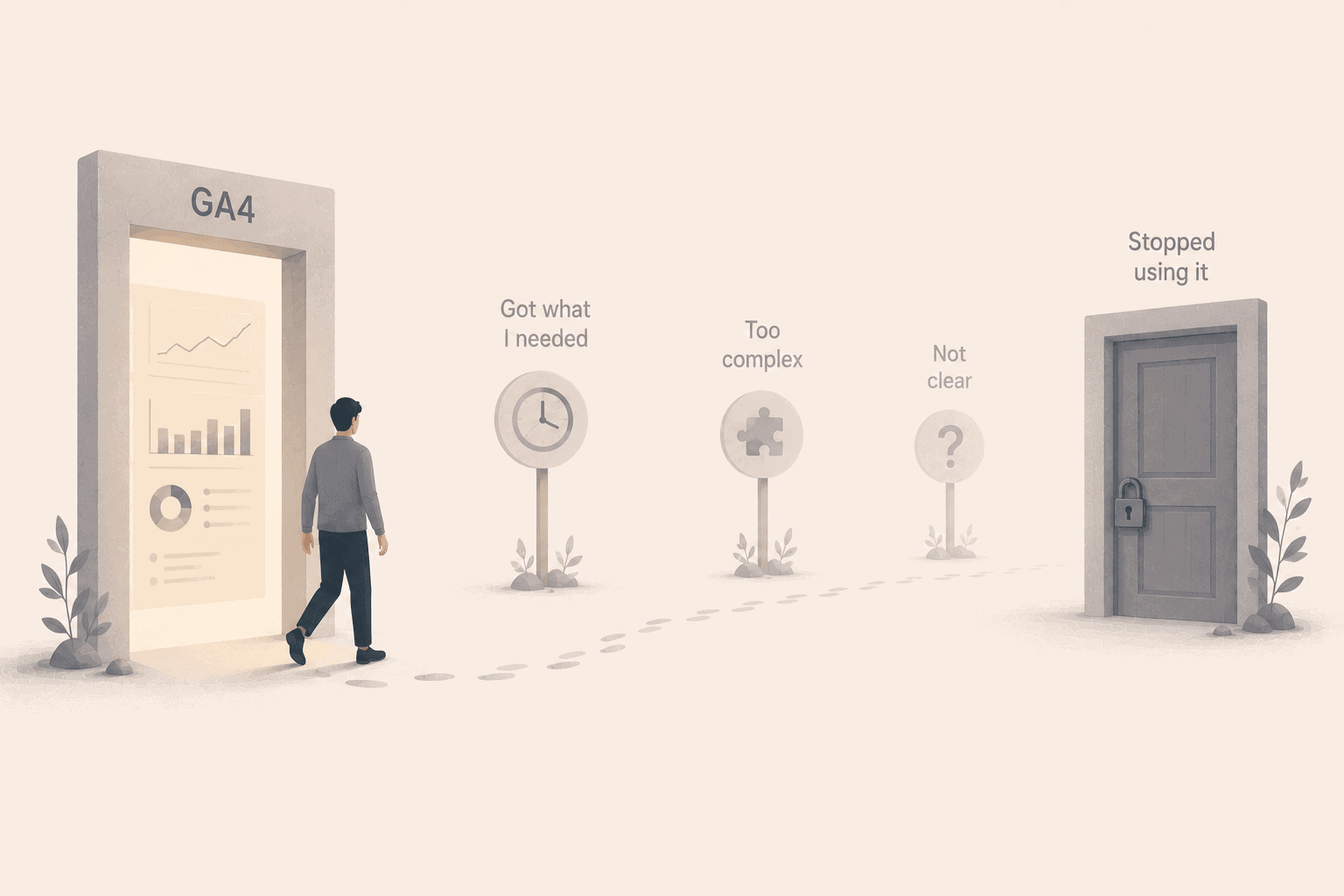
This is not really one limitation. It is the outcome of the other ten.
If a tool feels heavy every time you open it, gives you no answers, no priorities, no next steps, and demands an hour of your time to know how many people visited your homepage, you will eventually stop opening it.
Not consciously. Just slowly, over weeks, the tab stops appearing in your browser. You tell yourself you will check it later. Later becomes never.
The most powerful free analytics product on the internet, and most of its users have quietly given up on it. That is the strongest statement of the problem.
GA4 makes you feel informed when you’re actually guessing.
I saved this one for last because it took me the longest to see in myself. It is also the most expensive of all the Google Analytics limitations.
The confidence limitation: GA4 makes you feel informed when you are guessing

When you close the GA4 tab without a decision, you do not become someone making data-free choices. You become something worse. Someone making gut decisions while believing you made informed ones.
The story in your head goes: I opened the dashboard. I saw the numbers. I have looked at the data.
That story is not true. You looked at data. You did not understand the data. The decision you made afterwards was not actually informed by the dashboard. The dashboard was in the room. It was not in the decision.
Here is the loop I see most often:
You open GA4. Traffic up 12%. Sessions up. Users up. You think the homepage redesign is working. You tell the team in standup. You feel good for an hour.
What you did not see, because you did not think to look:
- Conversion rate dropped 25%
- Revenue is flat
- The new traffic is from a low-intent channel that does not buy
- The old traffic that did buy is quietly disappearing
The dashboard told you nothing was wrong. The business was in worse shape than the week before. And because you checked the data, you will not go looking again for two weeks.
This is the limitation underneath all the others. The reason the open-and-close loop persists. The reason small businesses run on gut even with a free analytics tool installed.
So what now?
The Google Analytics limitations above are not eleven different problems. They are one problem wearing eleven different shirts.
GA4 was built for a job. The people opening it have a different job. Nobody, in the fifteen years since Google Analytics became the default, has built the layer that sits between the dashboard and the decision.
The dashboard reports. The decision is yours. That gap is exactly what analytics should have been solving all along.
The space between those two things, the diagnostic, prioritising, translating work that turns numbers into action, is currently being done by no software at all. It is being done by you, badly, on Monday morning, with a coffee getting cold next to your laptop.
That is the gap. Not a product gap. A category gap.
I have been building in this space since 2010. And the one thing that has not changed in sixteen years, across every tool, every update, every redesign, is this gap.
About what it would mean to have a tool that does the missing work. One that reads the data the way a good analyst would, and walks into your morning saying here is what changed, here is why, here is the one thing to do about it.
A tool that comes to you, instead of the other way around. A tool that tells you what to ignore as confidently as what to act on. A tool you do not close.
I think this is coming. Sooner than most people realise.
- Everything You Need to Know About GA4: A Complete Guide
- How to Monitor Google Analytics Website Traffic
- 6 Best Free Google Analytics Alternatives for Your Website
- How to Set Up and Monitor Multiple Google Analytics Accounts From a Single Place
- Google Analytics 4 vs Universal Analytics: Know the Difference