Blog
Putler consolidates data from multiple stores, payment gateways, and platforms to give you unified reports, RFM customer segmentation, and deep business analytics.
Latest

Find revenue leakage across pricing, marketing, fulfillment, and multiple stores. Use practical checks to distinguish lost revenue from avoidable costs.

Learn market basket analysis with a worked example. Calculate support, confidence, and lift, check order data, and choose a product pairing to test.
Topics
Recent

The customer who bought yesterday doesn't need a win-back email, but your segment list might still send one. Here's how to build groups that know who to leave out.
Most WooCommerce stores don't lose customers at random. They lose them at one specific order in the sequence, and one report shows exactly which order that is.


Your GA4 revenue can fall while your store's orders hold steady, and both numbers can be right. Here's how to tell which report answers your question before you change anything.
Why do Amazon's Sales, Payments, and Profit numbers never match? They're not measuring the same thing. Here's how to pick the right report and read it in 15 minutes.




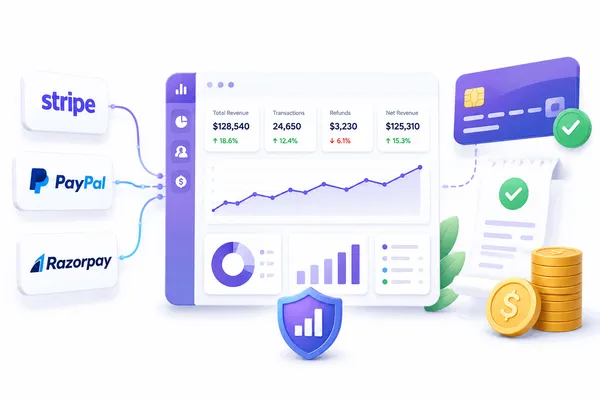
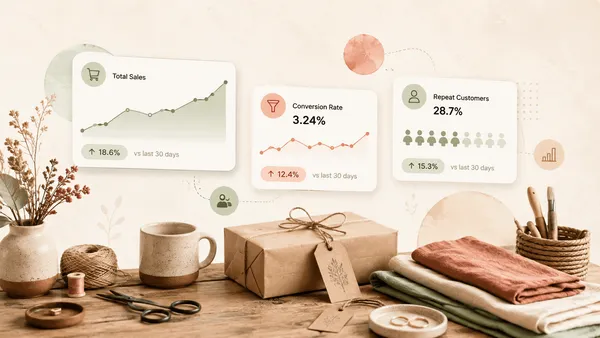
Etsy's native Stats and Google Analytics only tell part of the story. Here's what Etsy analytics actually covers, where each tool falls short, and the handful of metrics that actually predict growth.

Discover ways on how you can use PayPal on Amazon.
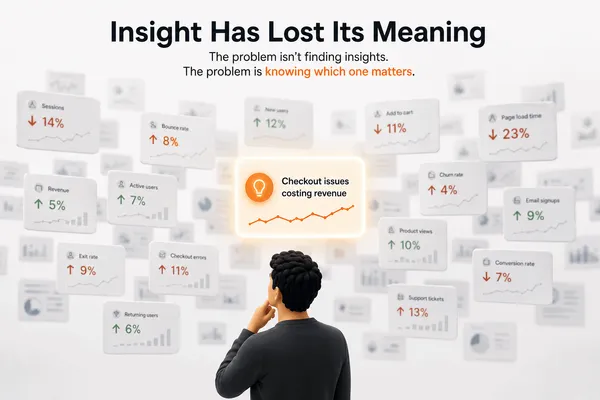
An anomaly alert is called an insight. A percentage change on a chart is called an insight. When a word means everything, it means nothing.