
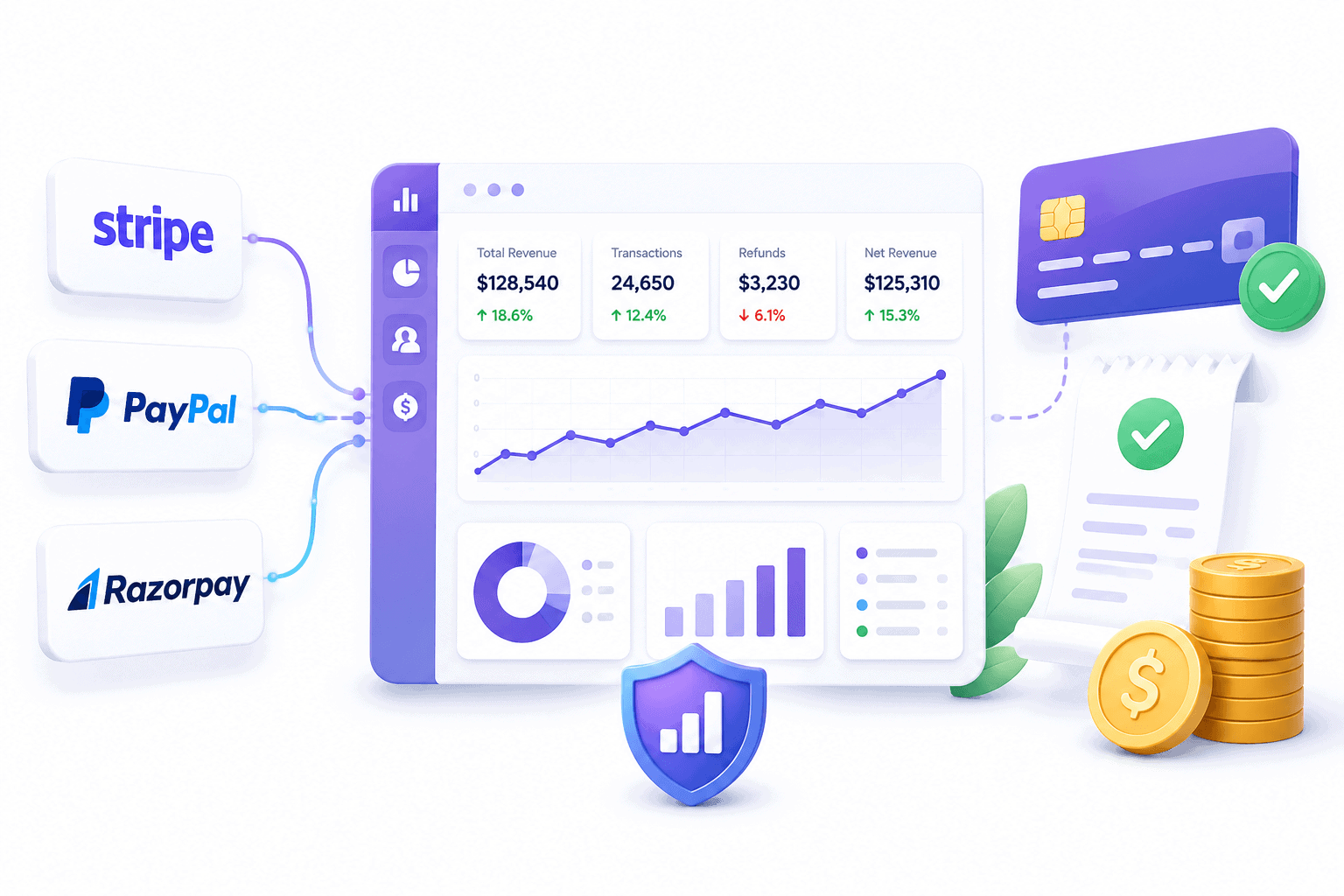
Payment analytics means tracking what happens to revenue after a transaction, not just whether it went through.
Stripe, PayPal, and Razorpay all report on their own payments well. None of them show what happens when a business runs more than one.
None of them answer the questions that actually predict growth: which customers are worth keeping, and why revenue slows down.
This guide covers what payment analytics includes, why every gateway’s native reporting hits the same wall, and the metrics worth tracking regardless of which one processes the transaction.
What is payment analytics
Payment analytics is the practice of turning transaction data into decisions, not just records.
It splits into two layers that get confused constantly.
The first layer is payment performance: did the charge go through, and if not, why.
Authorization rate, decline reasons, retry success, chargeback rate. Every major gateway tracks this well, because it’s core to how they operate.
The second layer is business intelligence: what the transaction data says about the business itself.
Customer lifetime value, who’s about to churn, monthly recurring revenue, which segment of customers actually drives growth.
This is the layer every gateway leaves mostly untouched, because it’s not what payment processing was built to answer.
Both layers matter. Confusing them is why a business can watch its authorization rate stay healthy while still not understanding why revenue isn’t growing.
Why native reports fall short across every gateway

Stripe, PayPal, and Razorpay each report well on their own transactions. None of them report on anything outside their own walls.
That’s not a setting a seller is missing.
PayPal processed $1.79 trillion across 439 million active accounts in 2025, according to its own earnings report. Every dollar of that lives entirely inside PayPal’s own system.
Stripe and Razorpay work the same way: each platform’s dashboard only ever sees what moved through it.
The practical result, for a business running more than one gateway:
- Revenue numbers split across separate dashboards, none showing the combined total.
- Customer profiles fragment. The same buyer paying through Stripe one month and PayPal the next looks like two different people.
- No shared customer lifetime value, no shared churn rate, no single number for how the business is actually doing.
Each gateway’s own reporting gaps compound this.
PayPal’s reporting caps transaction history search at 45 days and has no native way to combine multiple accounts.
Stripe reporting only ever counts what came through Stripe, and its Sigma tool for deeper queries starts at $10 a month for the first 10 million events.
Razorpay’s reports answer what happened, not why or what to do next.
None of this means these gateways are bad at their actual job. It means payment processing and business analytics are two different problems.
One tool solving the first was never going to solve the second.
The metrics that matter regardless of gateway

Every gateway processes transactions well. None of them, on their own, answer these five questions.
- Customer lifetime value (LTV). The total revenue expected from one customer before they churn, typically calculated as average revenue per user divided by churn rate, according to ChartMogul’s definition. Without it, every acquisition dollar spent is a guess.
- RFM segments. Customers grouped by how recently, how often, and how much they buy. It’s the difference between treating every buyer the same and knowing which ones are actually worth retaining.
- Monthly recurring revenue (MRR). Predictable revenue from active subscriptions, tracked separately from one-time sales. Counting trial users as paying customers is the single most common way this number gets inflated by mistake.
- Involuntary churn rate. Subscribers lost to failed payments, not cancellations. This accounts for 20% to 40% of total churn at subscription businesses, and it’s fixable with retry logic rather than a retention campaign.
- Refund rate. How much revenue actually leaves after it was counted as a sale. A gateway’s dashboard shows individual refunds, but rarely the rate as a trend worth watching.
None of these require you to replace a gateway.
They require pulling the data out of it and connecting it to the customer, not just the transaction.
Choosing a gateway isn’t a reporting decision
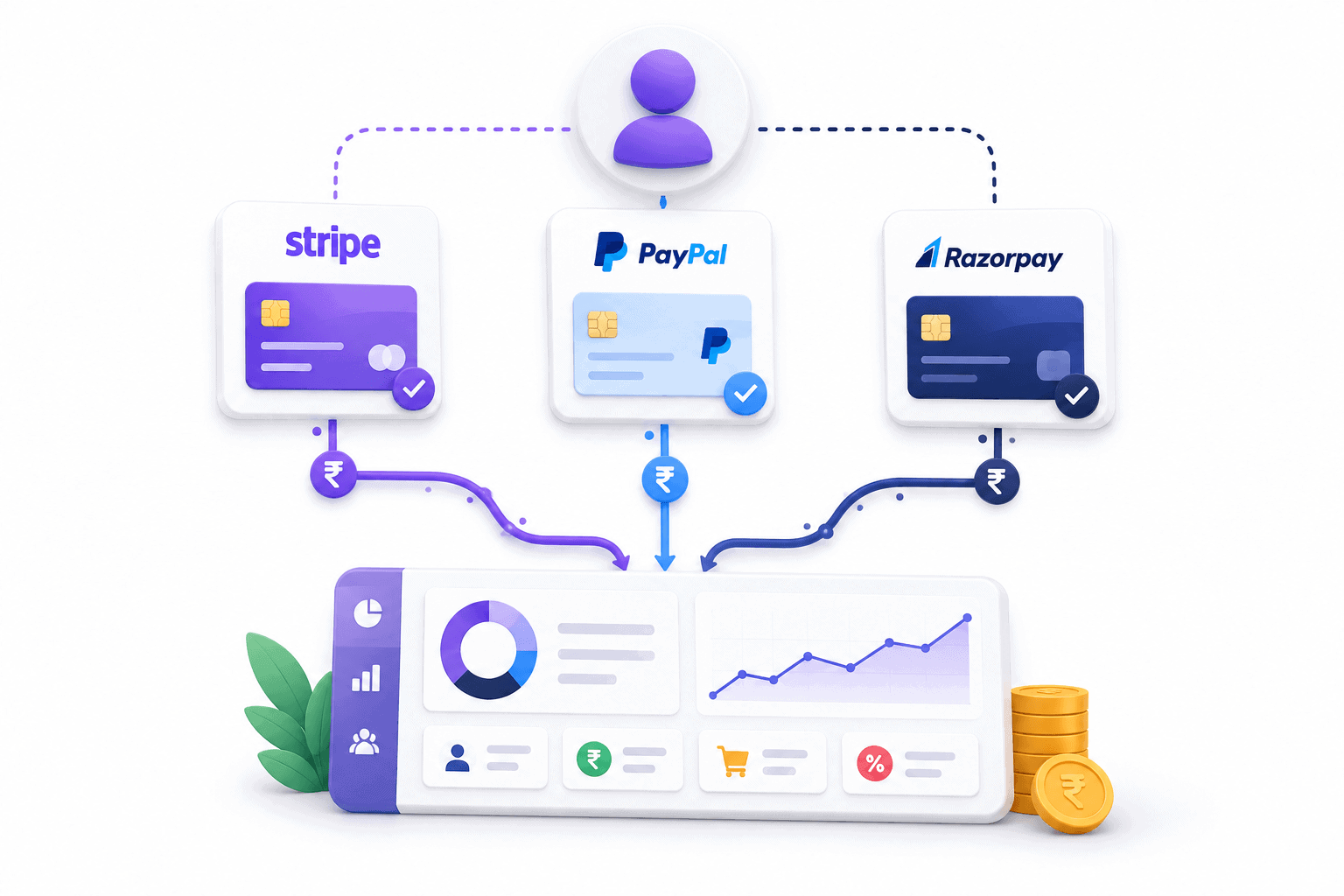
Stripe, PayPal, WooCommerce Payments, Braintree, and Authorize.net differ on fees, country coverage, and integration depth.
None of them differ much on analytics depth, because none of them go deep there in the first place.
That changes what the comparison should actually decide:
- Stripe vs Braintree comes down to PayPal integration and regional payment support, not reporting.
- WooCommerce Payments vs Stripe comes down to payout speed and how tightly it needs to sit inside WordPress.
- Authorize.net vs Stripe comes down to fraud tooling and whether an existing merchant account needs to carry over.
Pick the gateway on fees, countries, and features.
Solve reporting the same way regardless of which one wins, since the gap is identical either way.
Running more than one payment gateway
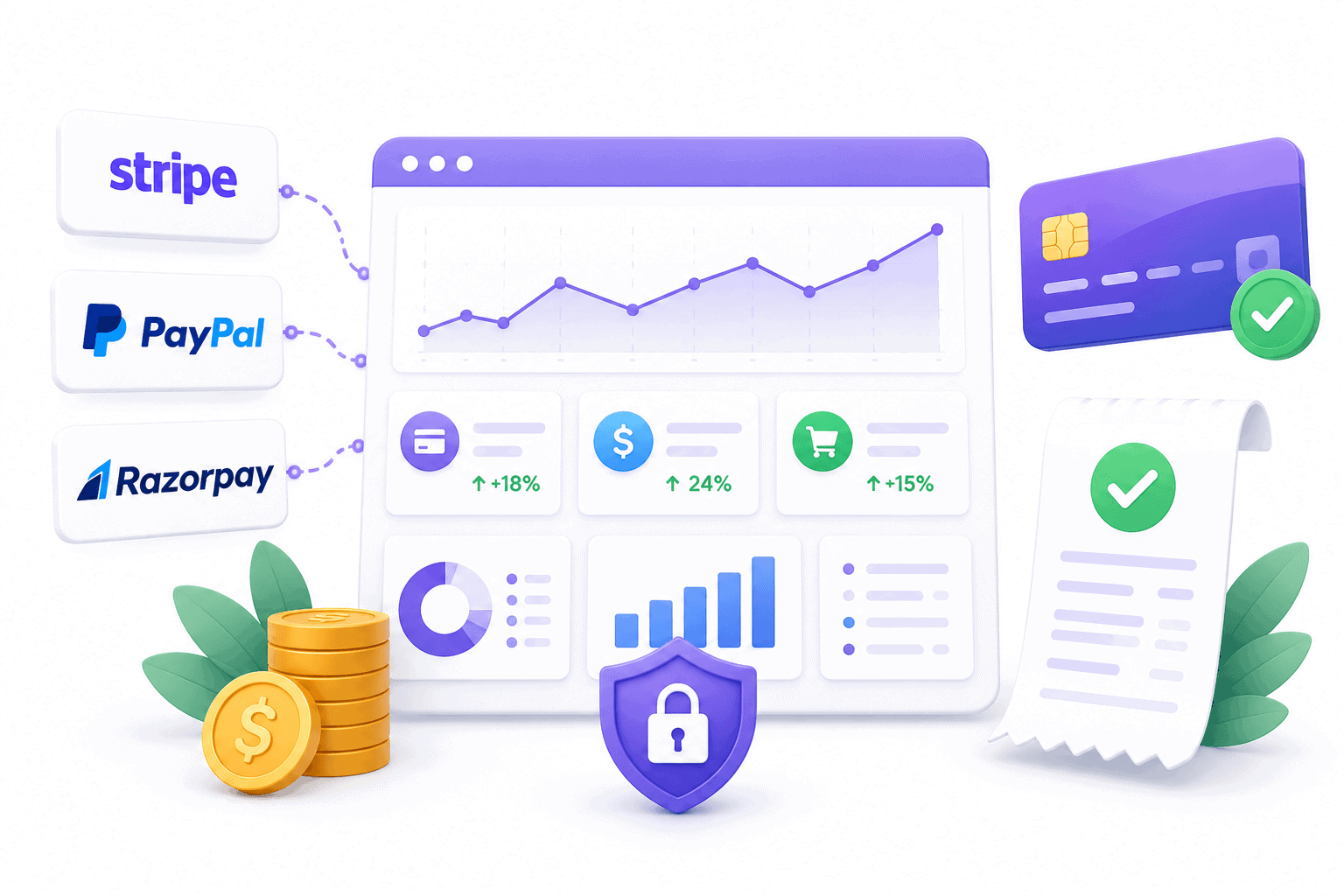
Running two or three payment gateways at once isn’t unusual.
A store might take Stripe for card payments, PayPal as the alternate checkout buyers expect to see, and Razorpay for customers in India.
Some businesses run multiple accounts within a single gateway too, one PayPal account per brand or per sales channel.
Every one of these setups solves a real problem. None of them come with a shared number.
PayPal caps most sellers at two accounts by default and requires each additional one to be requested and justified. Even then, PayPal has no native way to combine their data.
Stripe and Razorpay accounts work the same way: each one is its own island.
The result is a business owner checking three or four dashboards to answer one question: how much did the business actually make this month.
Managing multiple PayPal accounts covers the setup rules in detail.
The reporting problem is identical whether the accounts are all PayPal or split across gateways.
Putler for payment analytics
Putler connects to all five gateways covered in this guide: PayPal, Stripe, Razorpay, Authorize.Net, and Braintree, plus Shopify, WooCommerce, Amazon, Etsy, and 17+ platforms total.
Every account of every gateway lands in one dashboard, whether that’s three PayPal accounts or a Stripe and Razorpay account running side by side.
What it adds on top of any single gateway’s own reporting:
- Customer lifetime value and RFM segmentation. Every customer gets one profile regardless of which gateway they paid through, so the same buyer never shows up as two different people.
- Involuntary churn detection. Failed payments get flagged separately from voluntary cancellations, so retry logic and dunning fixes target the right problem.
- Revenue forecasting. A projection built from transaction history across every connected gateway, not just one.
- Multi-account and multi-gateway consolidation. One combined view, or a breakdown by account, gateway, or store.
- Refund and subscription management. Issue a refund or cancel a subscription without logging into the original gateway’s dashboard.
Setup is a matter of connecting each gateway account. Historical transactions backfill automatically once connected.
Putler doesn’t do everything. There’s no inventory management and no dedicated mobile app.
A business that needs stock tracking or on-the-go account management will still need something else for that piece.
What it does cover, spanning every gateway a business actually uses, goes deeper than any single gateway’s own dashboard.
Pricing starts at $20 a month for businesses processing up to $10,000 monthly, scaling with revenue. The 14-day trial requires no credit card.
FAQs
What is payment analytics?
Payment analytics is the practice of turning transaction data into decisions about a business, covering both payment performance (authorization rates, declines) and business intelligence (customer lifetime value, churn, revenue trends).
Does Stripe or PayPal have built-in analytics?
Yes, both track payment performance well: authorization rates, transaction history, and payout schedules. Neither tracks customer lifetime value, RFM segmentation, or combines data with other gateways natively.
How do I track payments across multiple gateways?
Native dashboards don’t combine gateways. A consolidated analytics tool like Putler connects to each gateway account and merges the data into one dashboard, with one customer profile per buyer regardless of which gateway they used.
What is a good involuntary churn rate?
Involuntary churn typically makes up 20% to 40% of total subscription churn. Anything trending toward the higher end of that range usually points to retry logic or payment method issues worth fixing directly.
Payment analytics: the bottom line
Every gateway covered here, Stripe, PayPal, Razorpay, Authorize.net, and Braintree, reports well on its own payments and stops at the edge of its own system.
That’s true regardless of which one a business picks, and it doesn’t change as the business adds a second or third.
Start with what the numbers already show inside each gateway: authorization rate, decline reasons, chargeback rate.
Add a consolidated view once tracking customer lifetime value, churn, and combined revenue by hand starts costing more time than it saves.

