
You may have used PayPal for online transactions and purchased products from Amazon. But can you use PayPal on Amazon?
Amazon doesn’t accept PayPal as a direct payment method. However, you can still use your PayPal balance on Amazon through a PayPal Debit Card, Amazon gift cards, bank transfers, and virtual cards.
In this guide, you’ll learn exactly how these methods work and which option is best for you.
Can You Use PayPal on Amazon? No, Not Directly
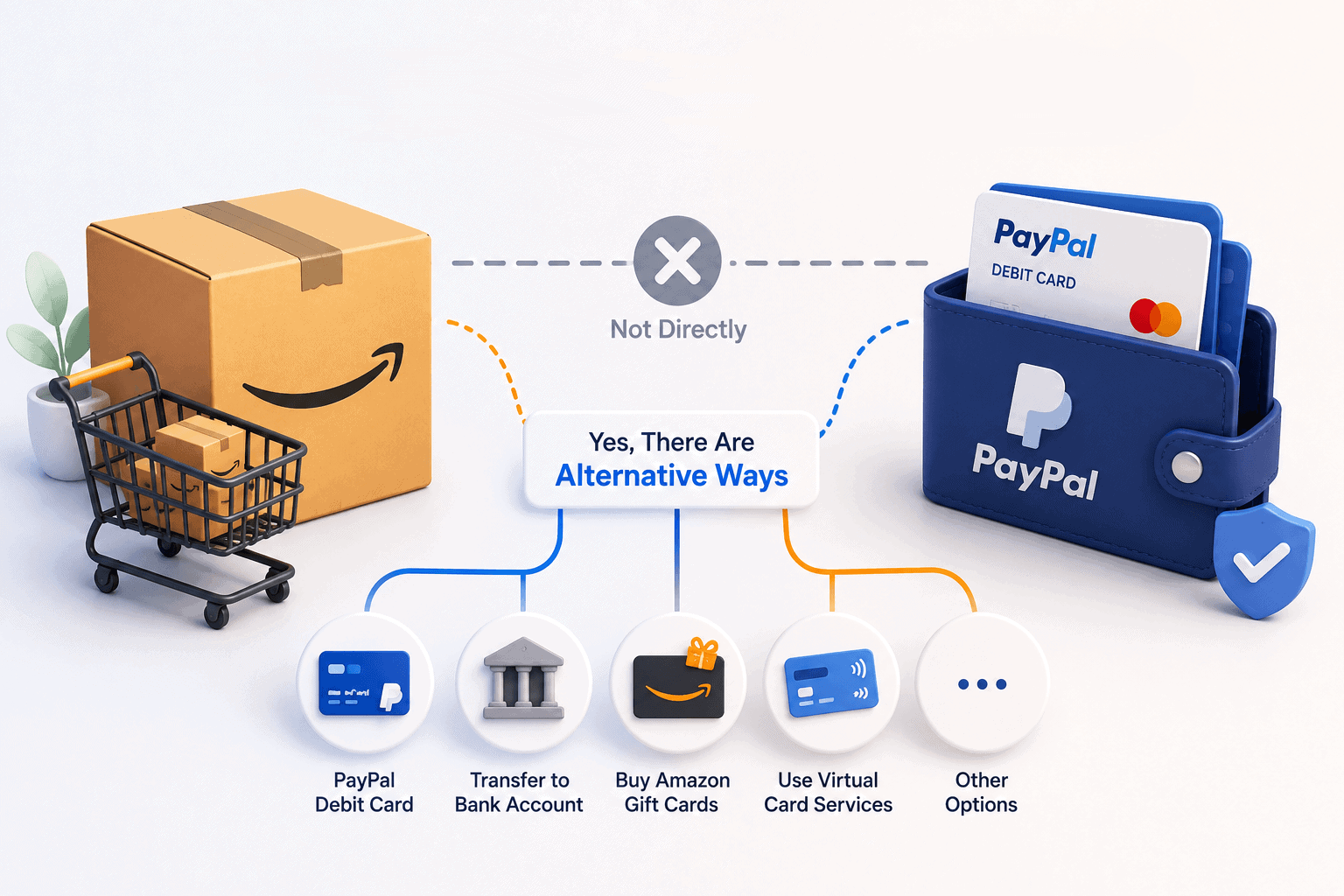
The most popular payment gateway and the world’s largest online retailer, it is obvious for this question to pop up – “Can You Use PayPal on Amazon?”.
The simple answer to this question is no, you cannot use PayPal on Amazon.
Amazon does not accept PayPal as a direct payment method for purchases. However, this does not mean that you cannot use PayPal to buy products on Amazon.
As per PayPal article, you can use your PayPal Business Debit Mastercard or PayPal Debit Card to make payments on Amazon.
There are other alternatives as well to use PayPal on Amazon. But before that, let’s see why Amazon does not accept PayPal.
Why doesn’t Amazon accept PayPal?
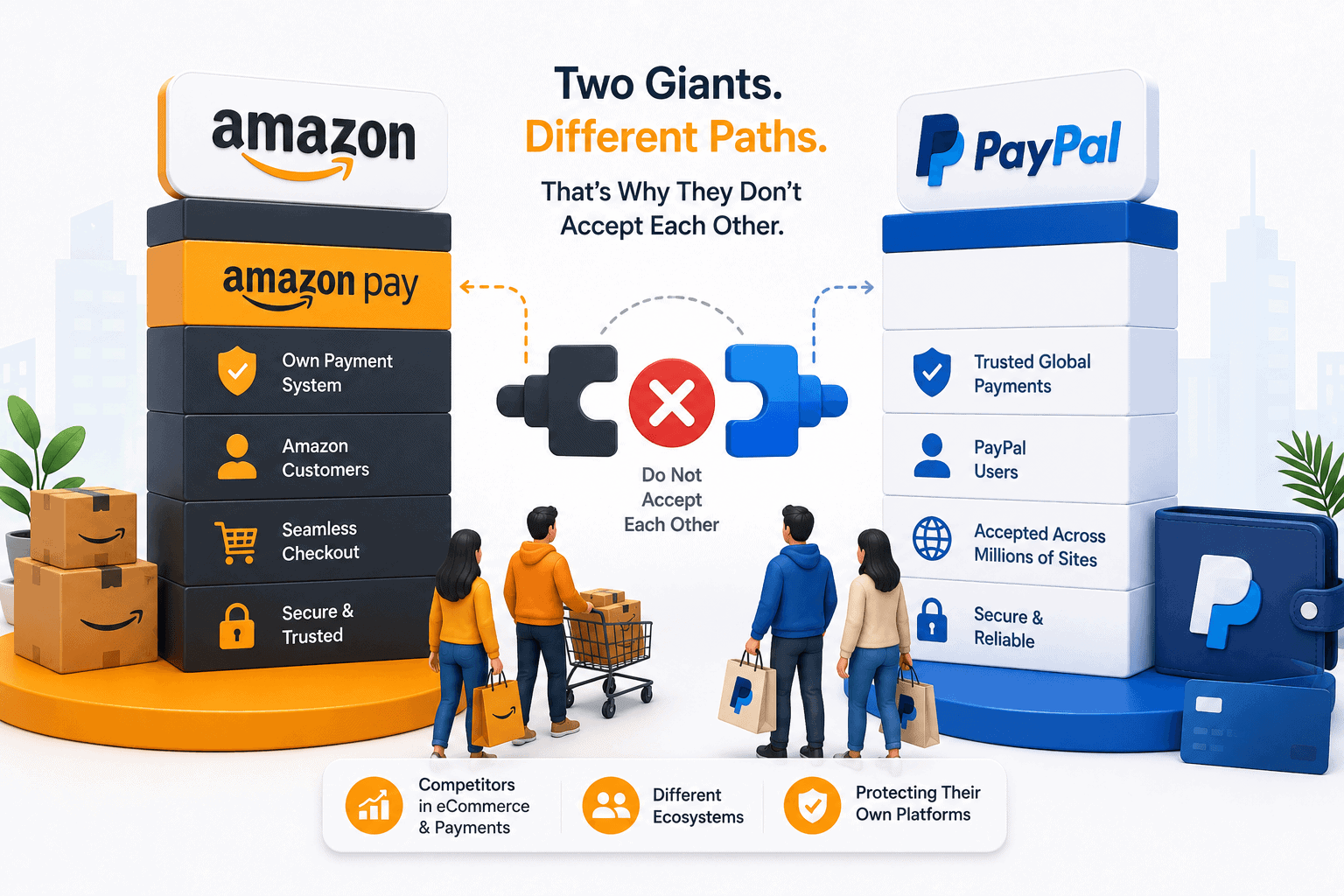
While Amazon and PayPal are both major players in the online shopping world, they are also competitors in some ways.
Amazon is a direct competitor of PayPal’s parent company, eBay. In 2002, eBay purchased PayPal, and since then, PayPal has been the primary payment method for eBay transactions.
Because of the competitive nature between Amazon and eBay, Amazon has opted to not accept PayPal as a payment method. Instead, Amazon offers its own payment system, Amazon Pay, which allows users to make purchases using their Amazon account.
Actually, Amazon Pay is designed to compete with PayPal and other payment providers.
By not accepting PayPal on its own site, Amazon can promote its own payment service and encourage more customers to use it.
How to use PayPal on Amazon – Alternative ways
There are some workarounds you can use if you have a PayPal account and want to make a purchase on Amazon.
The first option is to link your PayPal account to a debit or credit card.
Alternative 1: PayPal Cash Card (PayPal Debit Card)
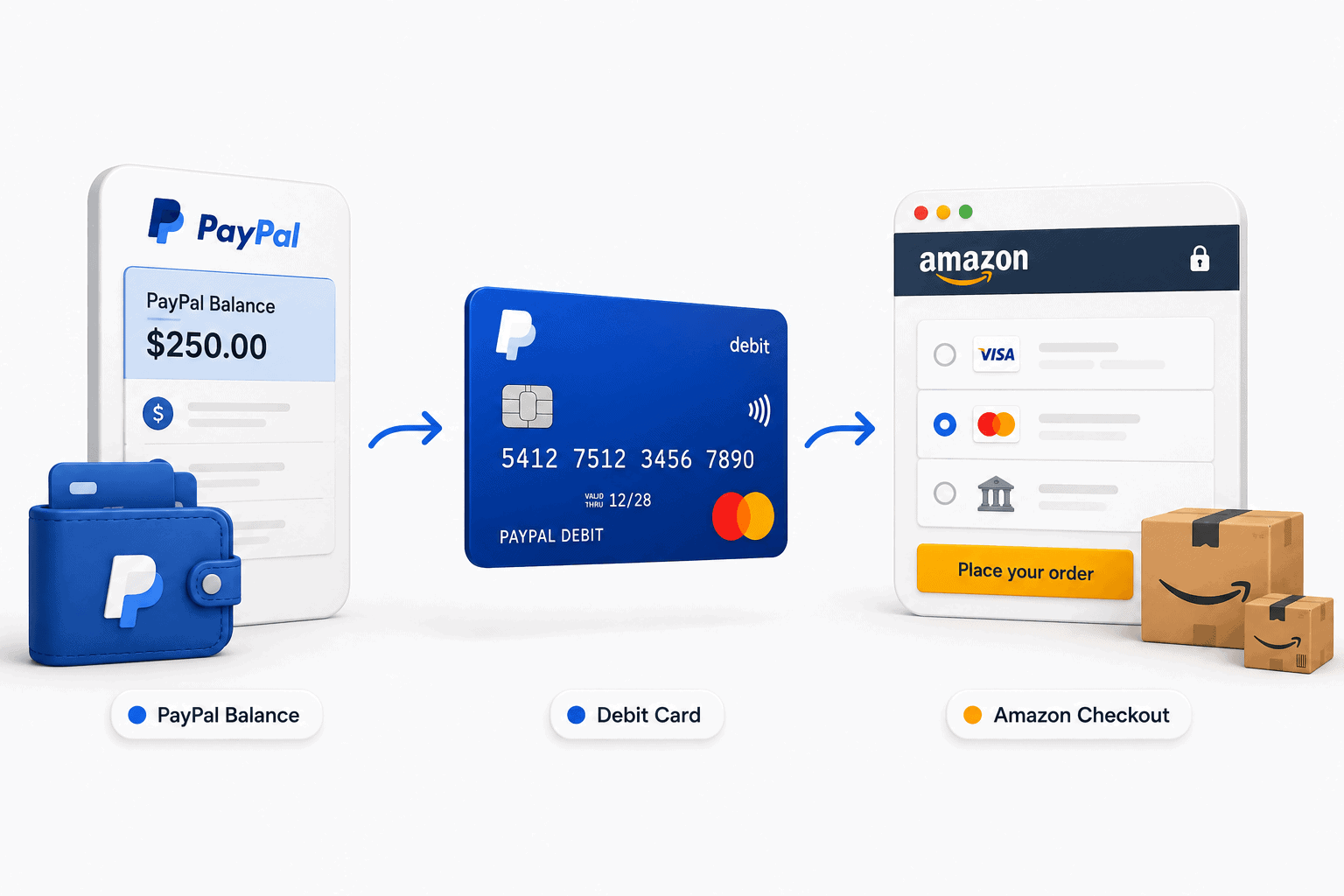
The PayPal Cash Card (now commonly referred to as the PayPal Debit Card) is a card linked to your PayPal balance.
It is a debit Mastercard, and since Amazon accepts Mastercard, the site treats it like any other bank card even though the money is pulled from your PayPal balance. This makes it the cleanest way to use PayPal on Amazon in 2026.
Since it’s a debit card, not a credit card, you need to have a balance on your PayPal account to use a PayPal Cash Card. Business account holders can use the PayPal Business Debit Mastercard the same way.
Once you’ve linked your card to your PayPal account, you can use it to make a purchase on Amazon.
Steps to use PayPal Cash Card on Amazon:
- Apply for the PayPal Cash Card through your PayPal dashboard. It connects directly to your balance.
- On Amazon, go to “Your Payments” and select “Add a credit or debit card.”
- Enter the 16-digit number, expiration date, and CVV from your PayPal card.
- At checkout, select this card as your payment method. Amazon deducts the money from your PayPal balance.
Alternative 2: Transfer funds from PayPal to bank account
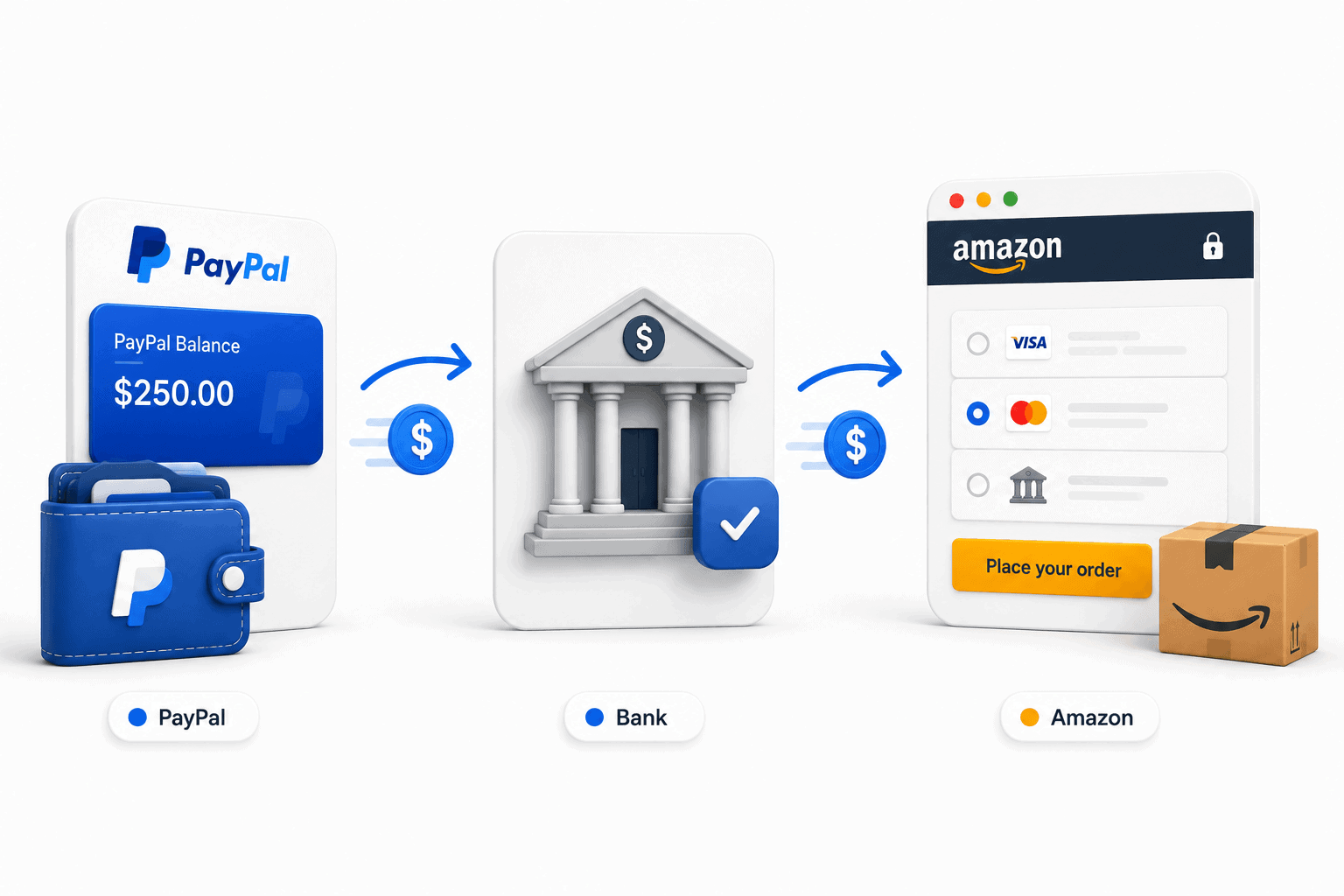
Transfer funds from your PayPal account to your bank account, and then use your bank account to make a purchase on Amazon.
Steps to transfer funds from PayPal to your bank account:
- Log in to your PayPal account.
- Click on “Wallet” at the top of the page.
- Click “Transfer Money.”
- Select “Transfer to your bank” and follow the prompts to complete the transfer.
Once the funds have been transferred to your bank account, you can use your bank account to make a purchase on Amazon.
Alternative 3: Buy Amazon gift cards using PayPal
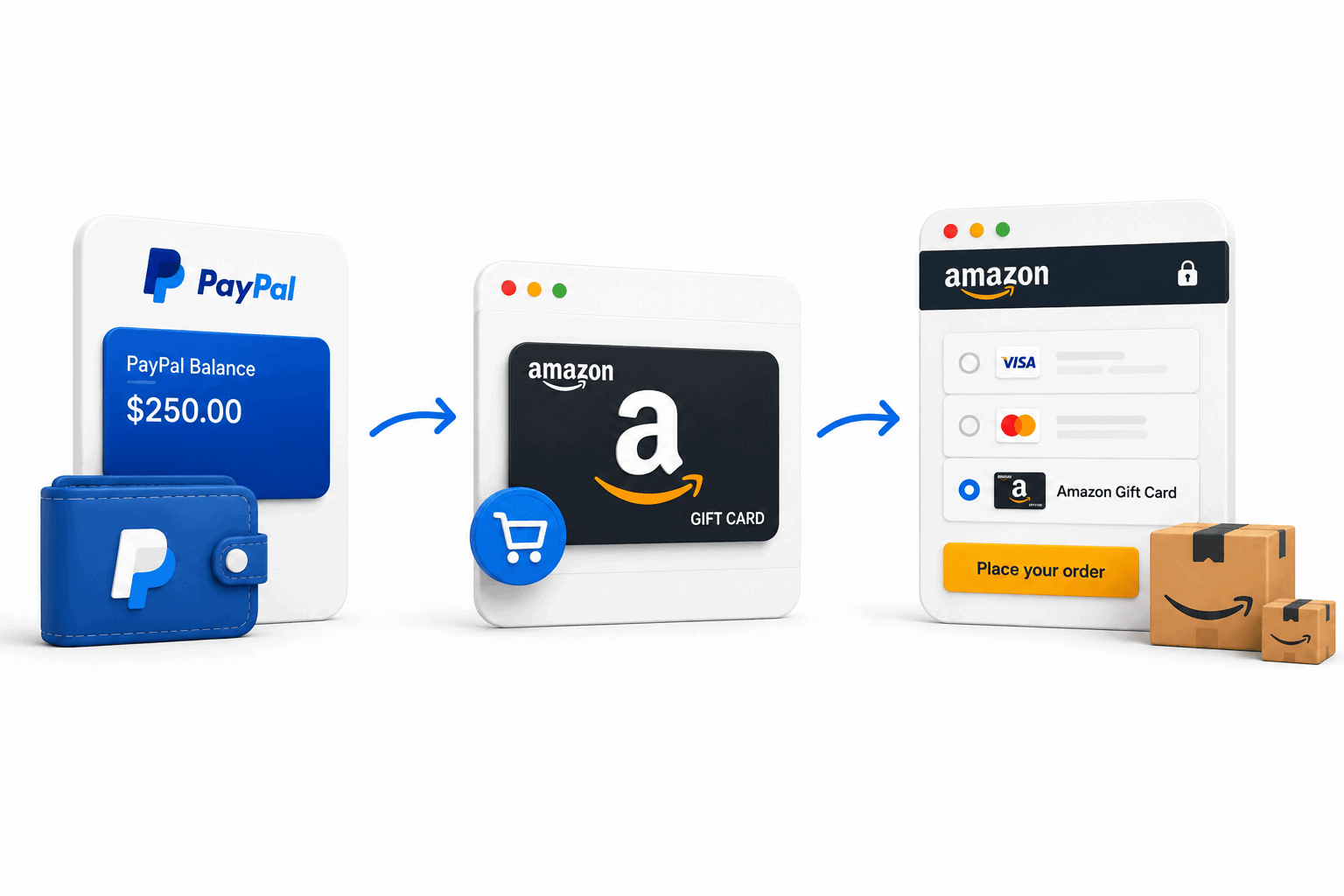
There are third-party services that allow you to use PayPal on Amazon. These services act as a middleman between your PayPal account and Amazon.
Some popular third-party services include eGifter, Gyft, and RewardsPay. These services allow you to buy Amazon gift cards using your PayPal account, which you can then use to make purchases on Amazon.
Alternative 4: Use a virtual card service like Curve
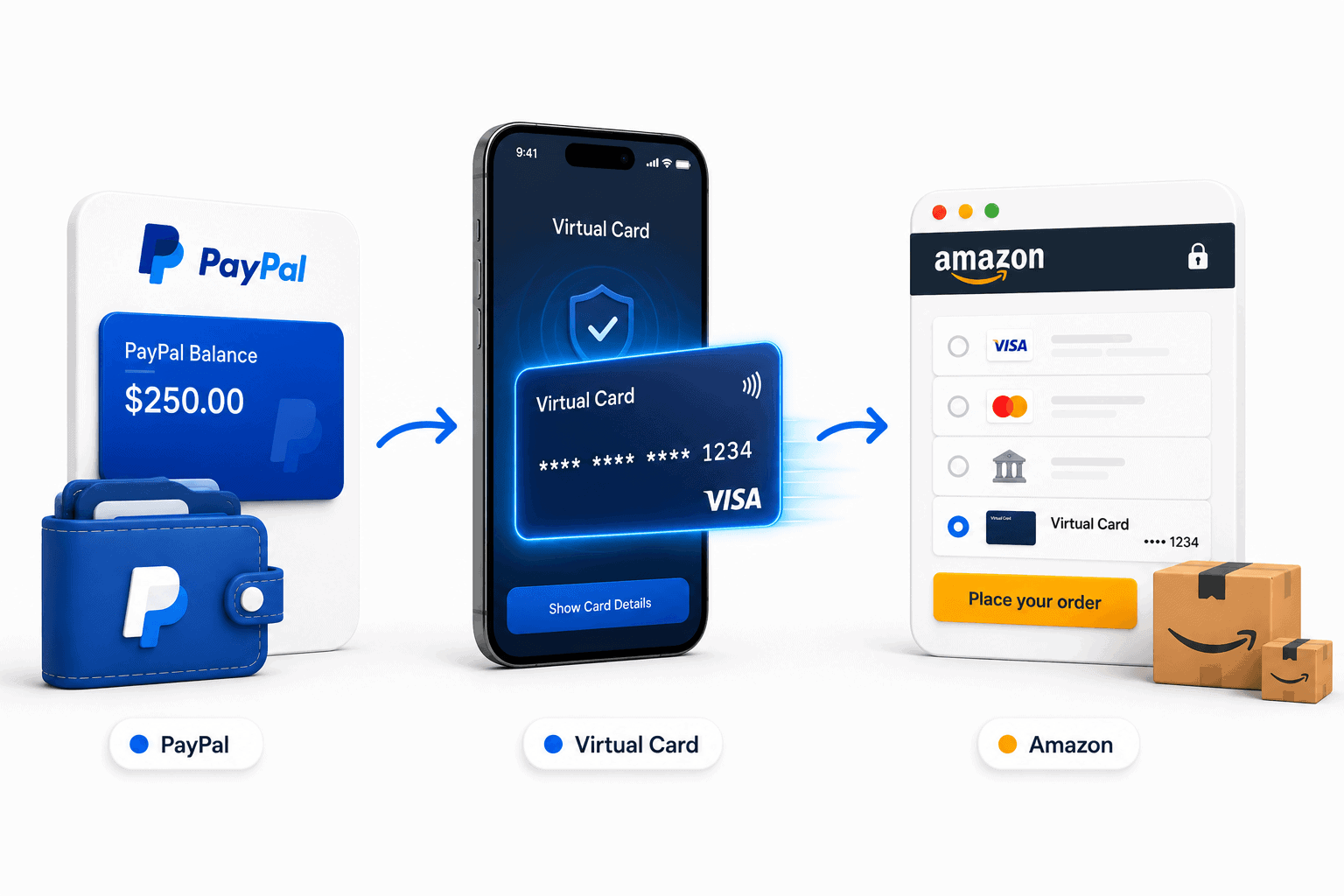
If you want a virtual card instead of a physical one, services like Curve let you link your PayPal account and generate a virtual card.
Curve creates a card number, CVV, and expiry date that you enter on Amazon, with PayPal selected as the underlying payment source.
This is a useful 2026 option for anyone who wants to spend their PayPal balance on Amazon without waiting for a plastic card to arrive.
PayPal Key (discontinued)
PayPal Key used to be a convenient option because you didn’t have to wait for a plastic card to arrive in the mail. You would see a virtual card number that could be used online, as long as the merchant accepted Mastercard.
The biggest drawback was that PayPal Key was never available to all PayPal account holders. PayPal has since discontinued the service, so it is no longer a working option. It is included here because many shoppers still search for it. If you want a virtual card today, use Curve instead.
If you’re an Amazon seller or manage revenue through both Amazon and PayPal, there’s another challenge beyond payments: reporting and analytics.
How to monitor Amazon and PayPal from one place?
If you have multiple PayPal accounts or multiple Amazon accounts or either any one of them, you need to go through individual accounts to monitor data.
This is quite frustrating and time-consuming. The data may also not be accurate and real-time.
All that changes when you use Putler.
Putler allows you to connect all your PayPal and Amazon accounts and get analytics and growth insights at one place.
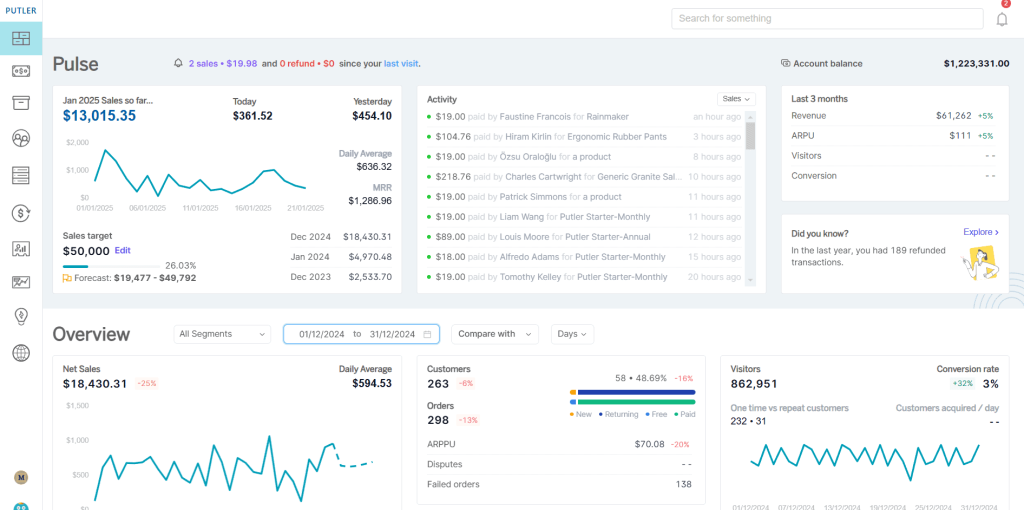
You can view combined reports of all data sources as well individual data sources, all in real-time and without the duplicates.
These reports help you identify what’s actually working for your business, helping you design your marketing campaigns.
Conclusion
While Amazon does not accept PayPal directly, you can still use your PayPal balance through a PayPal Debit Card, bank transfer, or Amazon gift cards purchased with PayPal.
The best option for most shoppers is a PayPal Debit Card since it works like any other debit card during Amazon checkout.
And if you sell on Amazon while also receiving payments through PayPal, tools like Putler can help you bring both data sources into one place, making it easier to track sales, customers, and business performance.
FAQs
Can I add PayPal as a payment method on Amazon?
No. Amazon does not allow PayPal accounts to be added as a payment method. However, you can use a PayPal Debit Card or Amazon gift cards purchased with PayPal.
Can you use PayPal Credit on Amazon?
No, Amazon doesn’t accept PayPal Credit since it only works at PayPal-approved stores. While workarounds exist, it’s usually easier to use a regular credit or debit card.
Can I use PayPal on Amazon Prime purchases?
Yes, but only through the indirect methods listed above.
Why doesn’t Amazon accept PayPal?
No signs of that yet. But in 2024, some third-party merchants in the “Buy with Prime” program started offering PayPal checkout.
Can I use PayPal to buy Amazon gift cards?
Yes. Use sites like eGifter, Gyft, and Bitrefill.
PURE GREED! Amazon is so incredibly greedy. Hate Amazons scams
I pay with PayPal everywhere I buy online. It is very inconvenient to start moving money around, too complicated. I’m afraid I won’t deal with Amazon anymore, that also is inconvenient.
Hi Gisele,
Which gateway are you switching to?
I feel the same way. The bad thing is because of Amazon’s ‘competetive nature’ it hurts businesses that are unfortunate enough to have opted to only sell on Amazon. I’ve bought numerous items from a company that I used to be able to buy directly from them but have opted for the Amazon route. Now I have been toying with the idea of spending over $800 for 2 items I really want. Got notified by the company they are now 20% off. Went online to buy them and found out I can’t use PayPal. I guess I have to pass on those items again.